Participant
February 12, 2025

AE 25.1 crashing when 3d object is activated

  • February 12, 2025
  • 3 replies
  • 747 views

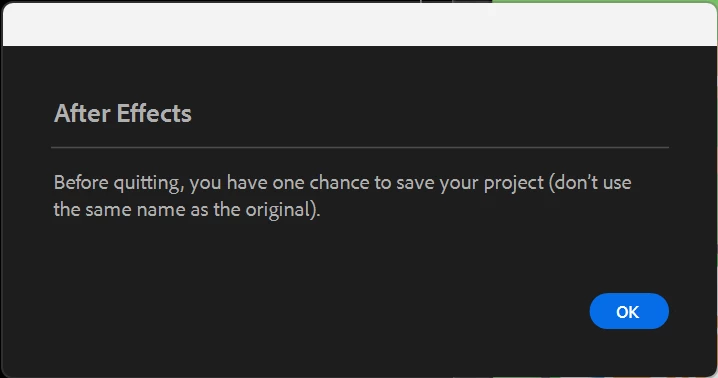
There have been other posts about this issue, but I wanted to explain my situation for faster problem solving. When I turn any layer into 3d with the 3d icon, I get this error message and then it crashes. Sometimes it's both or just the second one. 
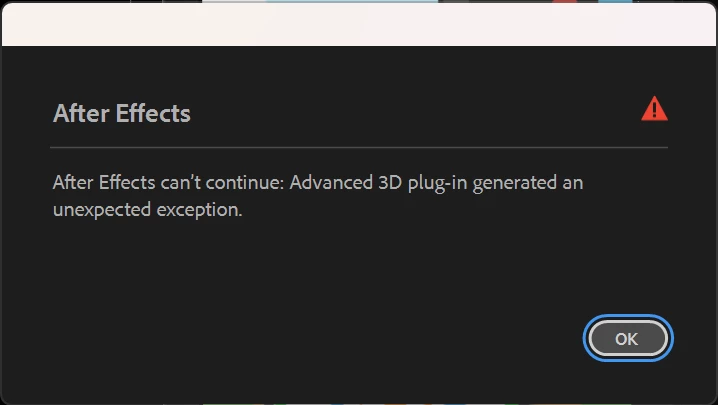
 

Now usually when I get a a bug I was always able to find something in the discussions, but nothing is working for me. Following are the things that I've tried to resolve the issue. 


- removing and reinstalling AE

- updating graphic driver

- starting in safe mode, with or without any 3rd party plugins

- starting as admin

- trying other versions of AE (24.x or beta)

- saving as new file when it crashes and makes you save

- purging all memory/ disk cache

- disabling the iGPU


Here are the specs of my desktop

12th Gen Intel(R) Core(TM) i7-12700 2.10 GHz
128GB(128GB 사용 가능)
64비트 운영 체제, x64 기반 프로세서
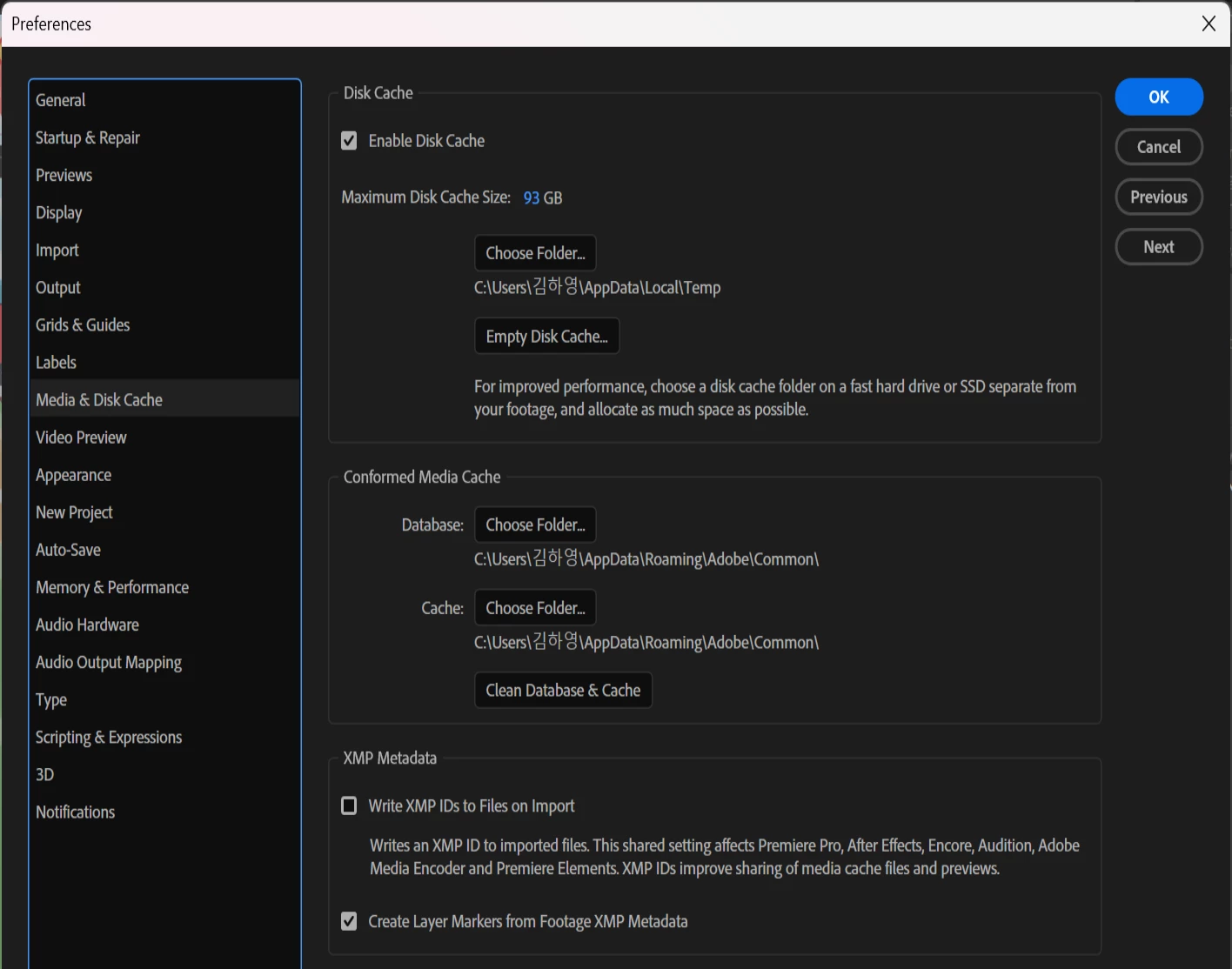


I don't think RAM or disk cache is the problem.
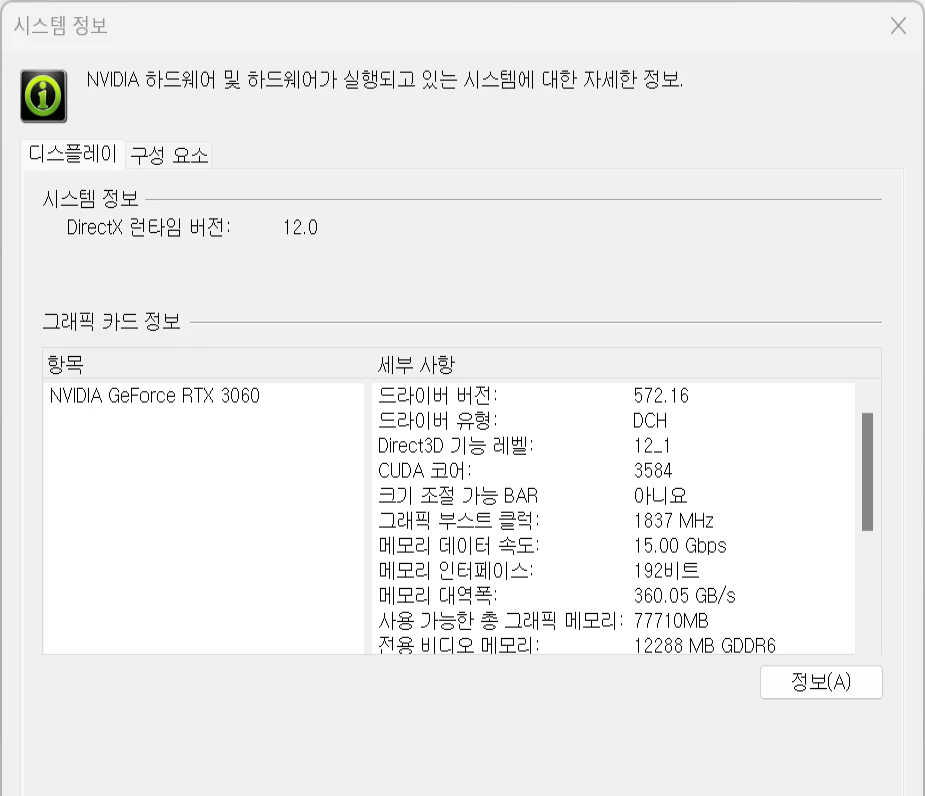
 

Because after I updated AE to 25 version it was noticably very slow I cleared up C drive so it has 200GB space left. 


I thought the issue came up when I turned the comp settings to Advanced 3D, but Element 3D is working fine in a Advanced 3D comp. I feel like I have nothing left to try and the problem is still not solved. I would appreciate suggestions or fixes. Thank you.


  • Adobe After Effects version number : 25.1
  • Operating system : Windows 11 Pro 23H2

3 replies

JohnColombo17100380
Community Manager
Community Manager
February 18, 2025

@예건262009771ezd Thank you for collecting that. Yes, the txt or zip cannot be directly attached—it will need to be as a link to Google Drive, Dropbox, etc.


- John, After Effects Engineering Team 

Participant
February 18, 2025

Thanks for the reply. I'm trying to send the log file via DM but it says it doesn't support txt of zip files. 

JohnColombo17100380
Community Manager
Community Manager
February 12, 2025

Hi @예건262009771ezd,

Thank you for reporting this issue, sorry to see you're experiencing this crash.


When you experience this crash, are you prompted to submit a crash report? If so, please make sure to submit the crash report with your CC email address. These reports are critical to any crash investigation.


Additionally, a log file from After Effects would be helpful for us to see more details about the crash as it occurs. Please follow these steps to collect a log file:

  1.  Select "Enable Logging" from the Help menu and relaunch After Effects.
  2.  Create a 3D layer to trigger the crash
  3.  Open Explorer to C:\Users\<YourUserName>\AppData\Roaming\Adobe\After Effects\25.1\logs
  4.  Share the After Effects Log.txt file (ideally as a link in a DM here in the forum, since the log will contain some file paths that you may not want to share publicly.)


Thank you again for reporting this issue and for any additional information you can provide,

- John, After Effects Engineering Team