cantfixthecrash
Participant
May 15, 2026

AE app crashes and cannot open at all

  • May 15, 2026
  • 1 reply
  • 36 views

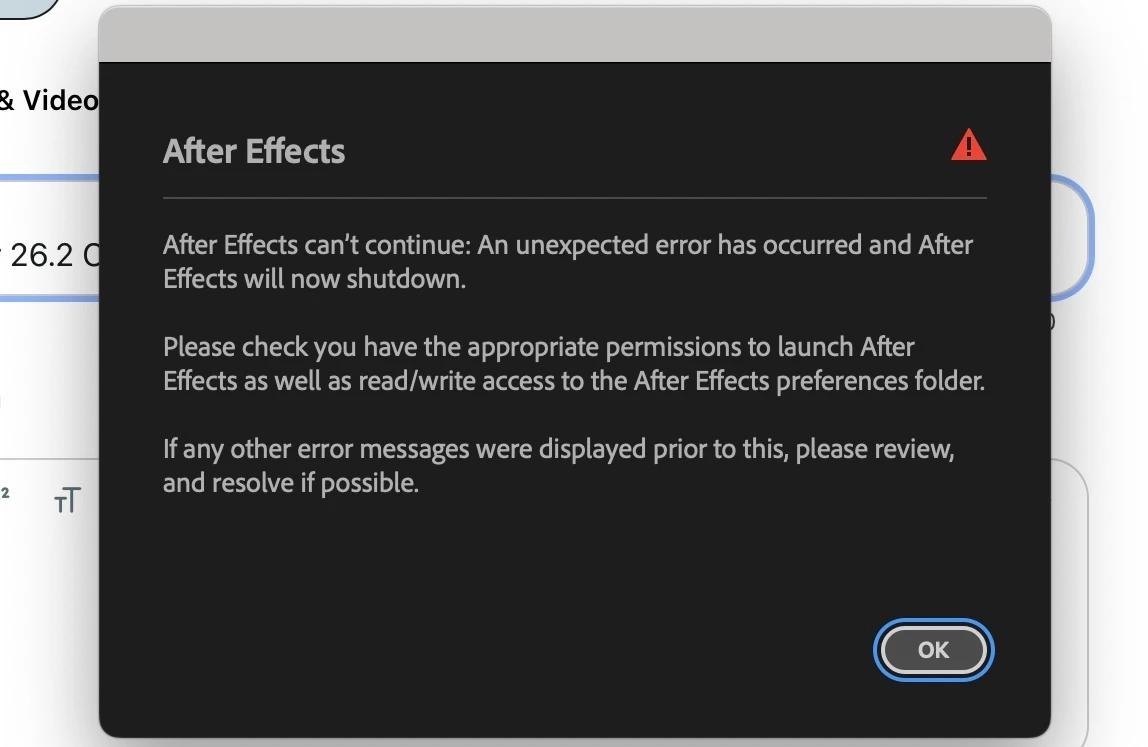
I think the whole AE app just crashed on my Mac. I'm really hopeless right now.

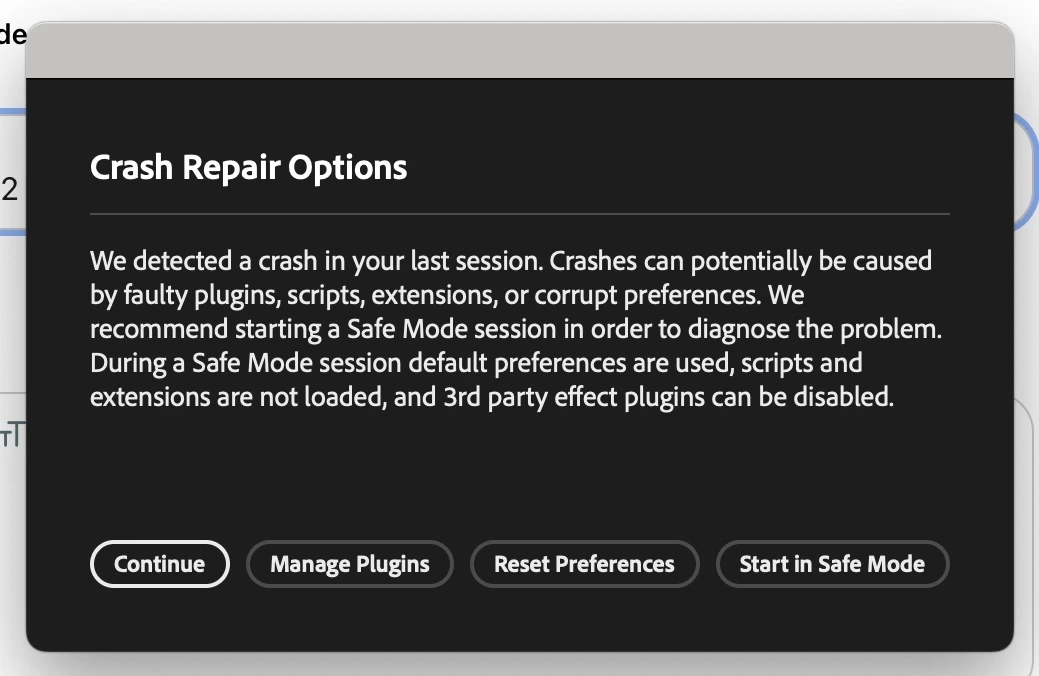
I have tried every option in the Crash Repair Options tab, but none of it seems to work. I have tried uninstalling and reinstalling, restarting the device, cleaning up, clearing the cache, and everything; still, it always shows these two tabs.

I have given read/write access to the pref folder as well.

Before this, I was doing well with both ver. 26 and 26.2. Plus, I never used third-party plugins in my AE.

Please help me out...
 

    1 reply

    David.Arbor
    Community Manager
    Community Manager
    May 15, 2026

    Hey ​@cantfixthecrash,


    Sorry this is happening to you. The second screenshot indicates there might be a permissions issue with the folder your prefs live in, which can definitely cause a crash. If AE can’t write anything to the folder, it can’t proceed.

    Can you follow the macOS instructions on this page to see if resetting your permissions lets you launch? https://helpx.adobe.com/x-productkb/multi/preferences-folder-read-only-error.html


    -David, After Effects Engineering Team

    cantfixthecrash
    Participant
    May 15, 2026

    Already done that and still not launching.

    David.Arbor
    Community Manager
    Community Manager
    May 15, 2026

    In that case, can you force generate a log and DM it to me?

    1. Go to ~/Library/Preferences/Adobe/After Effects/26.2/logs
    2. Create an empty text file called After Effects Log.txt
    3. Start AE.
    4. When AE crashes, see if the log has been populated. If so, DM it to me and I can see if it tells us anything useful.

    Can you also tell me a little more about when this started happening and what you were doing before the issue occurred? 

    -David, After Effects Engineering Team