

Petr Holusa
Inspiring
September 27, 2022

After effects 2022 - Slow 3d view and preview

  • September 27, 2022
  • 6 replies
  • 415 views

Hello,


I am desperate again with AE and performance. I recently updated CPU to Ryzen 9 5950x and expected better performance, I also reinstalled to latest win 11, I got latest version of AE 22.6. Got 128 GB ram, ssd drive but this really sucks. 


This is normal sliding, clean animation, AE simple vectors, it goes kinda smoothly.
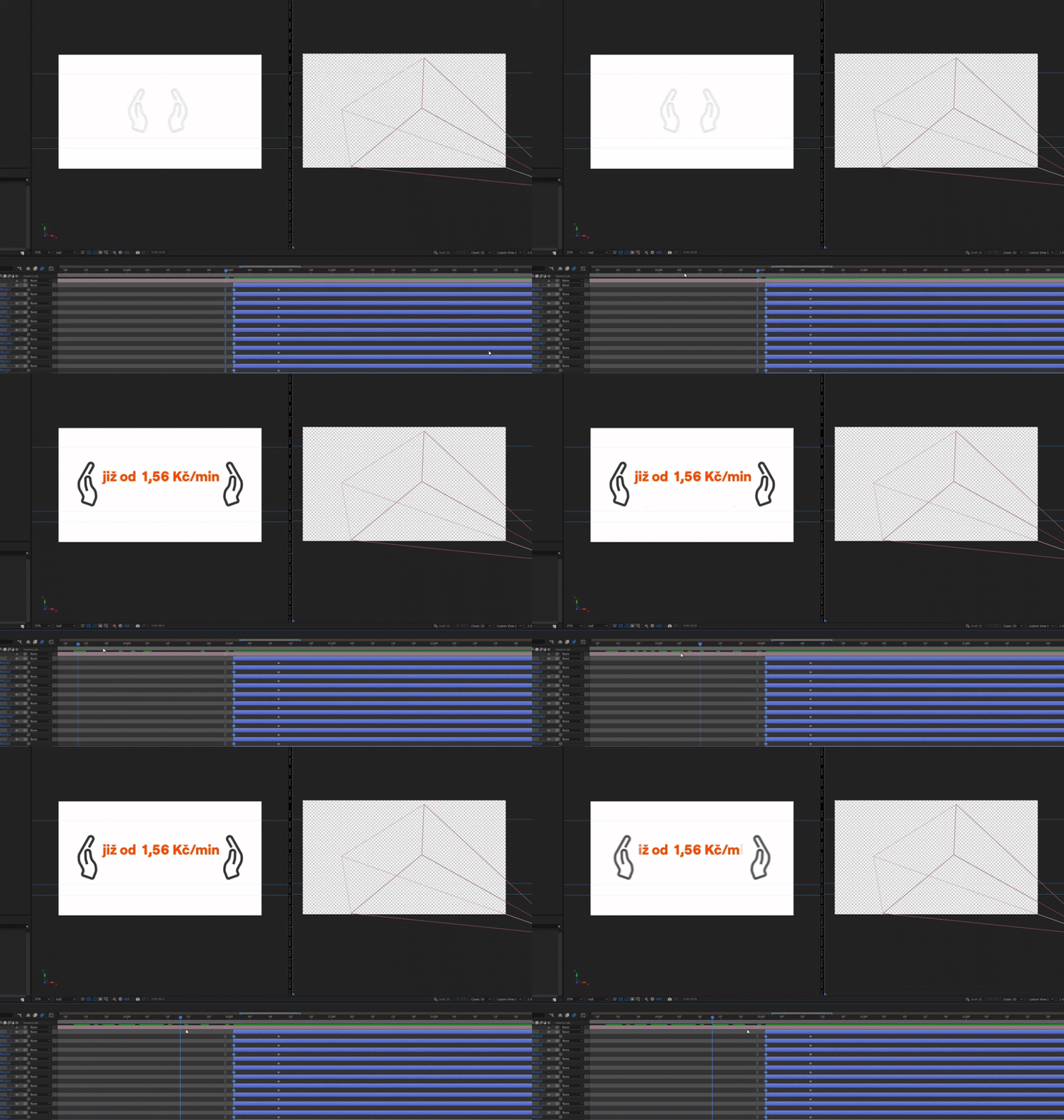
 

But when I start using 3d cam, and start using slider, preview goes soooo sloooow. Even when it's cached. 
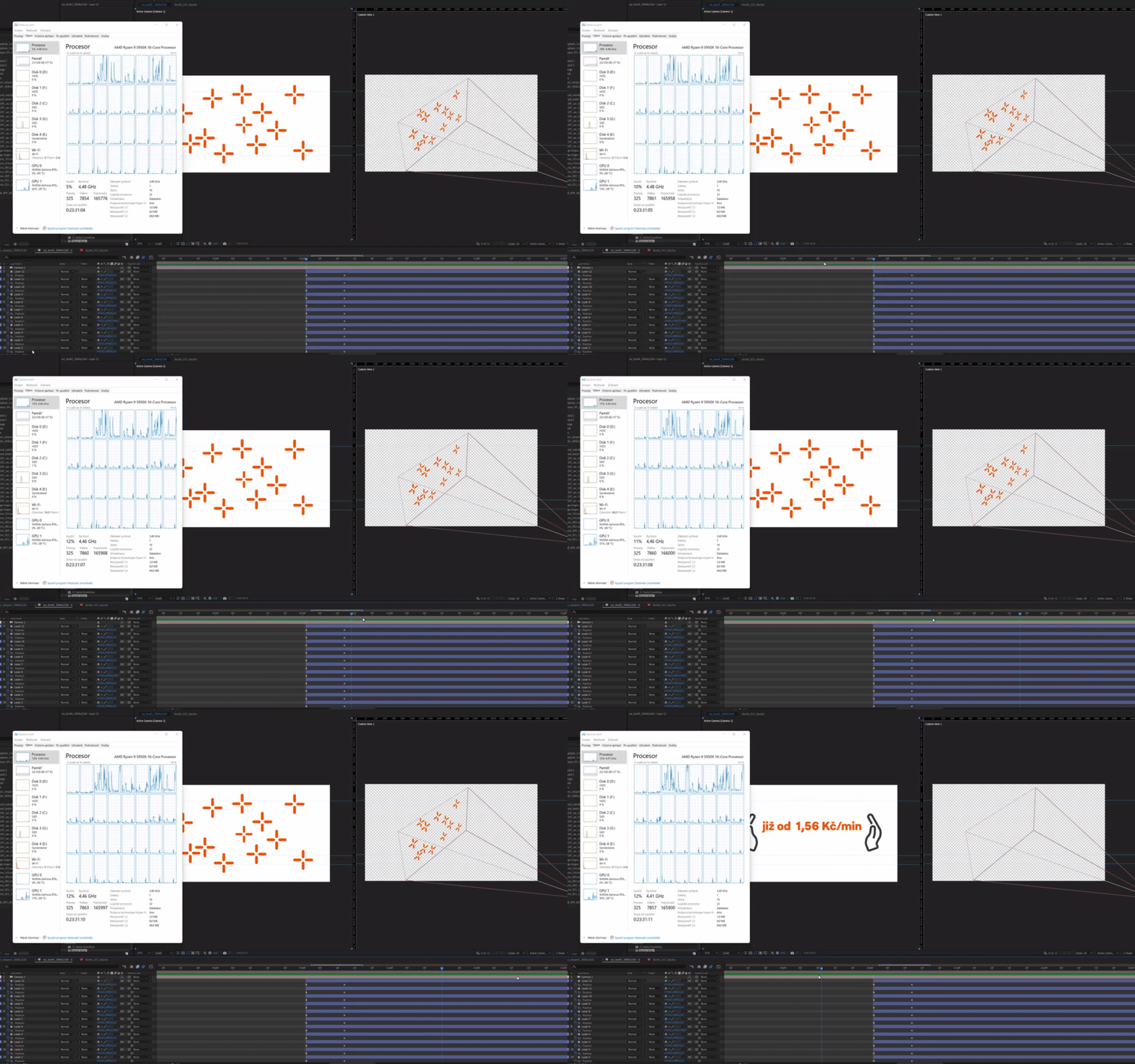
 

Any idea what is wrong or what I should check please? Thanks. 


AE: 22.6

Windows specs:

Edice Windows 11 Pro
V 21H2
Build  22000.978
Windows 1000.22000.978.0

This topic has been closed for replies.

6 replies

JohnColombo17100380
Community Manager
Community Manager
September 29, 2022

Thanks for updating that signature @Petr Holusa. Would you be able to share the project file you are working with? Does this slowness happen in any project with a 3D Camera or only in this one project?


Thanks again, 

- John, After Effects Engineering Team 

Petr Holusa
Inspiring
September 29, 2022

@Mylenium  And what kind of major issues is it? I understand it's not finished product and I am afraid that AE never will be stable as it is kind of Frankenstein app. I am updating nvidia driver regulary. 

Petr Holusa
Inspiring
September 29, 2022

Thanks for info @JohnColombo17100380 . I have had old signature. Nvidia drivers are up to date. Disabling hardware acceleration is even worse especially in 2022. I would understand this function maybe decades ago. 😄

JohnColombo17100380
Community Manager
Community Manager
September 27, 2022

Hi @Petr Holusa,

Thanks for reporting this, and sorry to see you're experiencing this issue.


It does seem likely that this issue is related to the GPU acceleration or drivers. In order to mostly bypass the GPU, try changing these settings:

  • In File > Project Settings... > Video Rendering and Effects > choose "Mercury Software Only" to disable GPU acceleration of effects
  • In Edit > Preferences > Display, disable "Hardware Accelerate Composition, Layers, and Footage Panels"

Please let us know if either of these settings helps with the performance.


You may also want to update your GPU drivers. The latest Studio Drivers for the RTX 2080 TI on the NVidia site are version 517.40.


Thanks for reporting this issue and for any further information you can provide, 

- John, After Effects Engineering Team 

TimKurkoski
Community Manager
Community Manager
September 27, 2022

Hi @Petr Holusa ,

Thanks for posting about your issue, and sorry to hear you're having issues.

Two things I'd like to ask you to check:

  1.  Please update to the current release, 22.6. Every release has bug fixes and performance updates. While I'm not aware of any that are specific to the issue you're describing, it's always worth testing the latest release. (To that point: you could also install the latest build of After Effects Beta, 23.1 build 23. Beta builds represent the most current state of After Effects and have the most up-to-date fixes, and are typically only a day or two off of our own internal builds.)
  2. Try closing one of the Composition panels that you have open. Does the problem only occur when one viewer is open or does it require two?
Mylenium
Legend
September 27, 2022

Aside from the usual stuff of checking your graphics driver and the relevant hardware acceleration settings we can't really tell you much. Apparently there are some major issues with this stuff on Windows 11, including a bug that enables debug mode in the graphics driver after which it slows to a crawl. I just read about it the other day. Check the NVidia site if updating the driver and in particular the NVidia Experience app improves matters.


Mylenium