Participant
January 28, 2023

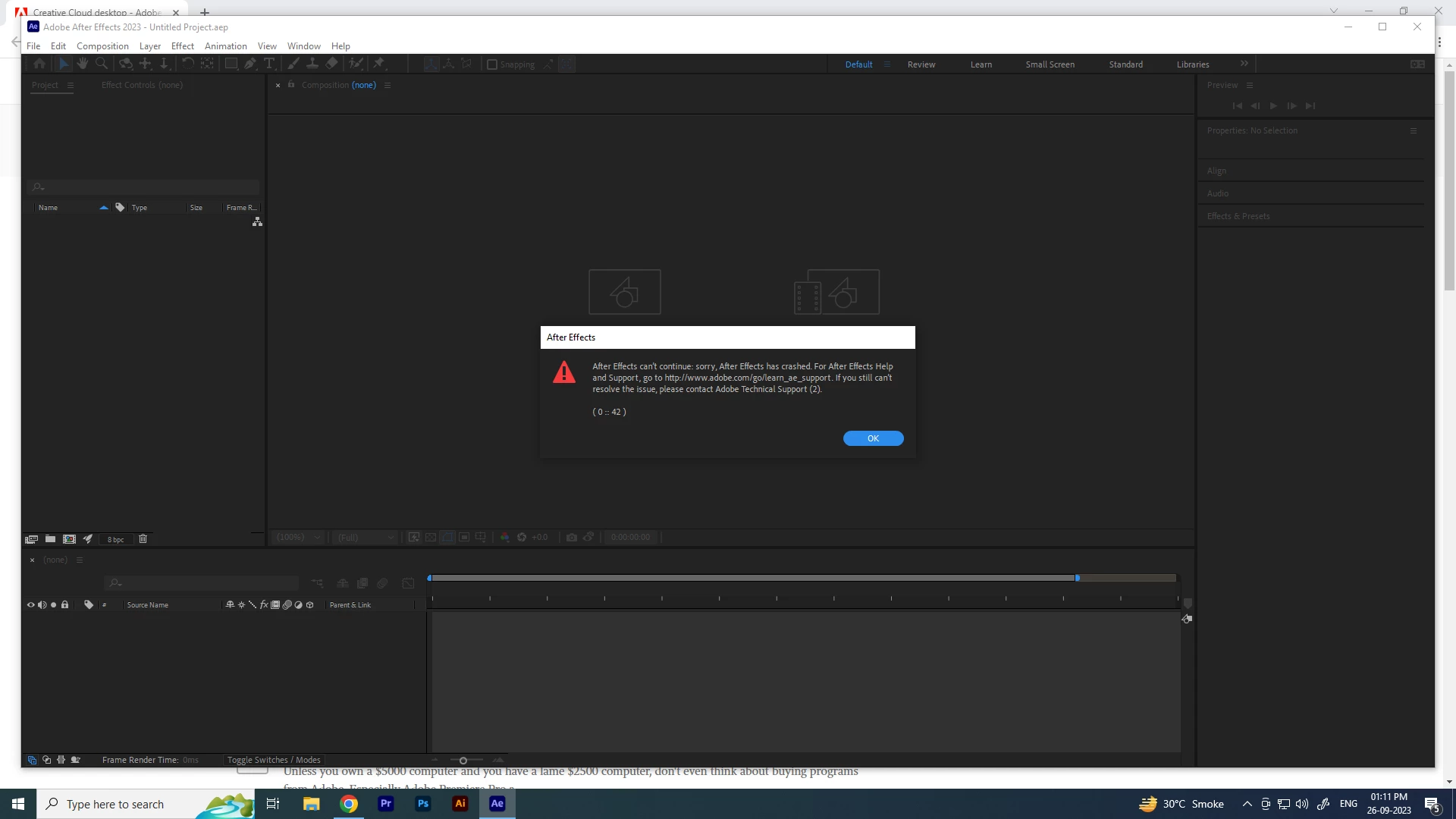
After Effects 23.6 crashes while opening. Error (0 :: 42)

  • January 28, 2023
  • 10 replies
  • 9420 views

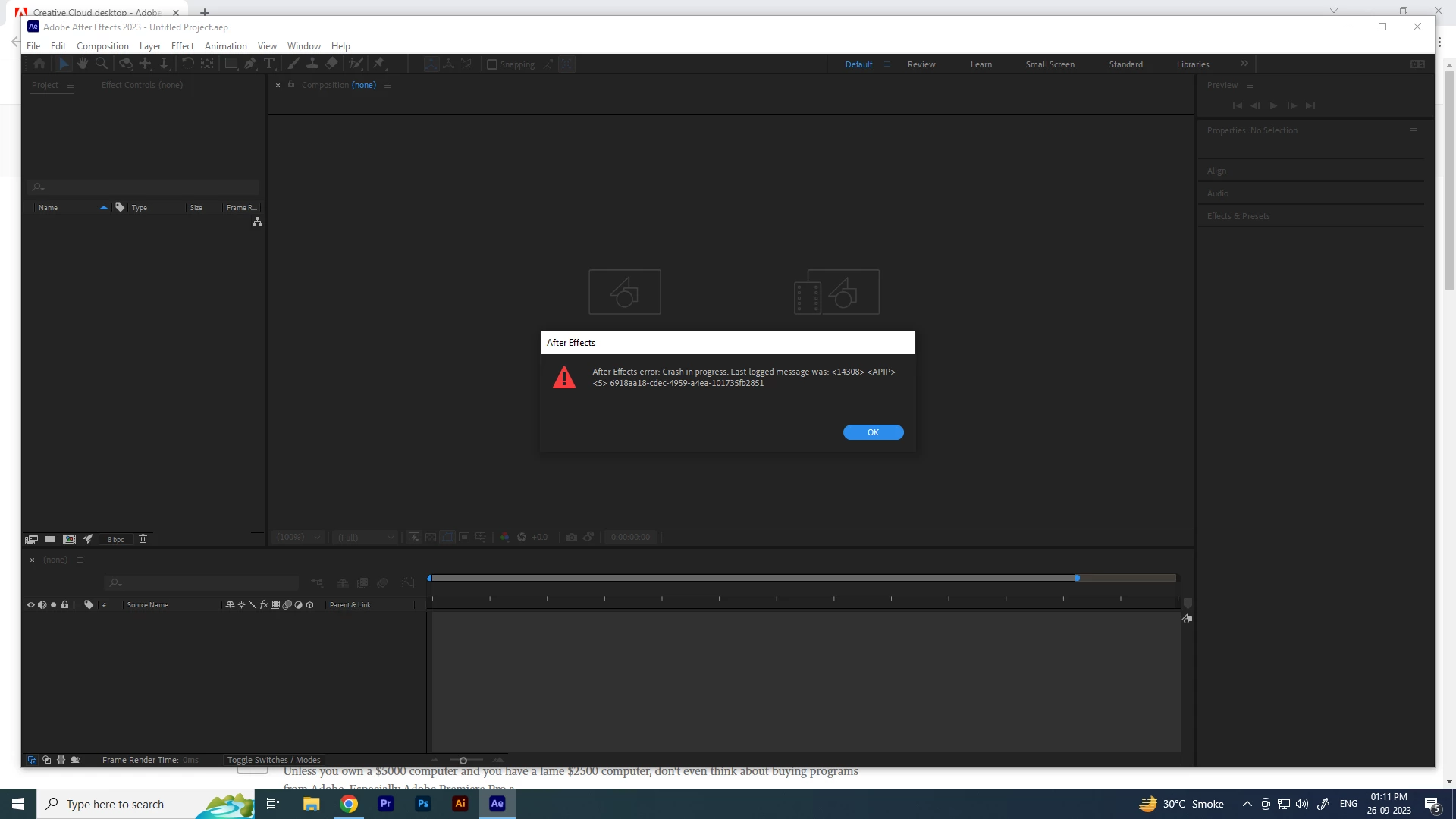
My After Effects 2023 crashes while opening.
I am attaching the screenshots.
Please help.

Thanks in advance.
Title edited by Mod.

10 replies

nishu_kush
Community Manager
Community Manager
May 22, 2024

This issue has been fixed. Please update your After Effects if you are still experiencing this.


Best,

Nishu

Jenkmeister
October 4, 2023

@Northon Souza It means that your CPU doesn't meet the requirements for the version of AE you are attempting to run. AVX is a hardware feature of CPUs and is required for AE. Starting in AE 24.0, you will need a CPU with support for AVX2. 

Participant
October 2, 2023

Bro!! you are the best!!!! thanks!!!

Participant
September 28, 2023

SOLUCIONADO ELIMINANDO PANTALLA DE INICIO 

Jenkmeister
September 27, 2023

The issue is caused by an update to the Home Screen feature in AE. There is a fix rolling out. In the mean time, if you can open a project by double clicking the aep file to start AE, that will avoid the crash. Once into AE, if you go to Preferences -> Startup and Repair, and uncheck the Show Homescreen option, that should avoid the problem as well.

Participant
September 27, 2023

Hi,


I have just subscribed to Adobe and installed Creative Cloud. All the apps installed are fresh and up to date. After installation of After Effects, I run into a problem as the application crashes immediately after launch. After checking some recommended solutions advised in this community, I tried to press CRTL+ALT+SHIFT (I use Windows system) are reset preferences. This did not help. 


Please advise what is wrong and how can I resolve the issue. Thanks in advance.


Olex

September 27, 2023

Estou com esse mesmo problema e não consigo resolver ele


Bruno Holzmann
Participant
September 26, 2023

Meu after effects está dando esse erro ao abrir, ele aparece essa mensagem e depois fecha.

Alguem sabe como resolver?

Jenkmeister
September 26, 2023

We believe this may be being caused by a recent update to the Home Screen in AE. You can test this theory by directly opening an .aep project file (double click on it) and see if that allows AE to open. If that's the case, we are working to get a fixed Home Screen out today that will be updated automatically.

nishu_kush
Community Manager
Community Manager
September 26, 2023

Hi Nikuj,


Sorry to hear about the crash.

Do you have a language pack installed on your system? If so, which language is it? Please try the following workaround:

  1. Open After Effects by double-clicking an After Effects project file.
  2. Go to Edit > Preferences > Startup & Repair.
  3. Uncheck Enable Home Screen.
  4. Restart After Effects.

Let us know if it helps.


Thanks,

Nishu

Participant
January 28, 2023

AFTER AFFECTS BLOQUEADO!

Estoy intentando instalar en mi PC la versión de After Effects 2022.2.1 //  22.3 - 22.4 y al momneto que abro el programa me sale esta anuncio: 


"Error de After Effects: Error en curso. El último mensaje registrado ya sido: <14768> <APIP> <5> 73a0af19-4b16-baf7-c0a24f81b1b4"


le doy en aceptar y me sale este otro anuncio: 

"no se puede continuar After Effects: Lo sentimos, After Effects se ha bloqueado"
(0::42)

Y al darle aceptar, se cierra inmediatamente el porgrama. ¿Que puede ser? 
En cambio si instalo a la versión 2022.5 o 2022.6 me abre perfectamente. Pero demoran demasiado en exportar.  Cambio las otras versiones que no me deja instalar, si me exportan bien y con fluidez. 

Mylenium
Legend
January 28, 2023

Without any system info we can't tell you much. The standard steps apply: Delete the preferences, reinstall the program, update your graphics driver.


Mylenium 

jane-e
Community Expert
Community Expert
September 26, 2023

@Nikunj_01 


I've moved your post from Creative Cloud Desktop to the After Effects forum.


Jane

Participant
September 25, 2023

I recently installed AE and it started giving an error, asking for avx support, what is this?