



After Effects 25/26 PNGIO error (5027::12) when using GeoLayers 3 – works in AE 24
Hello Adobe After Effects Team,
I would like to report a reproducible issue that appears in newer versions of After Effects when using the GeoLayers 3 plugin.
Summary
Projects that contain GeoLayers 3 compositions work normally in After Effects 24, but when the exact same project is opened in After Effects 25 or 26, After Effects displays PNGIO errors and the map fails to load.
Error messages
-
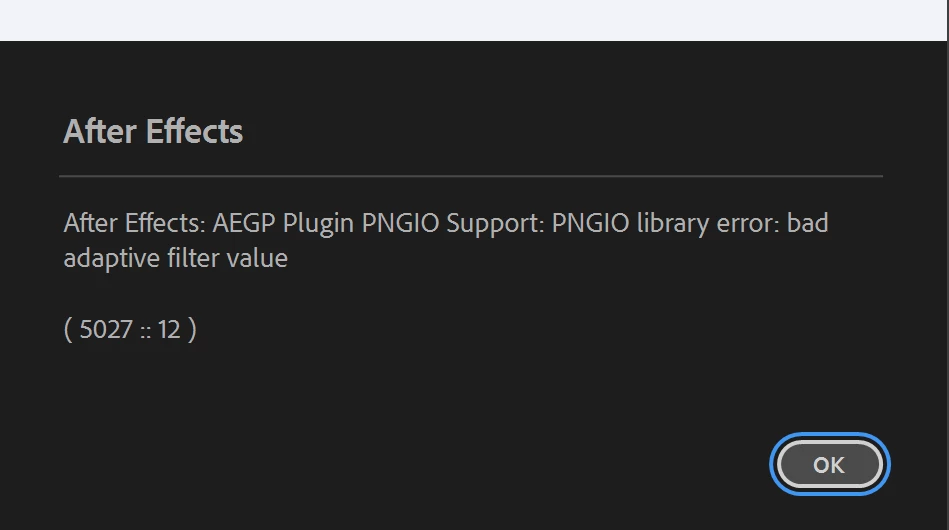
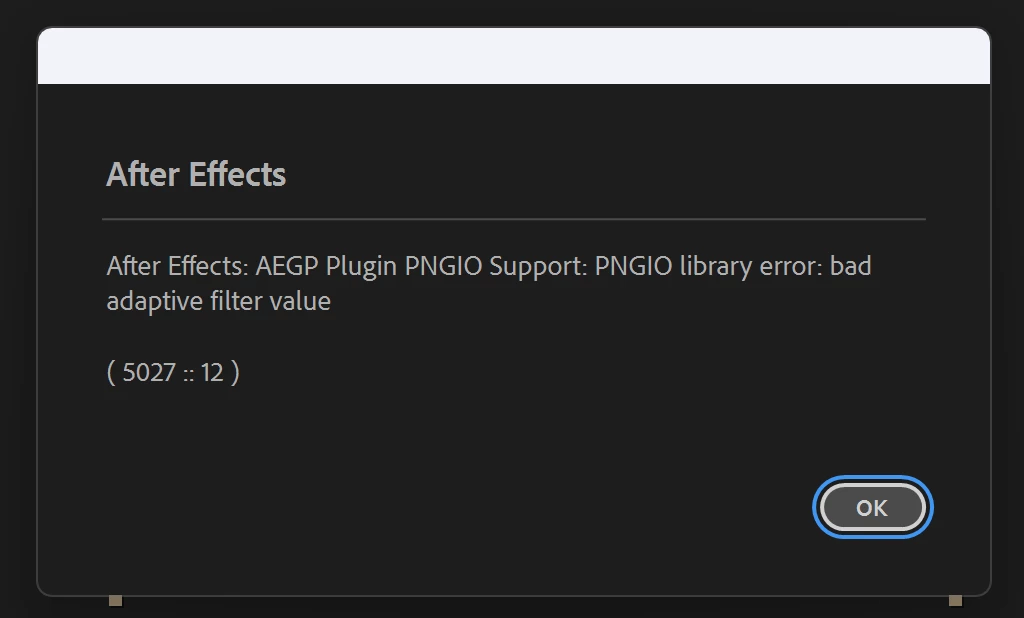
After Effects: AEGP Plugin PNGIO Support: PNGIO library error: bad adaptive filter value (5027::12) -
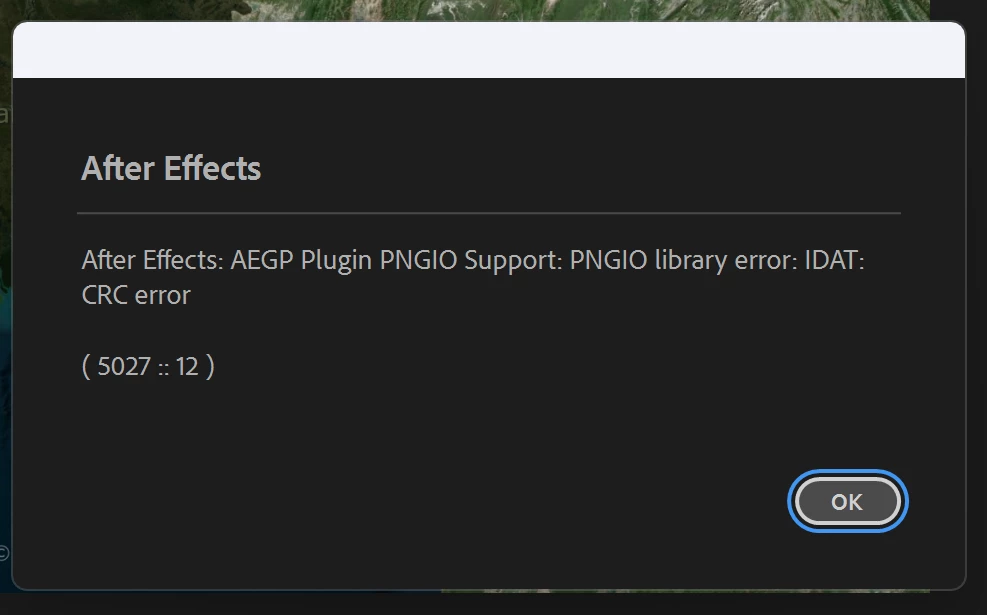
After Effects: AEGP Plugin PNGIO Support: PNGIO library error: IDAT: CRC error (5027::12)
These errors appear when the GeoLayers map tiles are loaded.
Key observation
-
The same project file works perfectly in AE 24.
-
Opening the project in AE 25 or AE 26 immediately triggers the PNGIO error.
-
The issue only occurs with GeoLayers 3 content.
-
Some other users appear able to run GeoLayers in AE 25/26 without this issue.
This suggests the problem may be related to changes in the PNG decoding / ImageIO pipeline introduced after AE 24.
System specifications
CPU: Intel Core i9-14900KF
GPU: NVIDIA GeForce RTX 4080 SUPER
VRAM: 16 GB
RAM: 64 GB
Operating System: Windows 11 Pro (10.0.26200)
NVIDIA Driver: Studio Driver 591.74
Display Resolution: 5120 × 2160
Troubleshooting performed
-
Clean reinstall of Windows
-
Fresh installs of After Effects 24, 25, and 26
-
Reinstalling GeoLayers 3
-
Clearing all After Effects caches
-
Changing GPU rendering modes
-
Testing the same project across AE versions
Despite these steps, the issue consistently occurs only in AE 25/26.
Questions
-
Were there changes to PNG decoding, PNGIO, or ImageIO handling introduced after AE 24 that could cause stricter validation?
-
Is the
(5027::12)PNGIO error related to CRC validation differences in newer versions? -
Are there known compatibility issues between AE 25/26 and plugins that load external PNG tiles such as GeoLayers?
If necessary, I can provide the project file, logs, or additional information for debugging.
Thank you for your time and support.
Best regards,
Ariyan Khan
 AdChoices