Participant
July 29, 2025

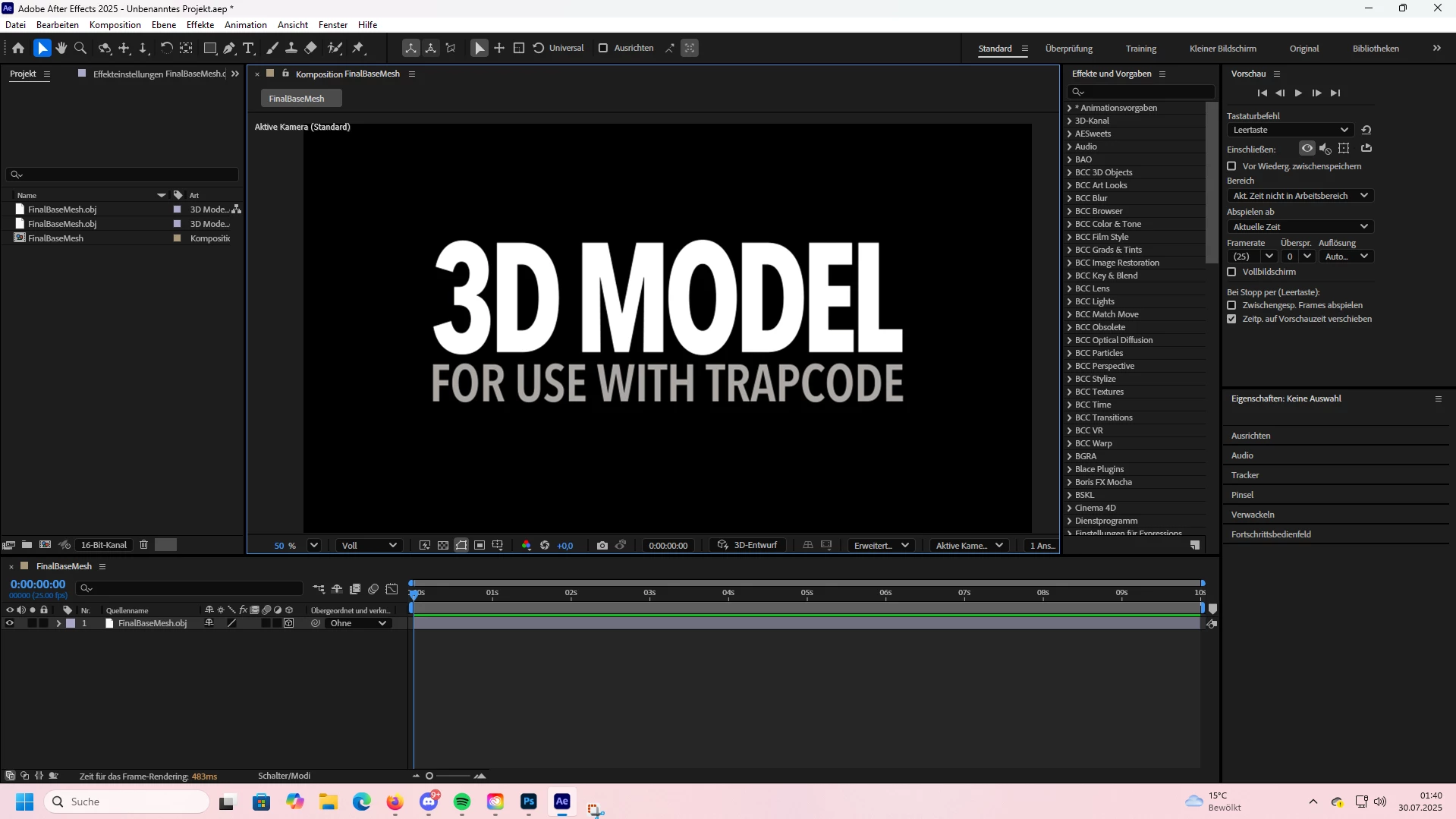
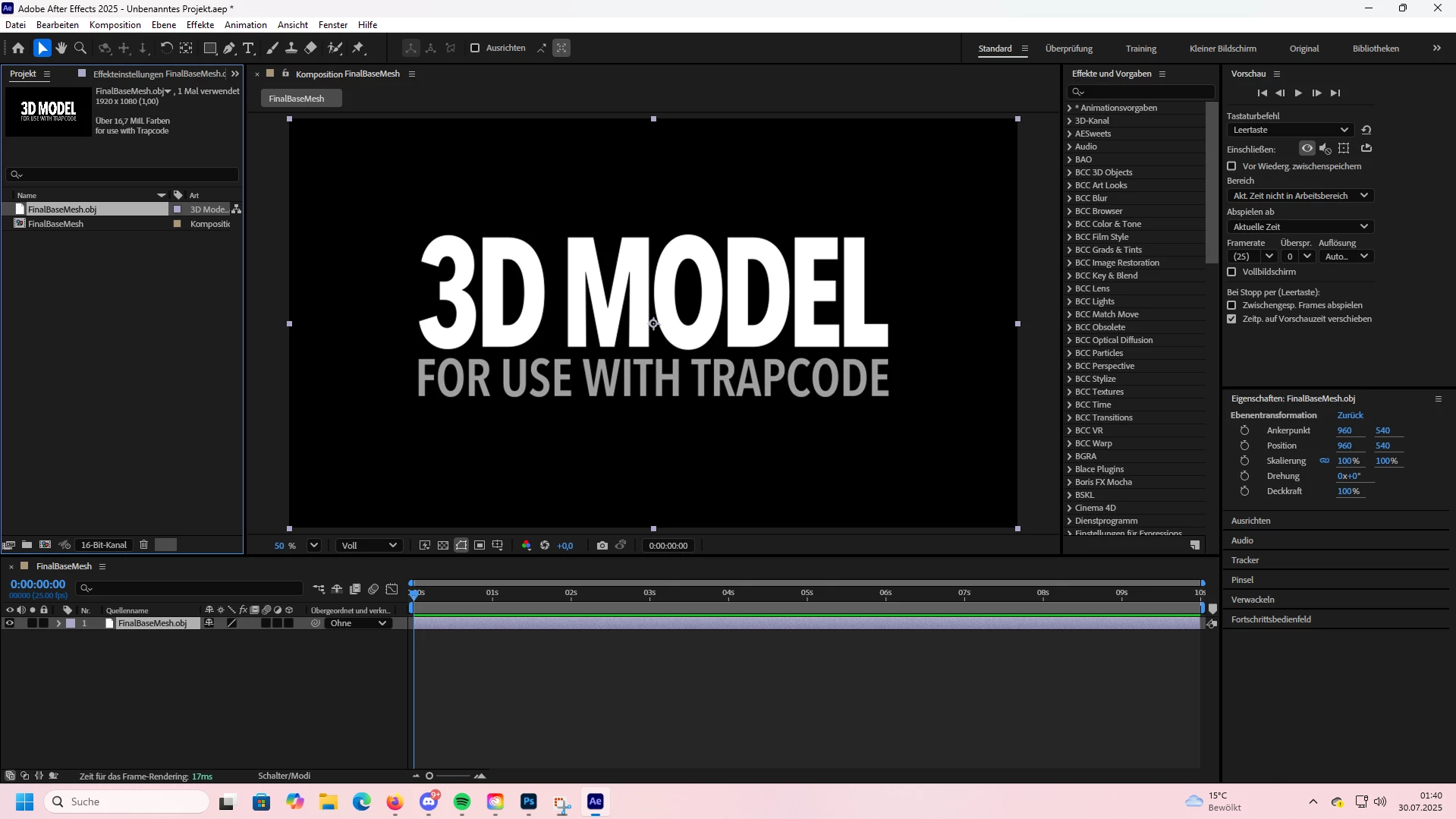
After Effects 3D Object always imports as for Trapcode

  • July 29, 2025
  • 2 replies
  • 117 views

In After Effects, every time I import a 3D object, it is automatically recognized as a Trapcode object, even though I am using the correct AE version and workflow.


Steps to reproduce:
1. Open After Effects 
2. Import a 3D object obj, gbl and verything else i tried
3. Observe that AE labels it as a Trapcode object


Expected result:
The 3D object should import normally as a native 3D layer, without being converted or linked to Trapcode.

Actual result:
AE always treats the imported object as Trapcode, preventing proper use as a native AE 3D object.

Platform: Windows 11
 

2 replies

DaciaSaenz
Community Manager
Community Manager
July 30, 2025

Hi @Sia.DZN

Unfortunately, this is a known issue when you have After Effects installed in any language other than English 😞 
The workaround is to install AE in English. 

There is a conflict between the Maxon .obj installer and the native After Effects 3D model installer. We will update this channel as soon as we have an update. 


Thanks,

- Dacia Saenz, AE & PR Engineering Teams
Kevin-Monahan
Community Manager
Community Manager
July 30, 2025

Hi,

Please post full details. See: How to Report a Problem


Thanks,

Kevin


Kevin Monahan - Sr. Community & Engagement Strategist – Pro Video and Audio