
After Effects can't continue: Sapphire Plugin (s_shake) generated an unexpected error
My screen looks like this:
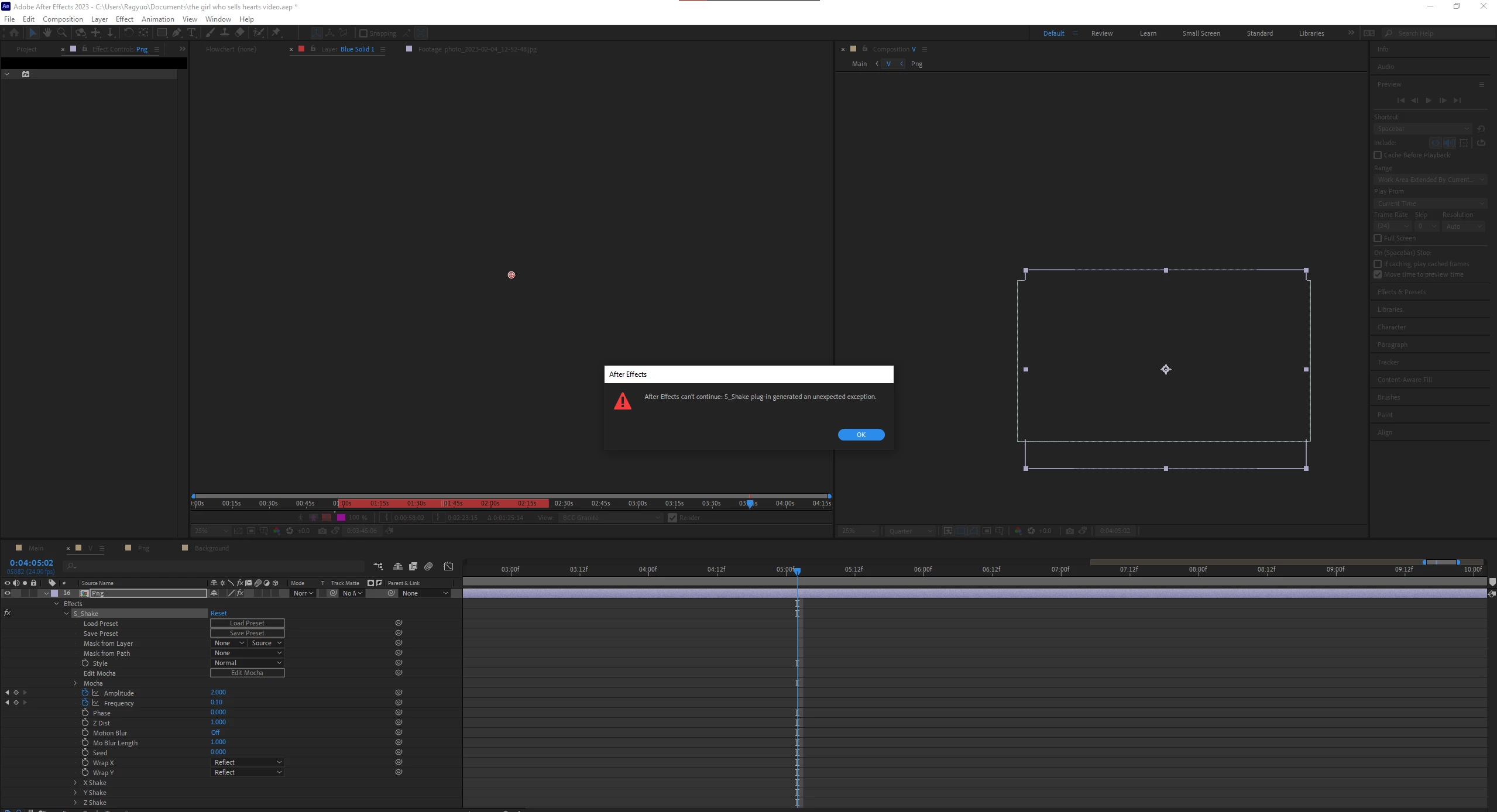
I tried restarting my pc, restarting my pc completely, removing the disk cache, updating after effects, updating sapphire fx, uninstalling sapphire fx and reinstalling it, and none of it seems to work.
The file opens though but I get no preview window and I can't play it. And when I click on one of the effects, the program freezes then gives me what's in the screenshot. I'm using Windows 10, After Effects v23.2, Sapphire FX 2023.1, my GPU is Geforce RTX 3060, and my Ram is 16GB.


 AdChoices