kasumi_7
Participant
July 29, 2024

After Effects Crash turning on 3D object mode

  • July 29, 2024
  • 5 replies
  • 1442 views

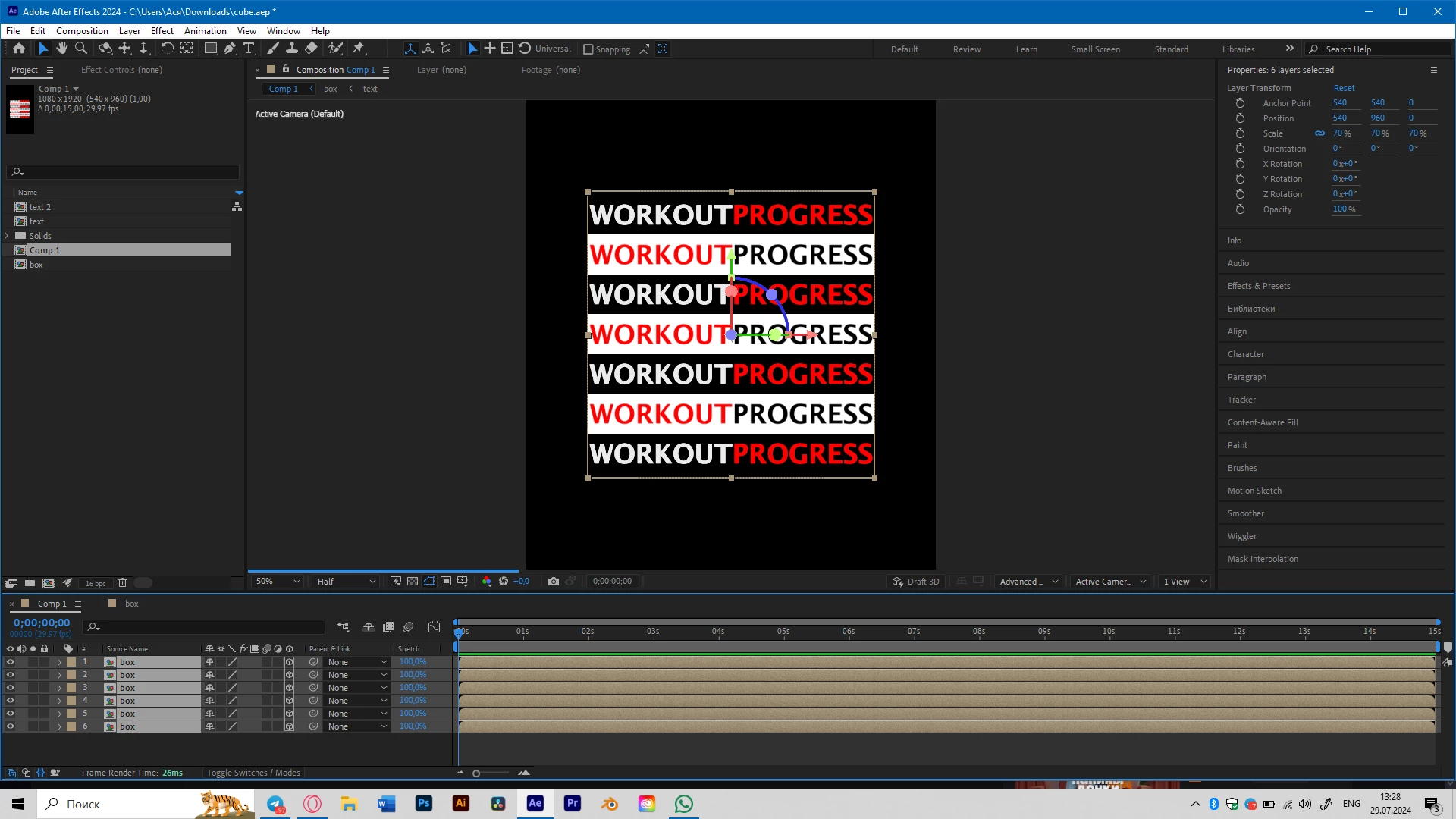
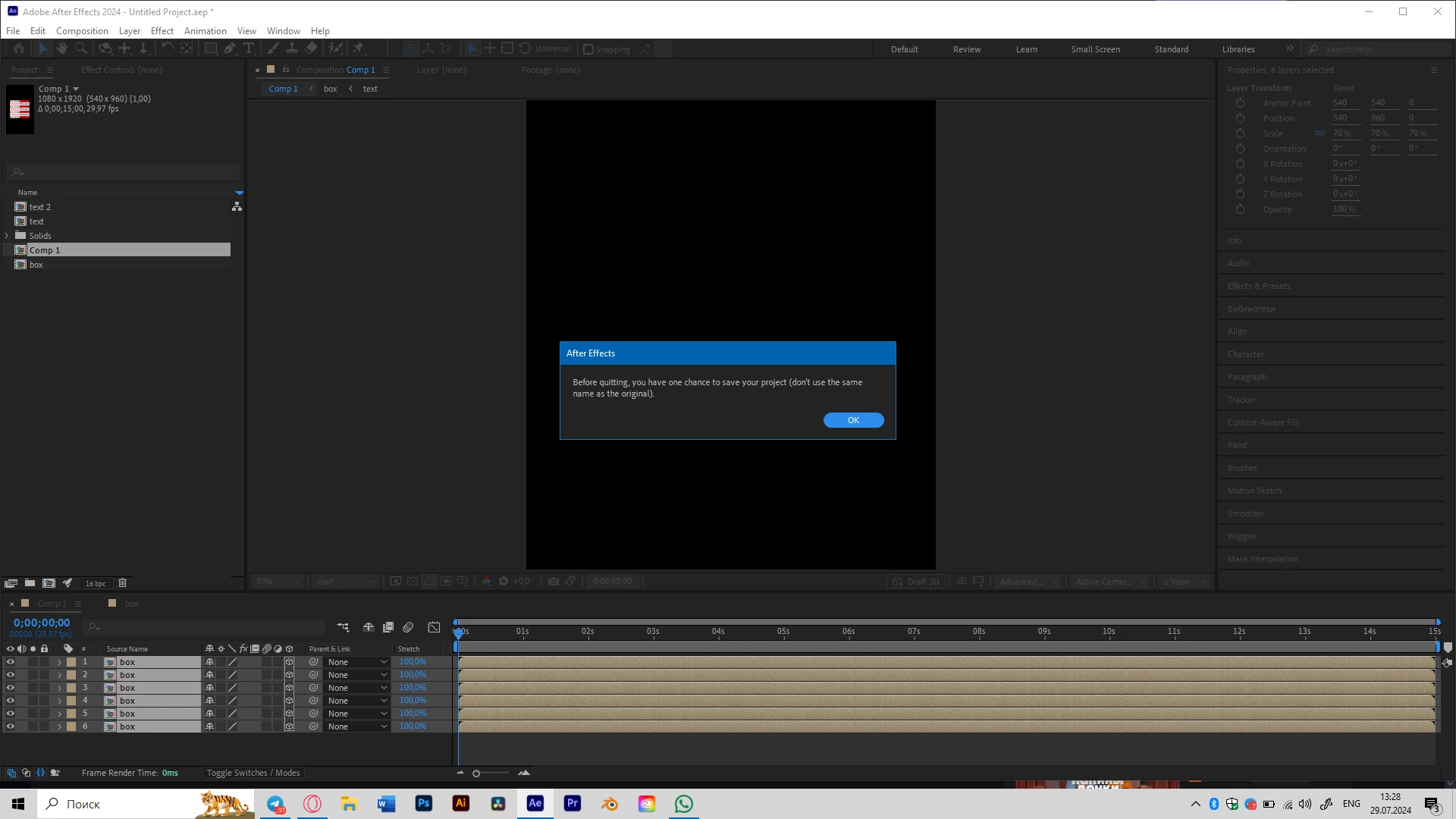
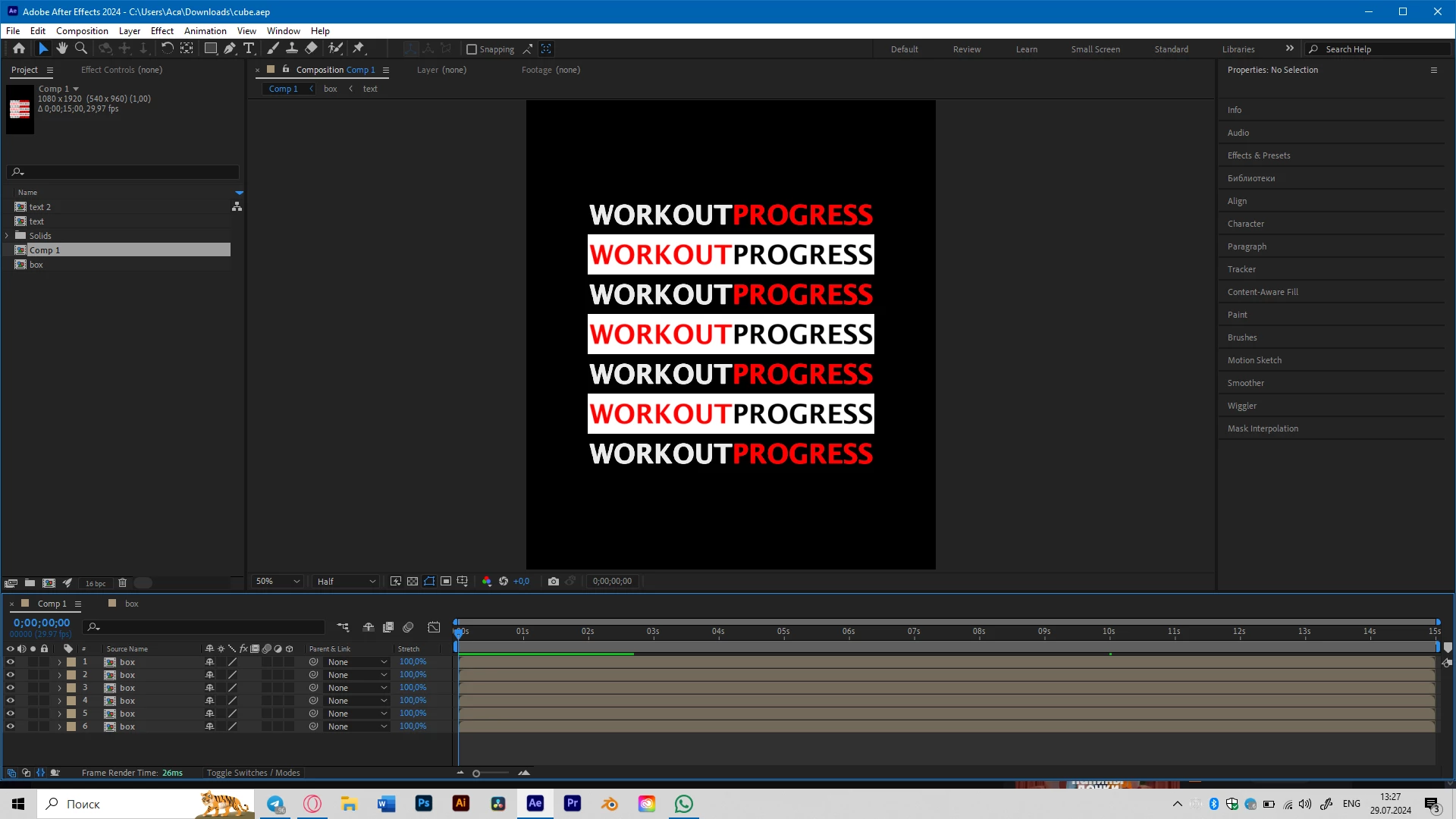
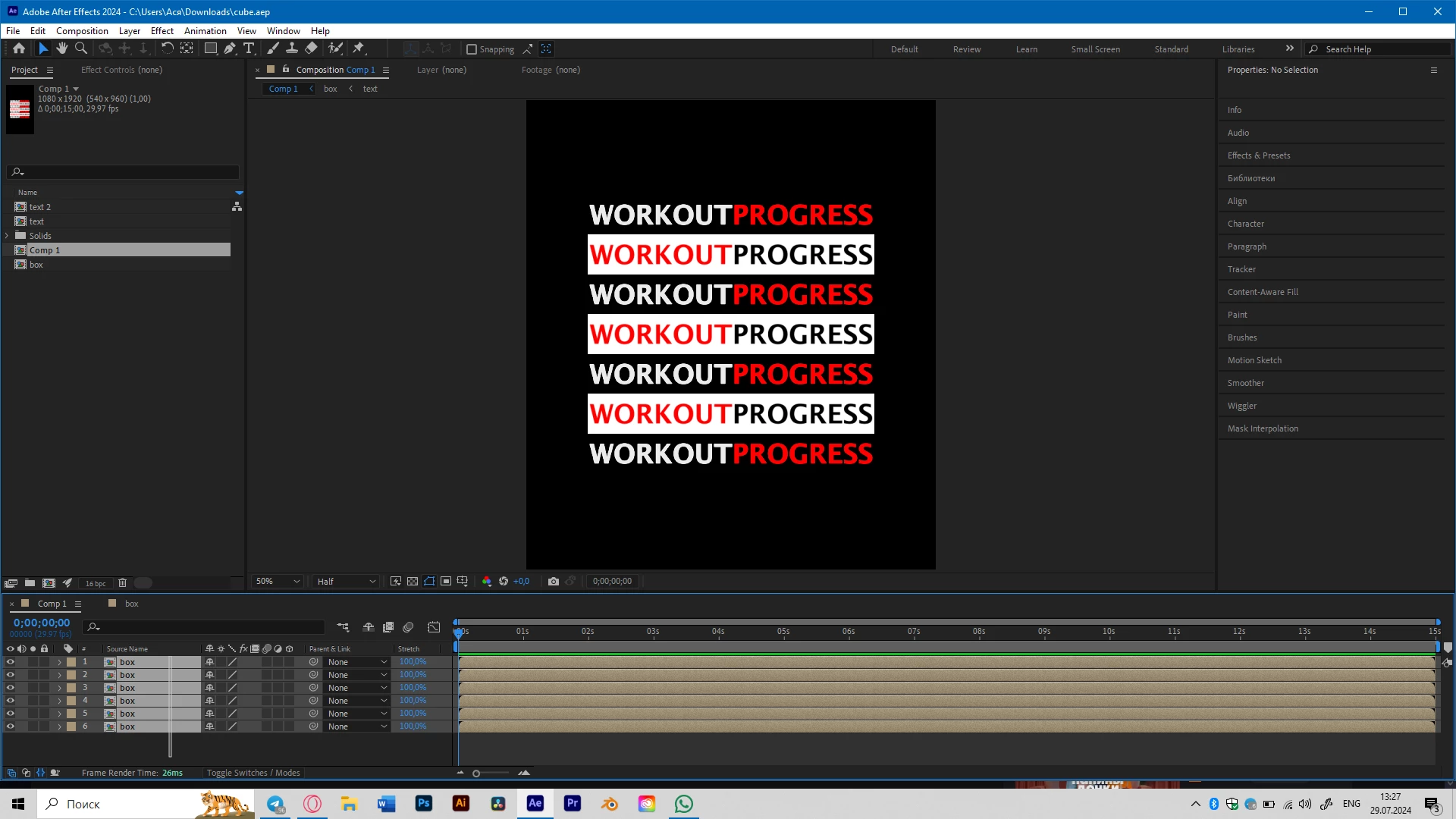
Hello. Im trying to turn on the 3D mode for some layers in the composition and After Effects crashes every time I do that. Ive tried:

- to do it simultaneously for all the layers - crash

- do one by one - crash

- create a new project (thought maybe a project issue) - crash

- clean cache and memory - crash

Laptop characteristics: 16GB RAM, RTX3060ti, 476GB SSD. I think it is enough for such a simple animation.
This topic has been closed for replies.

5 replies

DaciaSaenz
Community Manager
Community Manager
August 30, 2024

Yay! I'm so happy that helped! 

We also don't understand yet why this workaround is the key because we haven't been able to reproduce the issue in-house. I have a theory that is may have something to do with choosing GPUs if there is an integrated GPU on a system in addition to another GPU, but its just a theory right now. 


I'm very happy that worked though and that you were able to get back in action! 

- Dacia Saenz, AE & PR Engineering Teams
kasumi_7
kasumi_7Author
Participant
August 8, 2024

This one actually helped. 


I was not trying to do that, since I have the only profile in the system that is admin profile, so Im confused now that I had to run it as admin separately.


Thank you a lot! 

DaciaSaenz
Community Manager
Community Manager
August 6, 2024

Thank you for sending your project and logs, unfortunately the UXP logs are not helpful...
If you could please


  • Enable Logging from the Help menu
  • Close and Re-Open the App
  • Reproduce the bug
  • then Reveal Logging Files and find the After Effects Log.txt file


One more request after you create a log for the app session... can you try and launch AE with "Run as Administrator"? 


  • Press and hold Shift, right-click the application's shortcut or executable file, and select Run as Administrator. In the Windows Security window, enter the administrator's password and username, and select OK.


Thank you!

- Dacia Saenz, AE & PR Engineering Teams
DaciaSaenz
Community Manager
Community Manager
July 29, 2024

Hi @kasumi_7


That is super frustrating! Can you please make send the Crash Report in when prompted with your email so I can look up the crash and see what is going on?

Please DM me the email you use to send the info along and if you can share the project that would also be super helpful. 


Thank you,


- Dacia Saenz, AE & PR Engineering Teams
Mylenium
Legend
July 29, 2024

Standard answer: Update your graphics driver and configure it suitably.


Mylenium