Participant
October 15, 2024

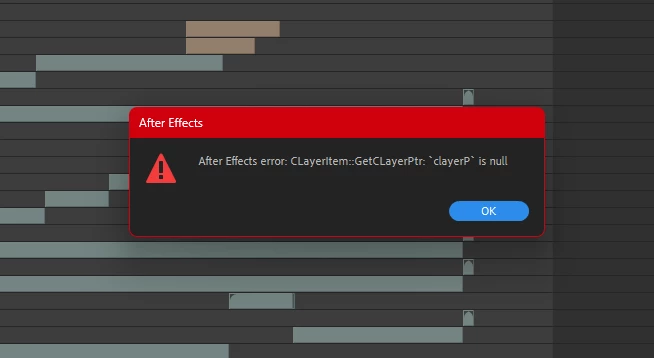
After Effects error CLayerItem::GetCLayerPtr: 'clayerP' is null

  • October 15, 2024
  • 5 replies
  • 1792 views

Hi guys!

I got some weird AE error. 

Does anyone know how to fix this issue and what the result of it?

I can't do anything after this. Only AE restart helps.

5 replies

Inspiring
July 31, 2025

I am getting this error in 25.3.2

I have never had it before.

The error only happens when I duplicate a comp and I am able to continue.

Also, I do not get the error when I duplicate the duplicate

I am guessing it is to do with 3D Instance layers in Advanced 3D but I don't know.

I am new to 3d Instances and the Environment light.

I am using a movie as the envirnment light source, so possibly that is also an issue.

i7 10th gen. Not sure what the minimum spec is now and if a certain AVX capability is required now...


nishu_kush
Community Manager
Community Manager
August 15, 2025

That is strange! 25.4 was released recently, feel free to give that a try. Do you get this error on a particular project or all of them? Could you share the steps so that we can try to replicate the issue on our end? Here are the system requirements for After Effects.


Thanks,
Nishu

Participant
October 15, 2024

New version works great! thank u!

Jenkmeister
October 15, 2024

25.0 has been released (as of yesterday). You could try updating to that to see if it helps. But we'll take a look here and see if we can repro.

Participant
October 15, 2024

Im using the last one AE version 24.6.2 (build 2)

The error occurs when attempting to delete a layer. Prior to deletion, the layer's list order was 70 for example. After deletion, the layer list order becomes -214, and the error message appears.

Jenkmeister
October 15, 2024

What version of AE are you using? Are there any steps you're taking that reproduce the problem?