Participant
Feb 9, 2023 2:41 PM UTC
Open for Voting

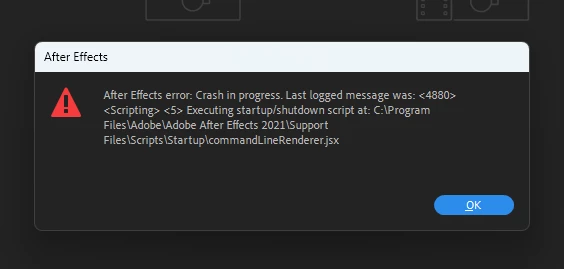
After Effects error: Crash in progress. Last logged message was: <14568> <scripting>

Hi! 
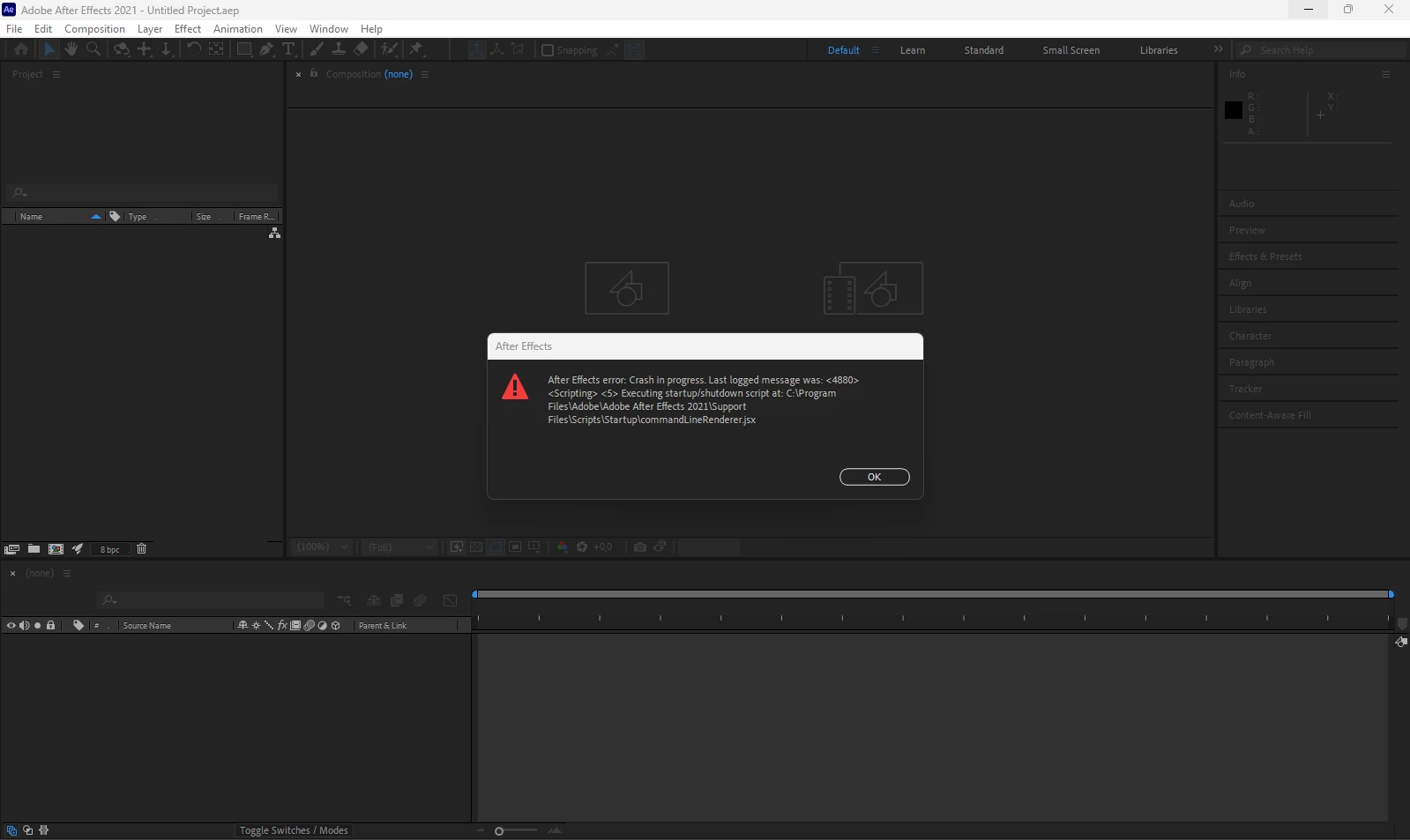
I've just installed and launched After Effects for the first time. After opening this error pops up, after that it can be closed only from windows task manager. I've tried to reinstall it - it didn't help. 


After Effects error: Crash in progress. Last logged message was: <14568> <Scripting> <5> Executing startup/shutdown script at C:\Program Files\Adobe\Adobe After Effects 2021\Support Files\Scripts\Startup|commandLineRenderer.jsx

Please help me, I badly need this soft for my classes... 
This is specifications of my laptop:
Asus ROG Zephyrus G14

OS - Windows 11 (x64) 

RAM: 16 Gb
GPU: Amd Radeon RX 6700s
CPU: Amd Ryzen 9 6900HS
SSD 1 Tb
 

8 replies

Mylenium
Legend
Feb 9, 2023 5:39 PM UTC

It would probably make sense to turn off the APU to test and see if it makes a difference.


Mylenium 

Translate
Participant
Feb 9, 2023 5:03 PM UTC

I also opened AMD Software on my laptop to figure out if there any driver updates there, but there is no information here. 


 driver info for APU1 

Drivevrs info for GPU 2


Translate
Participant
Feb 9, 2023 4:58 PM UTC

Ok, I went to official ASUS website and loaded the latest graphic driver, then restarted the system and tried to launch AE. The same error appeared 

After pressing OK 


Translate
Mylenium
Legend
Feb 9, 2023 3:58 PM UTC

That's your graphics driver not responding to AE trying to draw its application window and possibly some panels. So the answer to your issue likely would be to update your graphics driver and configure it suitably.


Mylenium

Translate
Participant
Feb 9, 2023 3:50 PM UTC

So, in event viewer i found red flags, from highlitghted to the top it is all my today attemps to open AE. 


Translate
Mylenium
Legend
Feb 9, 2023 3:12 PM UTC

Simply type "event viewer" into your windows search bar (or whatever it is called in Russian), then look for system and security events flagged with yellow and red signs citing AfterFX.exe.


Mylenium

Translate
Participant
Feb 9, 2023 2:52 PM UTC

Where can I get this information (crash log or bits from event viewer)?  I'd put screenshort of it here to help the process. Security stuff - no warnings, no messages - AE does not request any access from me, what does it need to provide?

Translate
Mylenium
Legend
Feb 9, 2023 2:44 PM UTC

Without an actual system crash log or at least the relevant bits from Event Viewer this will be impossible to figure out. Quite likely it's simply some security stuff with Win 11, since this works differently than Win 10, so check your security center for any warnings and messages and allow AE full access.


Mylenium

Translate