



After Effects file path constantly breaking after every reboot.
So I recently started a new Job where I connected my apple ID to the office intel iMac so i can use my iCloud since between my home Macbook M3 Pro and work. For the first few days it worked well there were no issues with nay of the projects but once premier updated to 26.0.2 the dynamic link stopped working between premier and After Effects so I had to move back to 26.0 on premier (Make that make sense adobe).
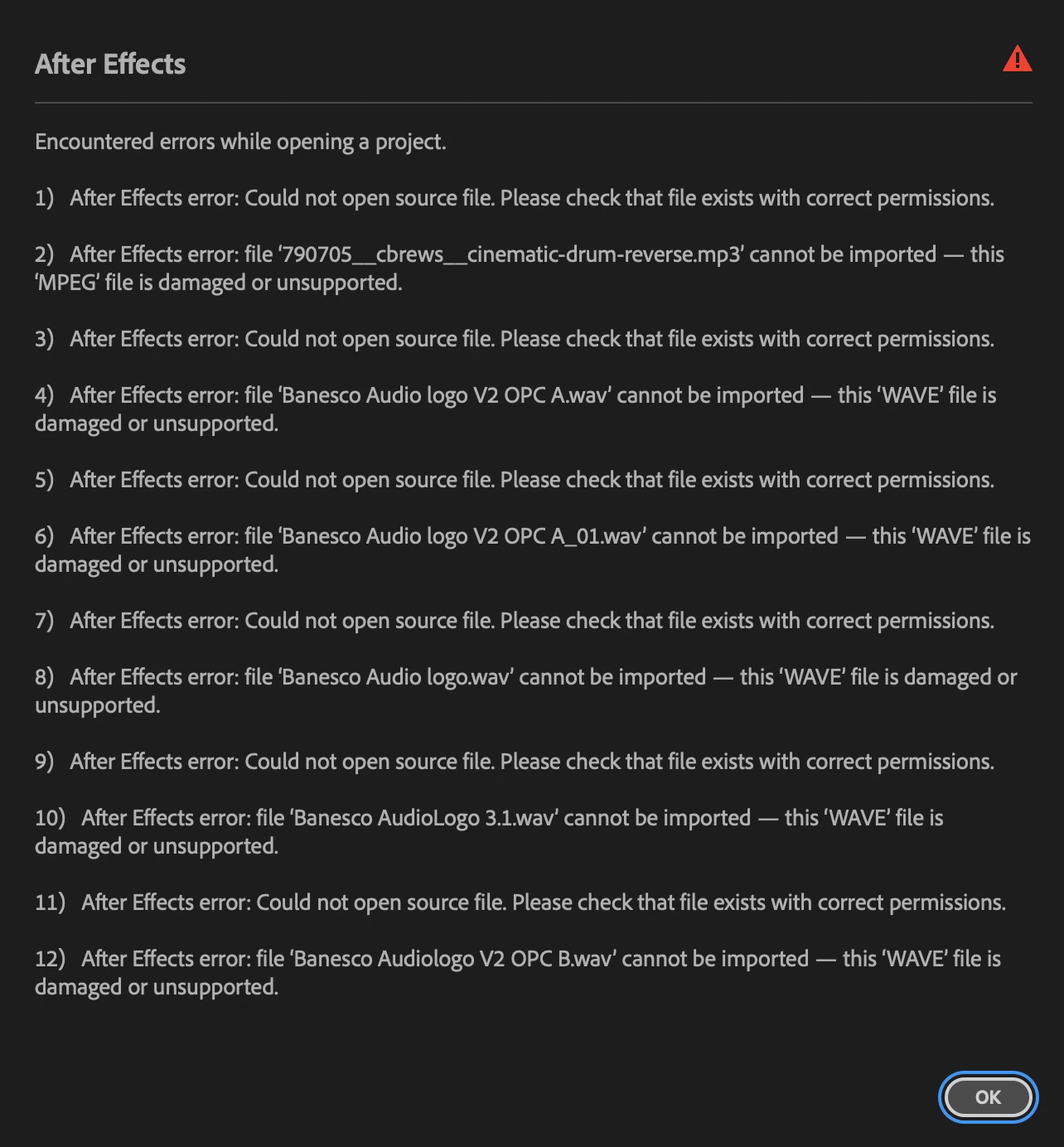
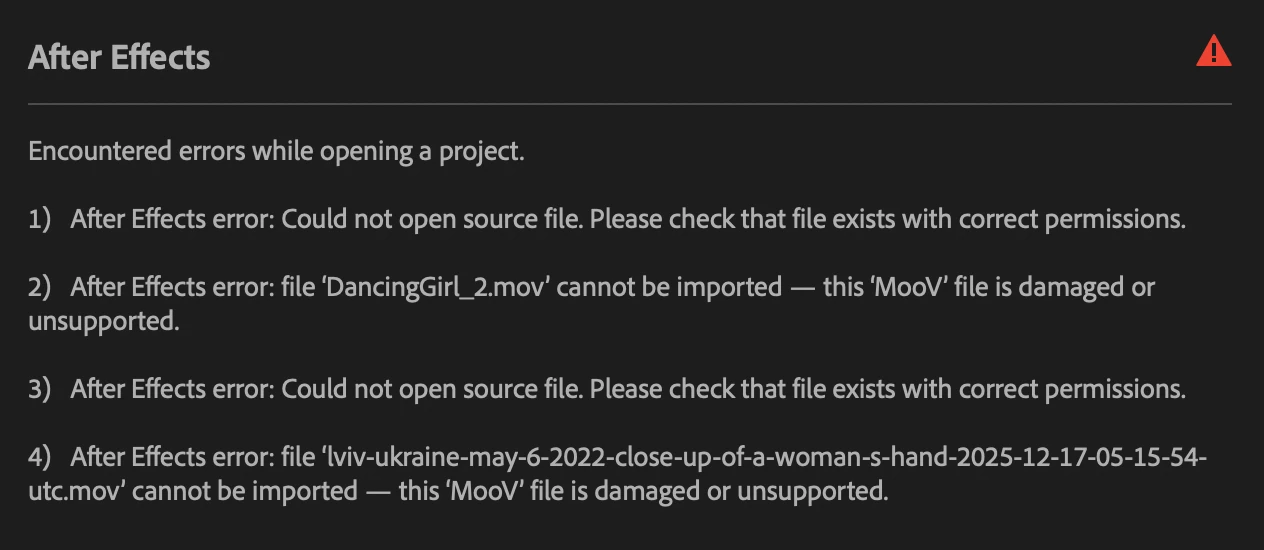
Since that every day my file paths on After Effects have been breaking every day more and more, it started with maybe one or two clips that I would just reconnect manually but every day it got worst to the point where almost the whole project loses its file paths. I’ve tried downloading from iCloud before opening the AEP, I’ve tried changing the names of files and reconnecting, removed spaces, dots, dashes in the file names. After effects keeps telling me that some of the codexes are damaged or unsupported but every time I reconnect the EXACT SAME file it worked for the rest of the day but breaks the next day again.
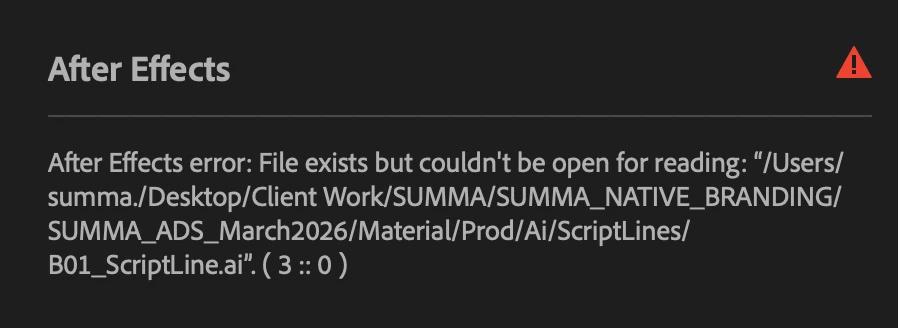
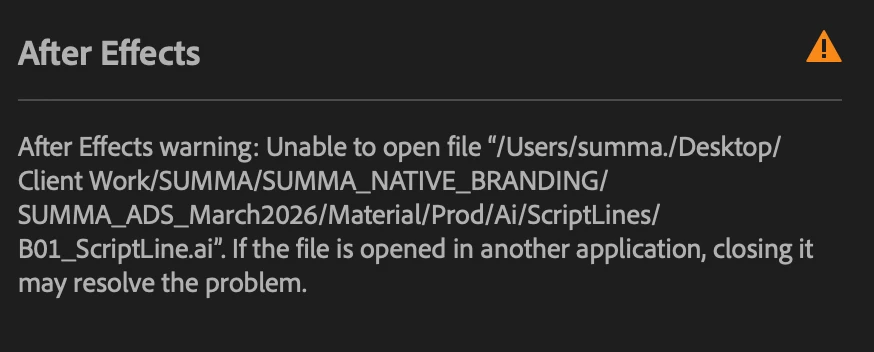
Now I had a feeling that it could also be because of the iCloud user name miss match, on the iMac it’s “summa.” and my laptop it’s my name but i never created this “summa.” user and when I search inside that user for my file there is nothing so I don’t know where After effects is getting any files from that user. I thought about changing the user to match the one i have at home but I heard that that could destroy my file paths even more and corrupt my whole iCloud. and I don’t want to lose 5TB of iCloud (yes even though I have backups its still a huge risk).
The permissions errors i don’t even know where to start because i don’t have any permission restrictions anywhere.
Now the weird part of this iCloud thing is that Premier Pro works perfectly file there are not file path problems even tho it uses some of the same clips as AE. So it really is a problem with AE, I don’t know I’m loosing my mind over this, it has seriously been slowing down my productivity and deadlines are coming soon so please.
 AdChoices