
Participant
September 23, 2025

After effects keeps freezing and crashing

  • September 23, 2025
  • 5 replies
  • 527 views

Hello everyone,


Since last week Thursday I have been having issues with After effects.

After using after effects for a few minutes the preview screen freezes. Once that happens if I try to continue editing after effects will freeze. When trying to close after effects it won't work. Even closing it with task manager doesn't work. It only closes if I completely restart my laptop. The past few days I did more testing. trying to edit and restart after effects everytime it wanted to freeze and crash. The more I work in the project and add more things the faster it will eventually freeze. Doing simple things like masking a picture or adding beat markers also could make this freeze happen. 


These past days new versions of after effects came out. sadly when updating these versions didn't fix the problem and today with the new update 25.5 it still didn't fix. 


I already tried a few things:

Reseting prefrences, Starting up in safe mode (same issues occured), turning off all my plugins (same issues occured), clearing cache and stuff, turning off, putting the project on mercury software only, disable multi frame rendering, updating my driver to the newest version.


after nothing worked I contacted adobe support and did a 2 hour remote access session. Here we checked if there was a problem with the plugins, downgraded my after effects and checked if I had administrator access on my laptop. Still no solution was found.


Now I was wondering if anyone else have these issues. Or have a possible solution!


Here is some more information about my device:

Platform: Windows 11

Driver: nvidia geforce RTX 5060

Processor: AMD Ryzen 9HX

I have: 32GB intern capacity 
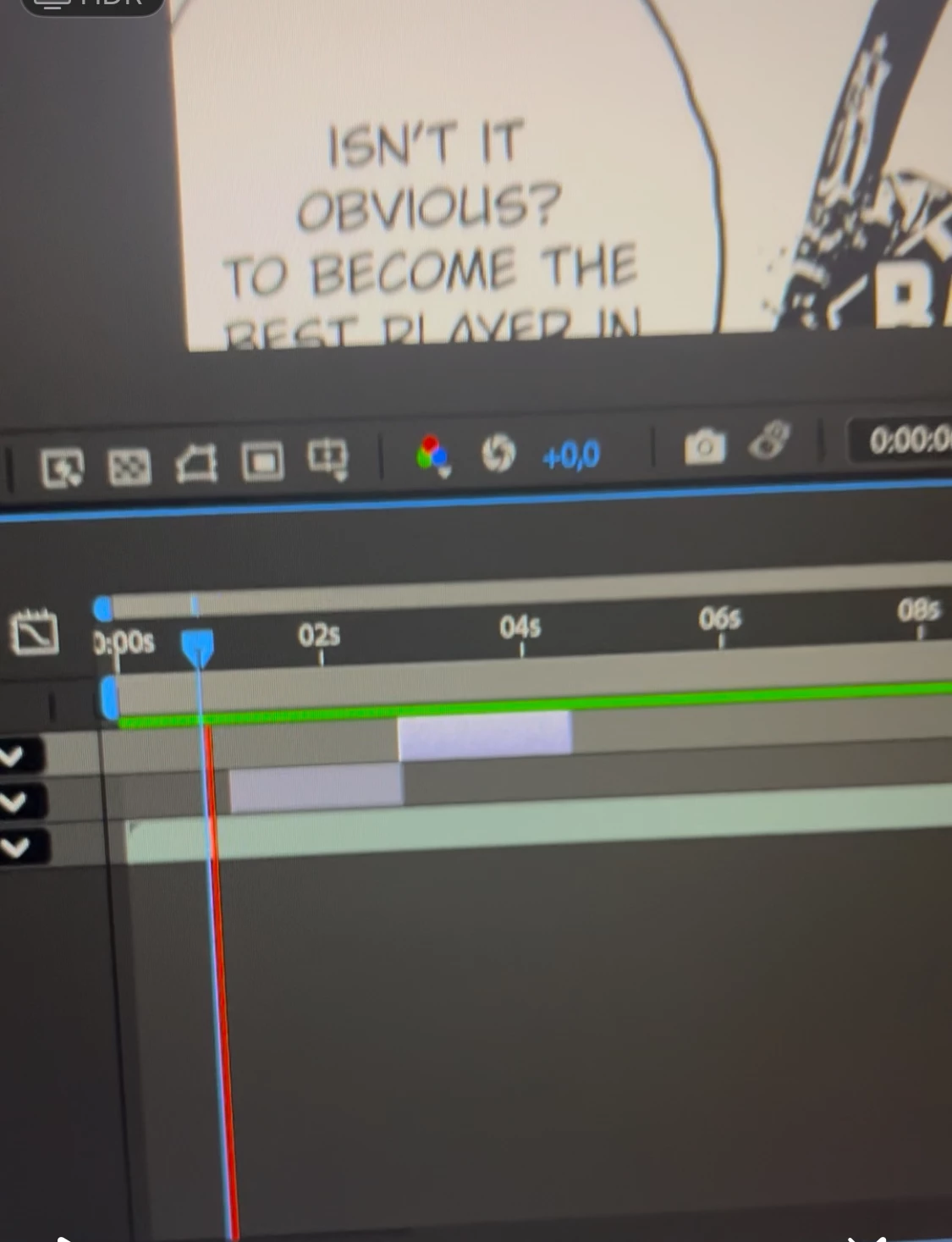
 

See picture above, This happens when its freezes and I try playing a preview of my project. Screen freezes on de last frame before after effects freezes.


I hope adobe finds a solution fast. Because I want to work on my projects again. 

5 replies

Inspiring
February 24, 2026

I’ve been having the same problem beginning around Mid February 2026.  My problem was freezing and at least a minute later it would go back to normal.  This week I updated to 26.0.0.  Today the problem got worse.  Every new item added such as new layer or adjustment would cause it to freeze again.  It was intolerable.  I went back and installed 25.6.0.  So far that works normally,  and of course all the work over the past two days is unaccessible since it’s a later version.  To make matters worse, Adobe has changed the preferences window 26.0.0 so, clear database options are  hidden under another option.  


I’m running Mac M2 Max studio with 64GB of ram with 90% of that allocated to AE - Sonoma 15.7.4  

Muhammad_Umer3026
Participant
February 20, 2026

Hi, I’m experiencing the same issue. Have you been able to resolve it?

Participant
October 2, 2025

Ive been experiencing similar issues since last week as well (NEW MacStudio M3 Ultra 96gb) Weird trick to work around when it starts acting weird...right click the footage source in the project and RELOAD FOOTAGE. This has helped my situation significatly.

Participant
October 2, 2025

Same here.

Participant
September 26, 2025

Hi i have the same problem.

Windows 11, rtx 5060.


I tried the same thing as you. I also tried via VM. I think the problem is with the graphics card (RTX5060), in fact if you install version 24.1 you shouldn't have any problems. I'm also trying to solve the problem via Adobe, but we haven't found a solution yet other than using version 24.1 (January 2024). If you find a solution, please let me know.

Participant
February 16, 2026

Hey, how did you get to download 24.1? I can’t seem to download anything older than 25.0

I am also facing the same issue and I can’t do any work at all

Participant
February 25, 2026

@nishu_kush Any and no projects. No effects used, happens after after effects runs for awhile. I had only fiddle with time remapping, markers, and moving my clips around. Problem persist with Safe mode. (See original author’s post above on other methods they have tried)