



After Effects still unable to let plugins draw custom on-screen UI in HiDPI / Retina displays
As of After Effects 2025 and 2026 Beta, plugins are still unable to draw any custom on-screen UI at the native resolution of most Mac displays, in HiDPI aka Retina resolution.
Steps to reproduce:
- Install FxFactory 9 https://fxfactory.com/download/
- Launch FxFactory and install FxFactory Pro (trial version OK)
- Launch After Effects and apply the Trackable PiP plugin found under the FxFactory Pro Video category: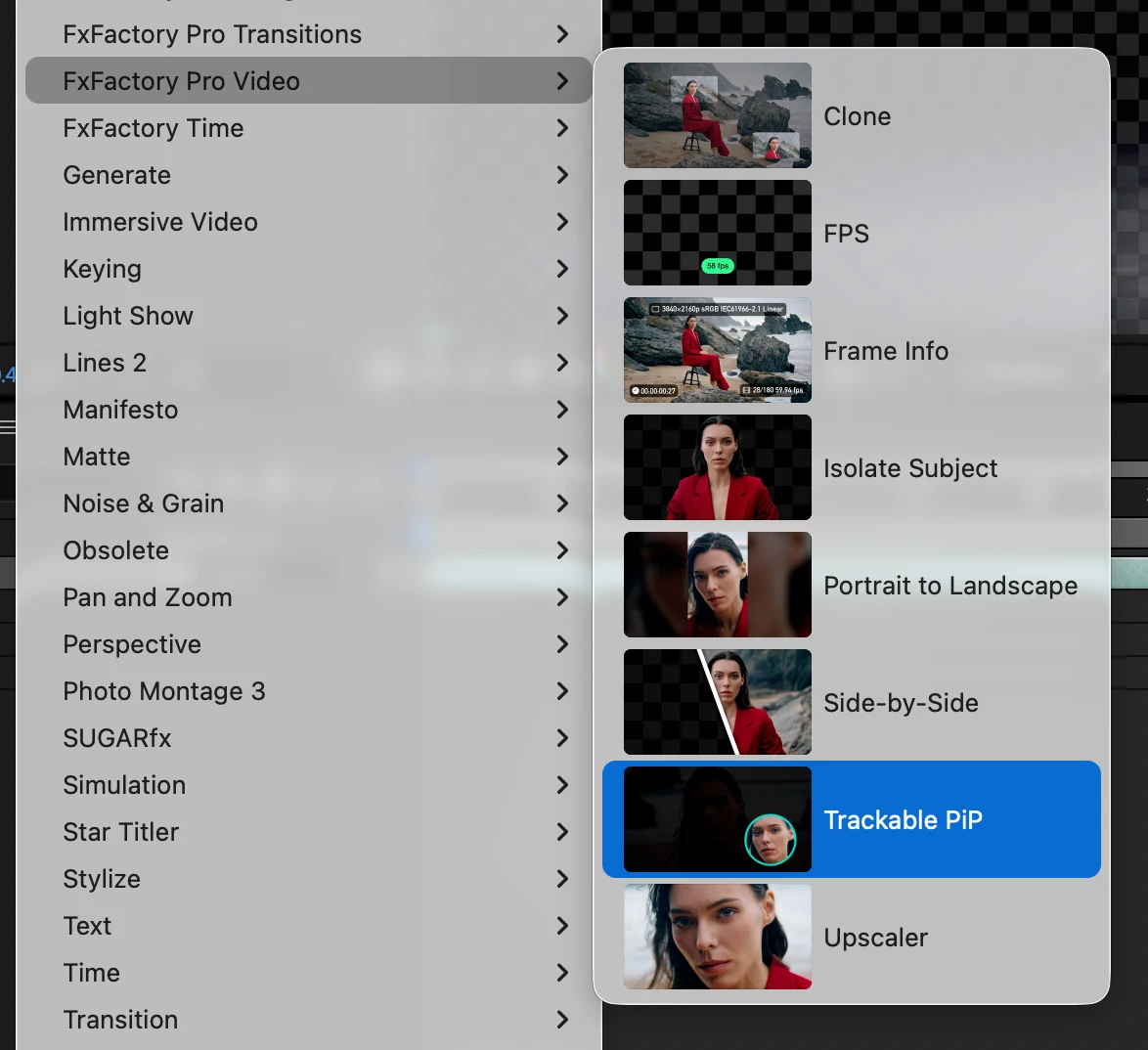
- Select the effect name in the inspector to display its custom on-screen UI:
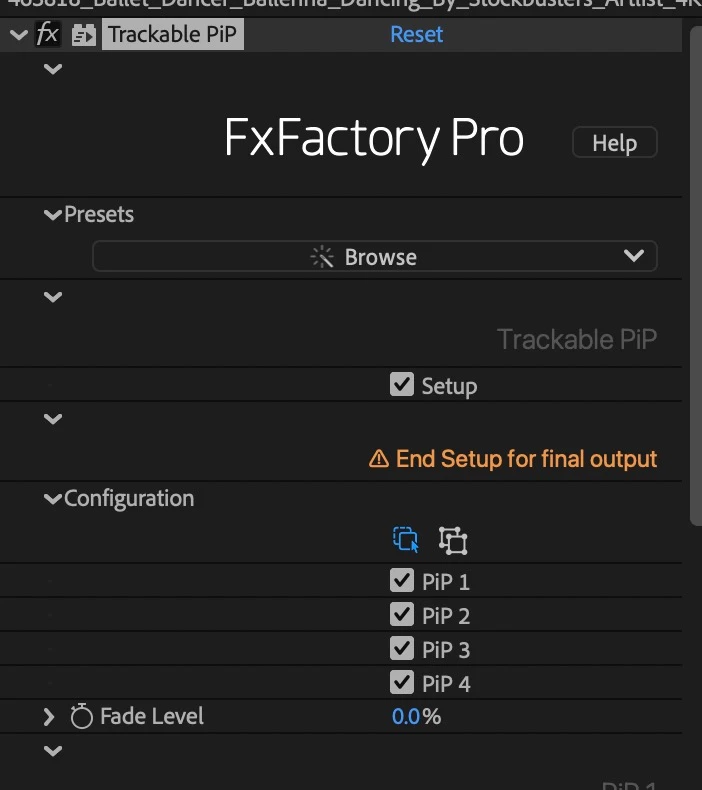
- When the on-screen controls appear, notice how pixelated they appear:
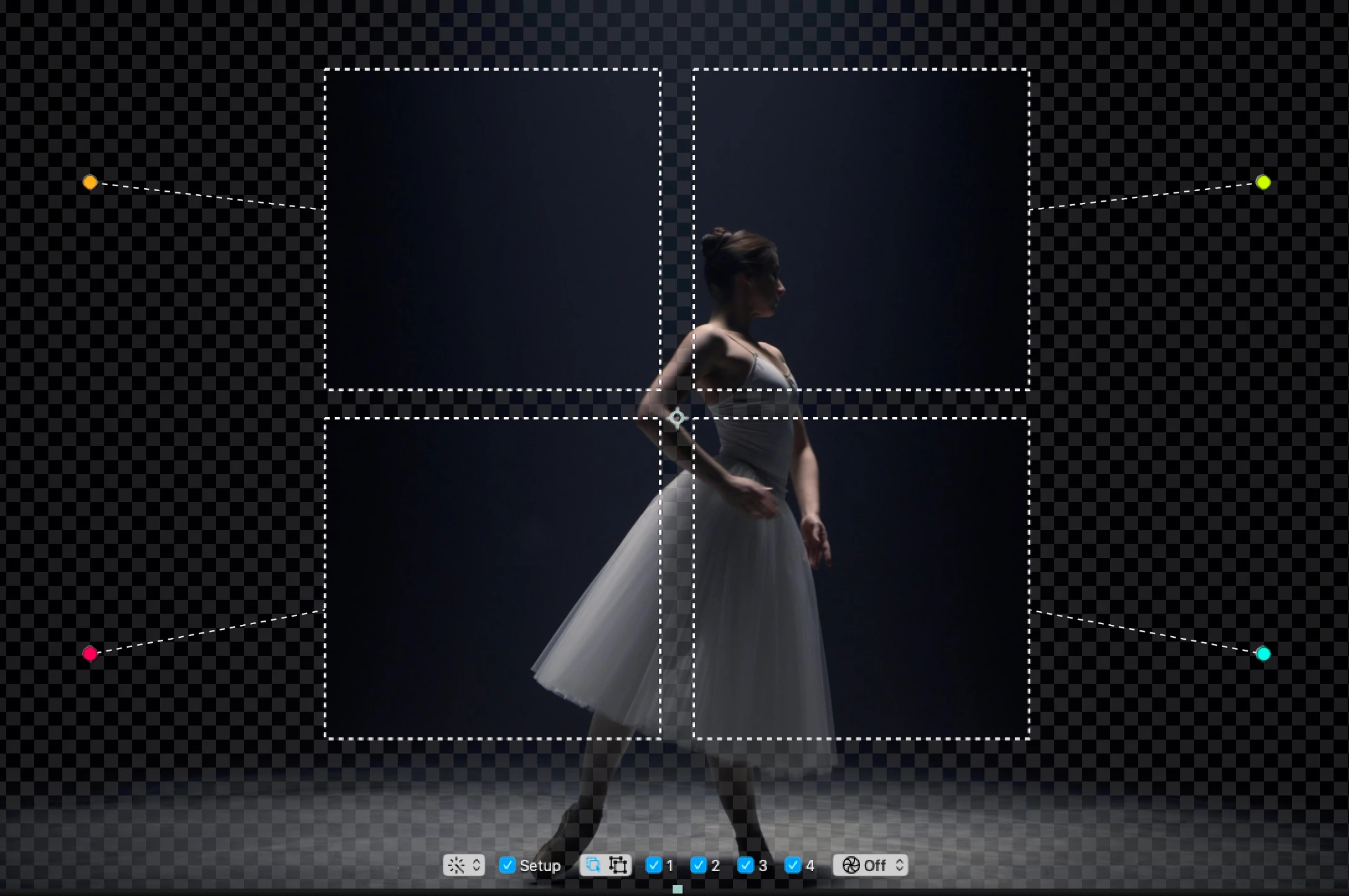
- This is especially obvious in the row of buttons displayed below the image.
It is 2025... Retina displays have been around for a while 🙂 And Premiere Pro has been supporting Retina-resolution on-screen controls for a while, by reporting the backing scale factor (using Apple’s terminology) via DRAWBOT_SurfaceSuite2->GetTransformToScreenScale(), which returns 1.0 on 72dpi displays, and 2.0 on HiDPI/Retina displays.
It can be easily argued that this is a bug, since we are no longer just transitioning to Retina displays, they are in fact the only displays found on any Macs released in years (10+ years at this point?).
 AdChoices