


Open for Voting
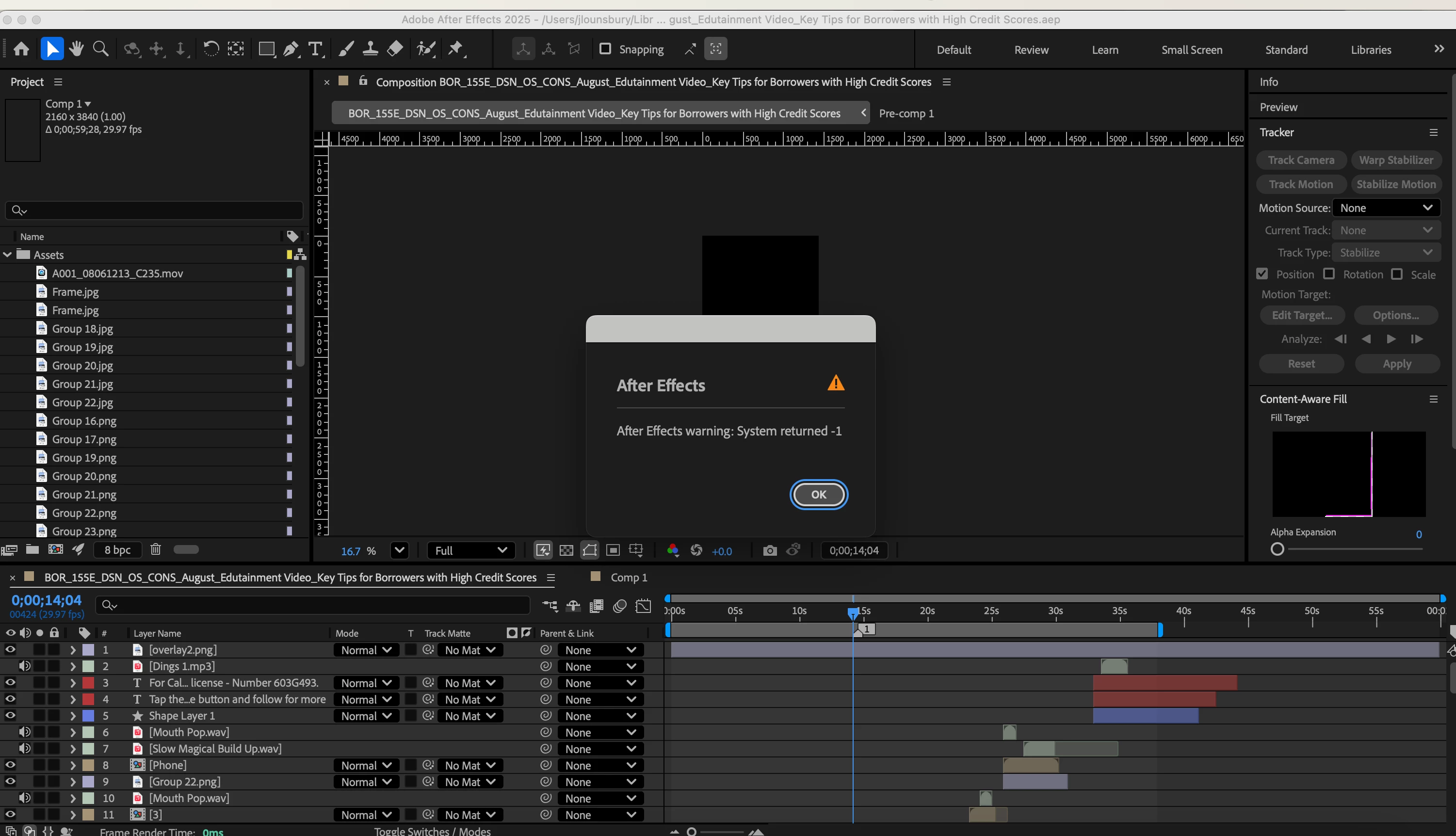
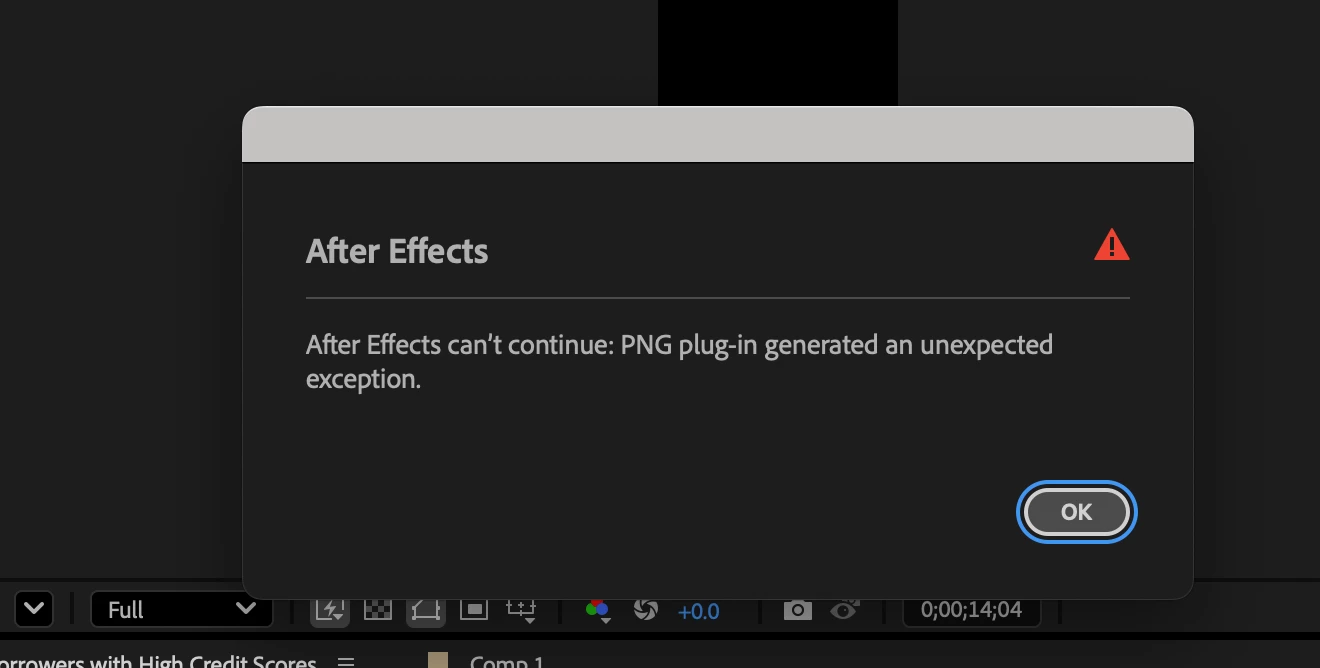
After Effects Warning - Sytem returned -1
- Issue - I created a new comp within a file to play around with video color. When I clicked back to the original composition, I got the error as seen in the screenshot. I cannot continue, and am essentially forced to close AE. Opening that comp at all results in the same error.
- Steps to reproduce - I am not sure what caused this issue. I updated AE, and had the issue out of nowhere.
- Adobe After Effects version - 25.4
- Operating system - Mac Sonoma 14.7.7
- Steps I have tried to fix
- Reverting back to an older version of AE
- Opening an older version of the file before the error happened
- Sent the file to another person, had them save it, then sent it back. Did not work.
- Restarted the computer after updating
- Tried deleting Comp 1 to only have the problem composition left.
- Tried deleting the last added files to the project.
- Tried opening with the caps lock on
- Comparative information
- I was able to complete another project without issues. But other projects completely freeze AE and I have to force quit.
- Does it affect new projects?
- The issue started right after I updated AE. I have tried reverting back to older versions, but the issue persists.
 AdChoices