


Open for Voting
Cinema 4D install location is not configurable
Your documentation suggests that users can configure their Cinema 4D installation path.
They can’t. There is no Choose Installation button anymore.
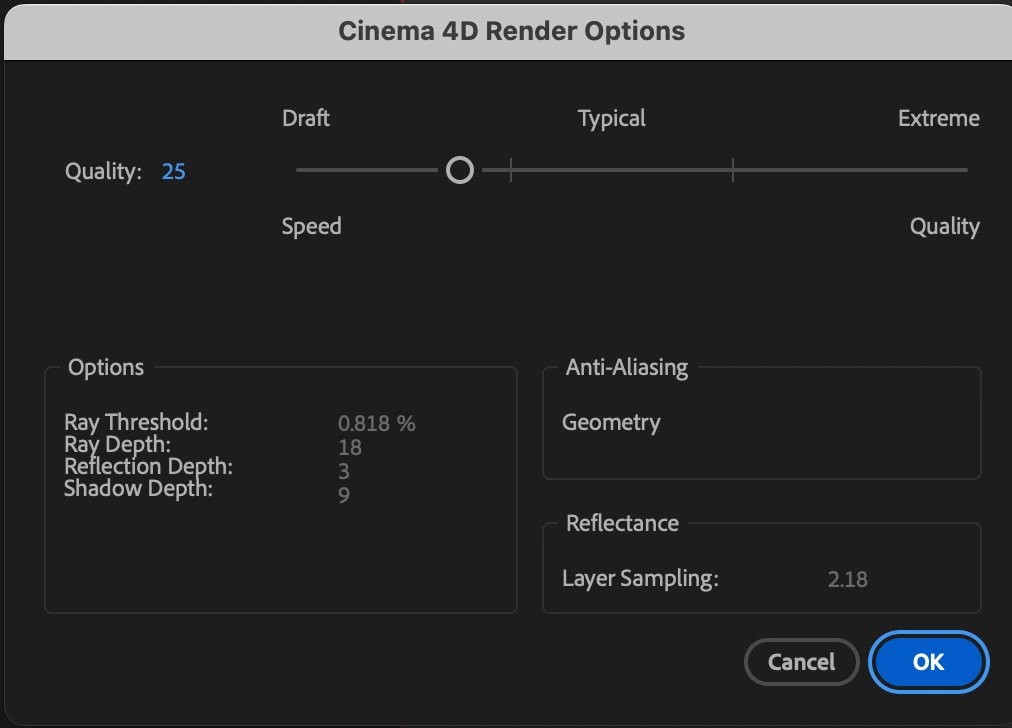
Users should be able to to configure their Cinema 4D app location in any of these ways:
- Environment Variable
- Javascript api
- preferences file
To bring up the above dialog:
- Create a comp
- Go to Composition Settings
- 3D renderer > Cinema 4D
- Click on Options
Related Bug that needs attention:
 AdChoices