
Participant
February 21, 2023

Composition markers are now working after AE/OS upgrade (Ventura 13.2)

  • February 21, 2023
  • 3 replies
  • 246 views

Hi! I'm having a big problem with markers since I updated my operating system and After Effects.

My goal is to create a composition with animations that are tied to markers and some essential graphics properties, and then use it as a component in a parent composition. I've done this before without any issues.

But now, when I move a marker in the parent composition, it doesn't affect the timing of the marker inside the precomposition.


To show you what I mean, I've created a composition with some text that displays the properties of the marker.
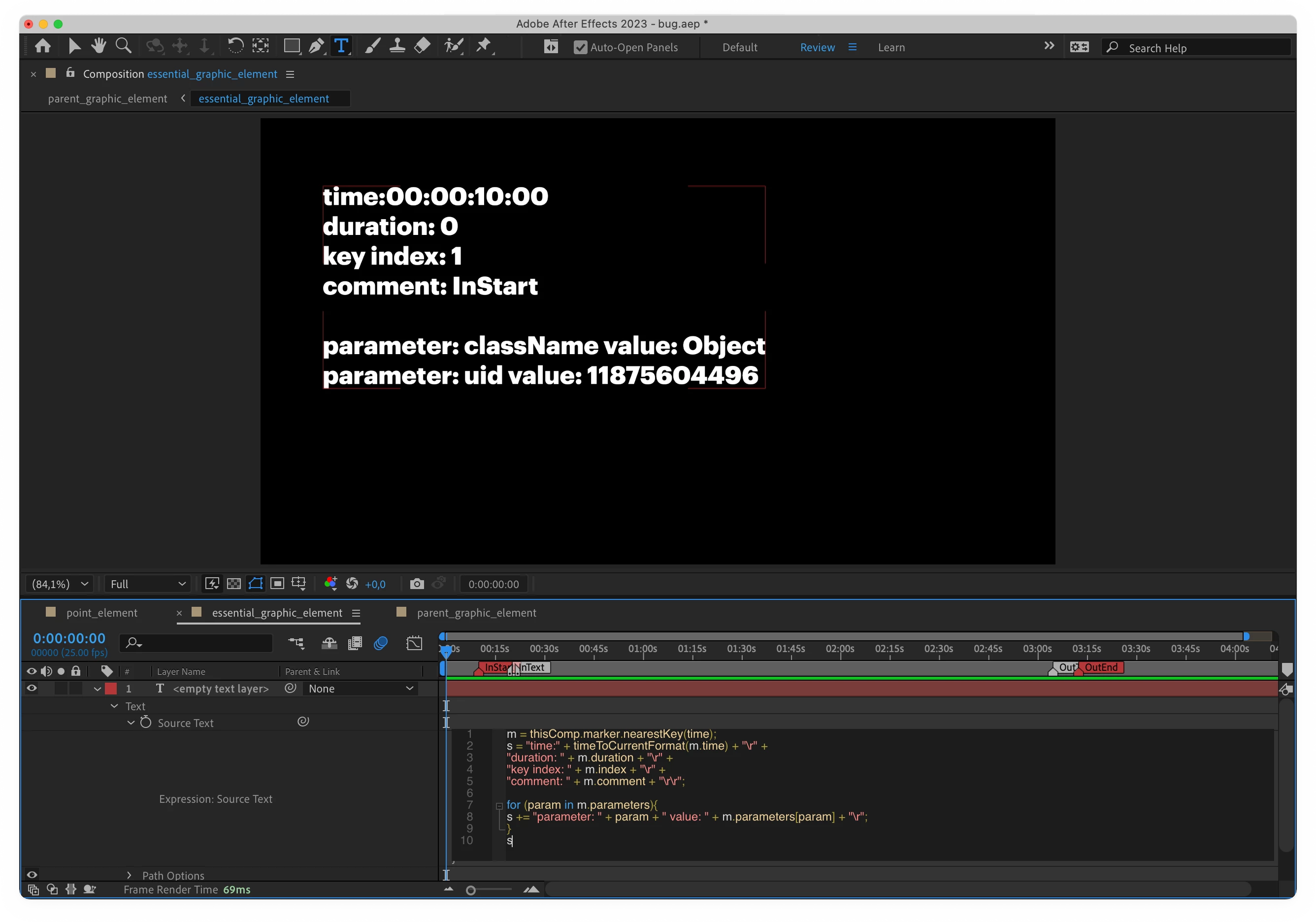
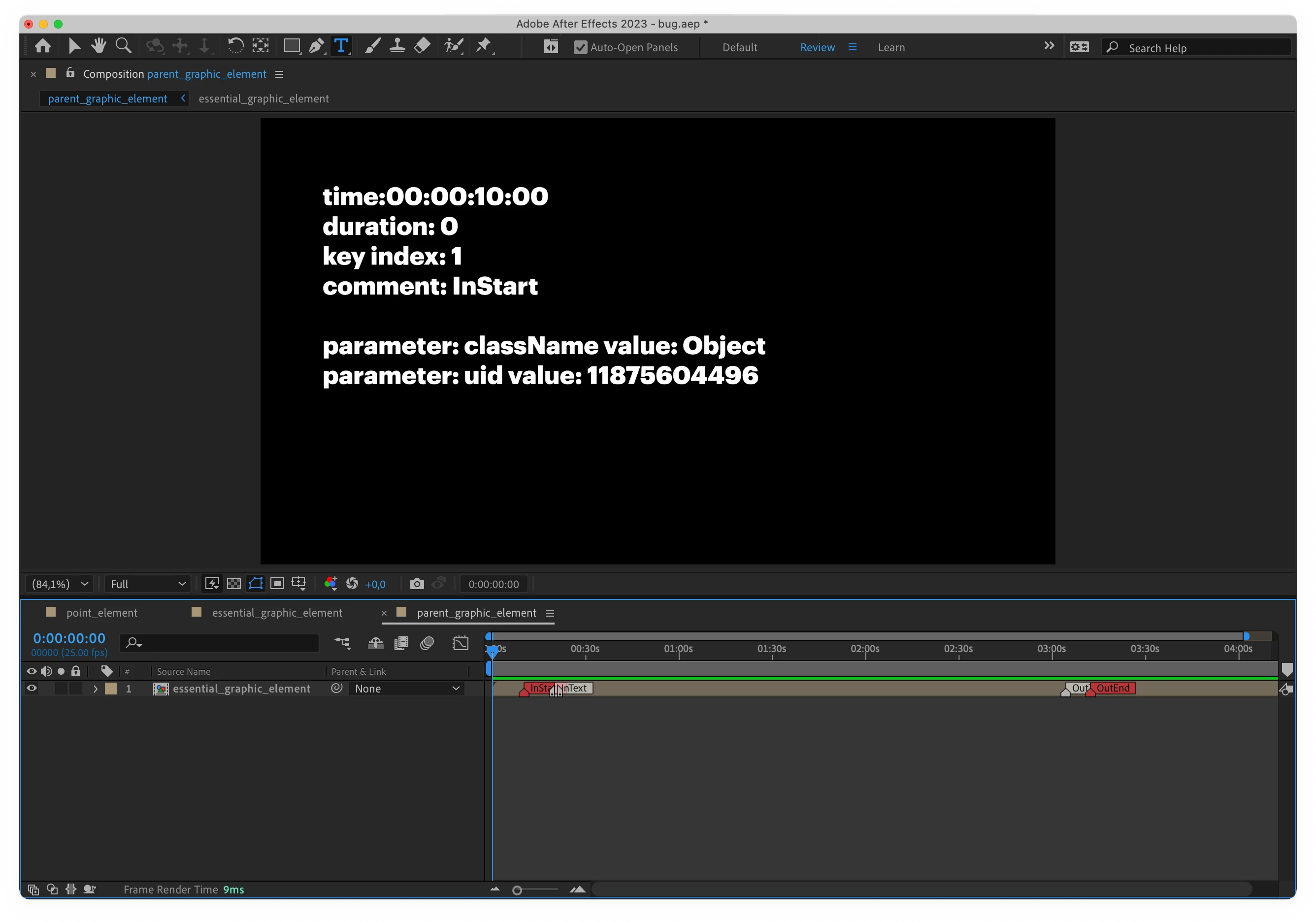
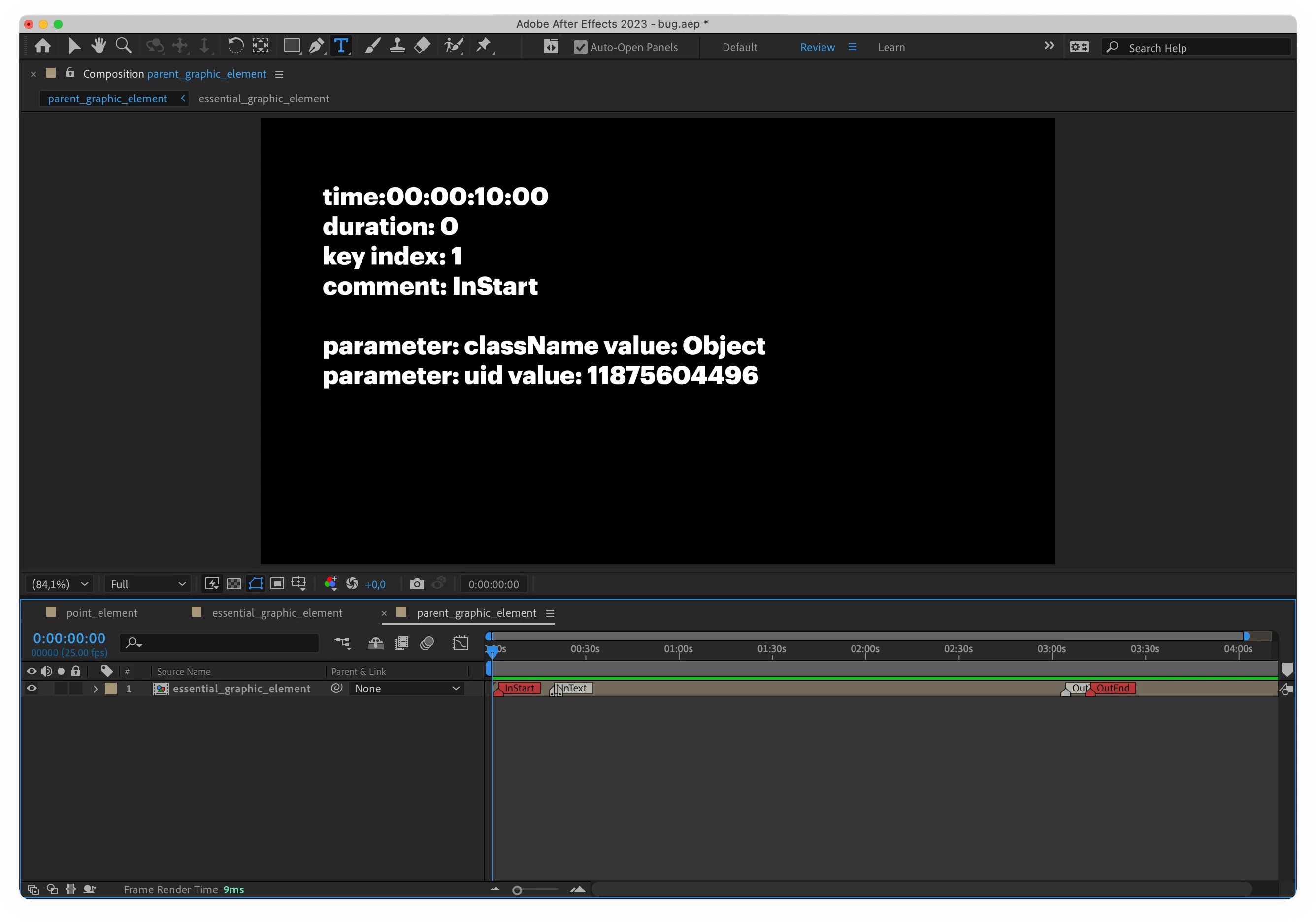
 However, when I move the marker, the text doesn't change like it's supposed to. I expect `time` to become 00:00:01:23.
My version of AE and system
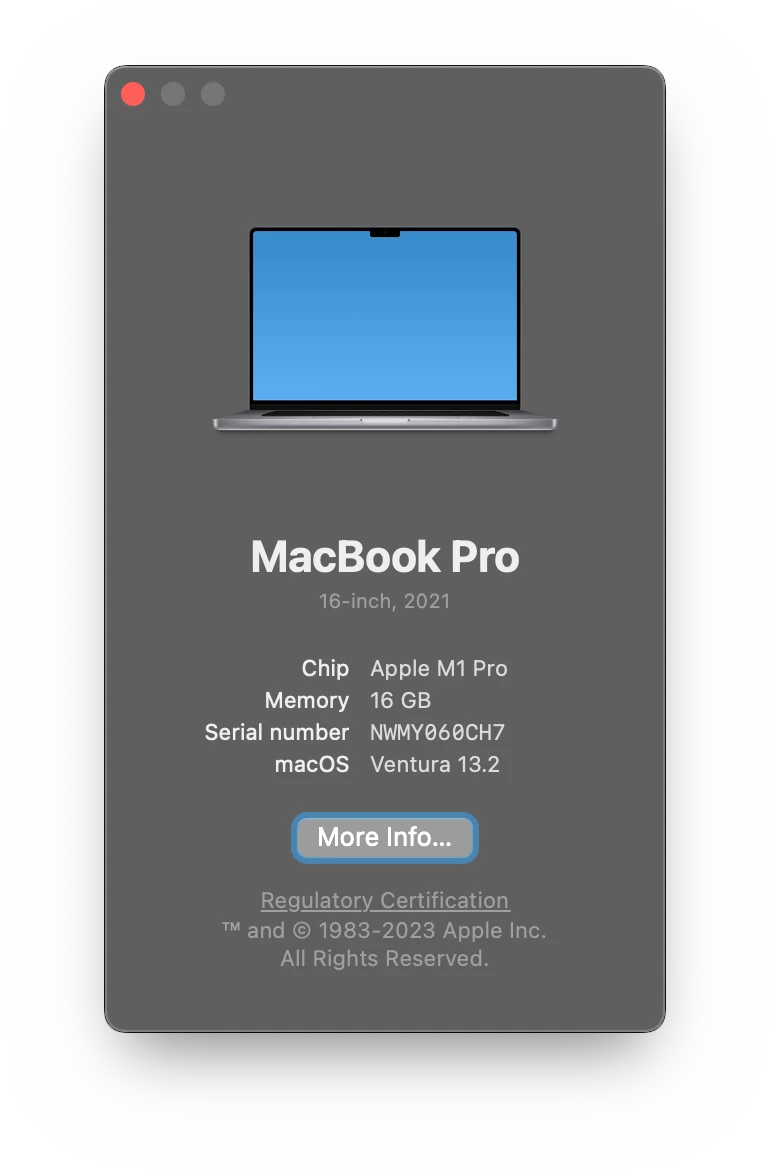
Any help would be much appreciated!

3 replies

Dan Ebberts
Community Expert
Community Expert
February 22, 2023

I think I'm missing something. The expression generating the text is referencing the markers inside its own precomp. I wouldn't expect moveing markers in the parent comp to have any effect on what's displayed.

Participant
February 22, 2023

In the comp with the expression yes (you mean `essential_raphic_element`, right?)

I am talking about parent comp. It supposed to update marker timings in every instance of child composition on change, but It not (at least on my mac, as you can see on the screenshots)

Dan Ebberts
Community Expert
Community Expert
February 21, 2023

I don't think I'm seeing what you're seeing. If I move the marker closest to the CTI (in the comp with the expression), the displayed time does update once I release the mouse.