

Inspiring
June 4, 2025

Consolidate footage not working - again

  • June 4, 2025
  • 3 replies
  • 244 views

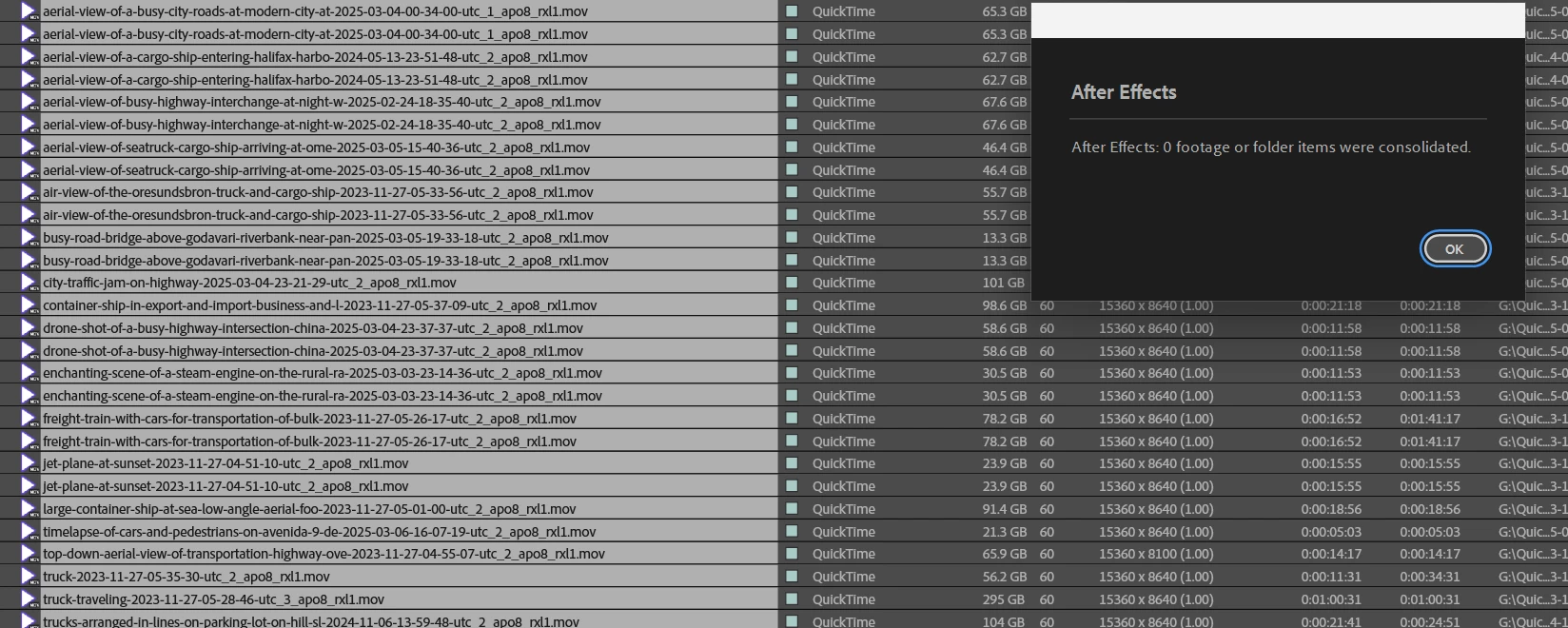
Expected behaviour - if the same piece of footage is in the project twice, reduce to one instance for all uses.

Current behaviour - 0 footage

3 replies

Inspiring
August 9, 2025

Is it workspaces again? Why would AE have such difficulty with workspaces. Needs to be flexible as here in video land we unplug and rearrange monitors all the time!


Inspiring
August 9, 2025

Thanks. That did it. CAn I have an explanation of why this behaviour occurrs?

What preferences can get corrupt that would mean AE cannot compare two matching filenames and filepaths?


Inspiring
June 4, 2025

Just turned machine on and emptied caches.

Windows, drivers, Adobe all kept completely up to date.

AsusWRX90/7965WX/Nvidia3090Founders(latestStudioDriver that Adobe have tested!)/256GB5600RAM/1TBCrucialT705OS/2TBT700Cache/4TBSamsung990PrStorage. Windows11Pro. Full Creative Cloud license

nishu_kush
Community Manager
Community Manager
June 4, 2025

Sorry to hear about the issue. Can you run After Effects in Safe Mode and test if that helps? If it does, resetting the preferences should help.

Let us know the outcome.


Thanks,
Nishu