Participant
September 15, 2025

Current timeline position indicator (red line) isn't visible under normal playback

  • September 15, 2025
  • 3 replies
  • 141 views

Hi, 

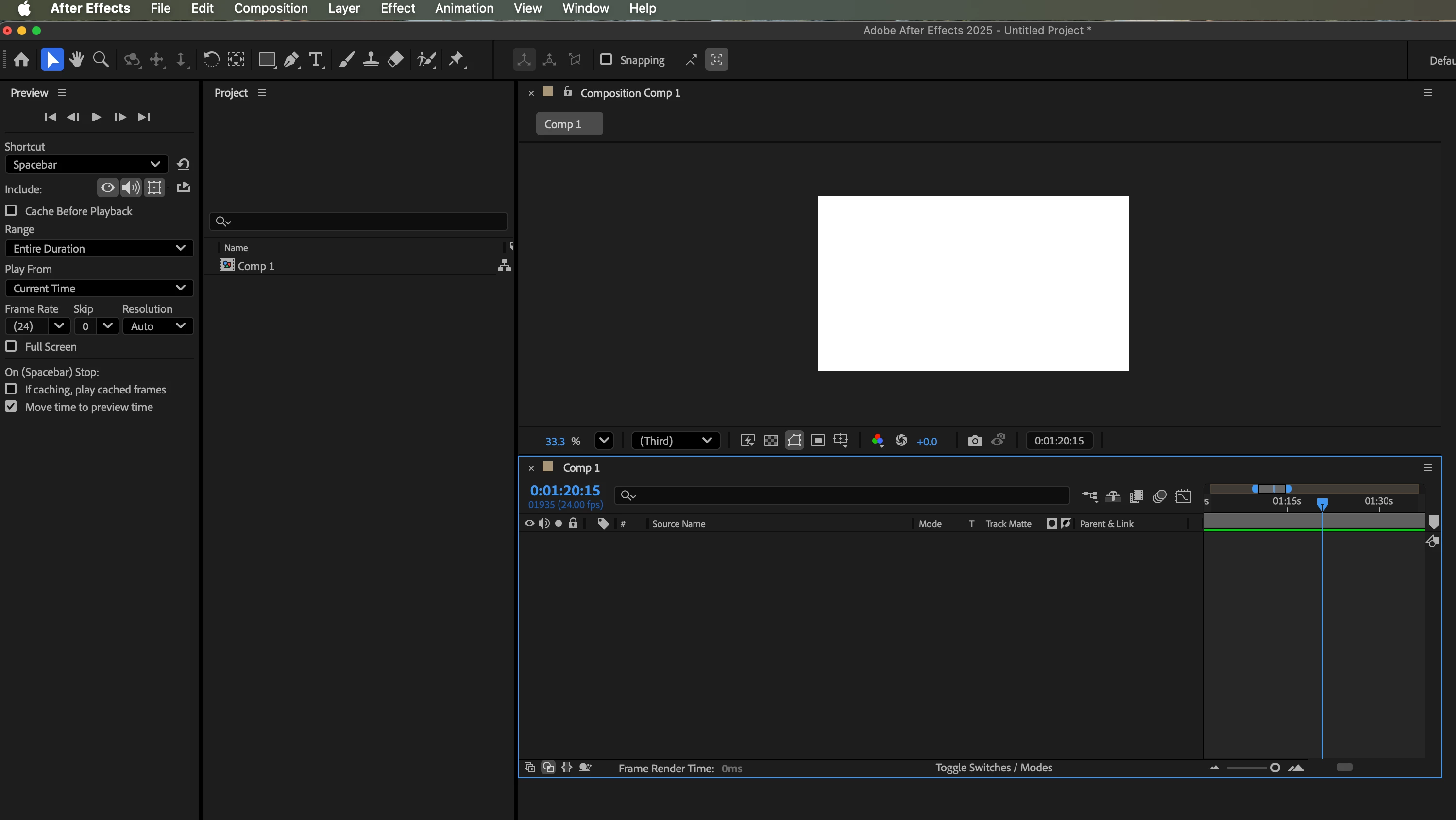
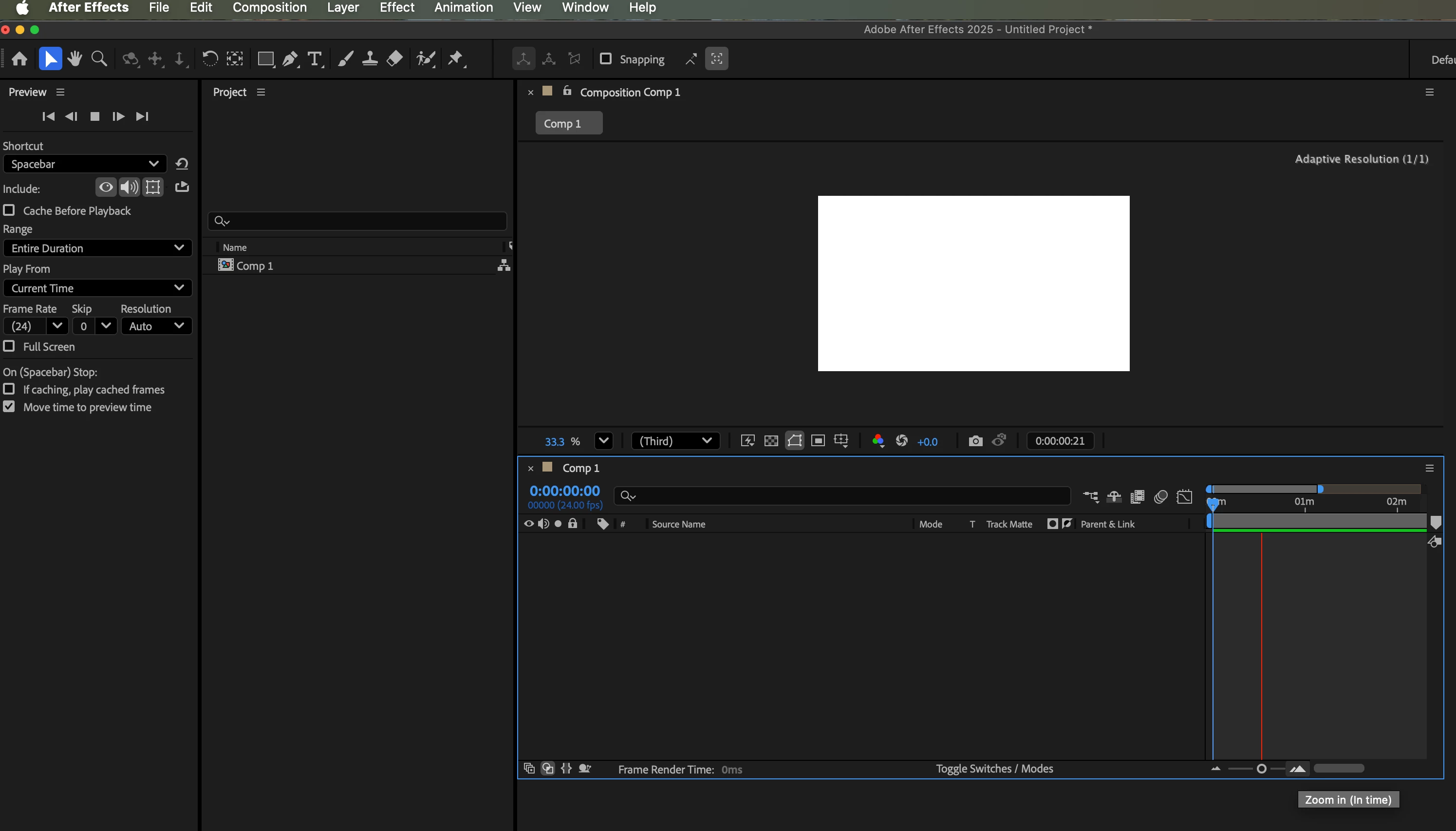
When I preview my comp (usually by pressing the space bar) I can't see the red line that tracks the position on the timeline.

I know this has been a regular issue, but I've not seen any suggested fixes that solve the problem.

I'm using a blank file, I have a seperate drive for disk cache (which is empty), I've reset my preview options, I've ticked Show overlays and controls...

Computer: Mac Mini M1

AE version: 25.4.0 (build 86)

Through pressing everything I have managed to be able to view the red indicator IF i zoom in or out of the timeline once it is running!

This doesn't seen like I should need to do this.

Attached two images, one just previewing timeline (no red line), one previewing timeline while zooming in/out

Any ideas?

Cheers Rob
 

3 replies

Participant
October 10, 2025

Hi Nishu,

Thanks for the reply.

It does indeed look like a file specific issue. AE has not repeated this issue again so I'm happy to NEVER touch the file again 🙂


Thanks for your help!


Cheers


Rob


nishu_kush
Community Manager
Community Manager
October 13, 2025

Glad to hear that you're able to use After Effects with other files. Would you mind sharing the faulty project with me so that I can investigate it? Feel free to share it via DM if you prefer not to share it publicly.

Happy to help.


Thanks,
Nishu

Participant
September 19, 2025

Hi Nishu,


Thanks for your reply. 


Running in safe mode does enable the red line again BUT i don't have any third party plug-ins... 

I checked using the AE option to view possbile plug-ins...


I then reset my preferences and ran AE with a new project, this worked... I then opened the last file I was working on and the issue then started again and remained even when opening a new file.


So some progress... 


Cheers

Rob

nishu_kush
Community Manager
Community Manager
October 9, 2025

Hi Rob,


Sorry for the delayed response. It could be a file-specific issue that is corrupting After Effects preferences settings. Try importing your file into a new project. That way, you'll import the content of the file but not the settings.

Let me know.


Thanks,
Nishu

Participant
September 16, 2025

Oh and macOS Sequoia Version 15.6.1 (24G90)

nishu_kush
Community Manager
Community Manager
September 18, 2025

Thanks for reaching out, Rob.


Have you installed any third-party plug-ins? Can you try running After Effects in Safe Mode with third-party plug-ins disabled and see if that helps? 


Thanks,
Nishu