


Custom UI parameters are very slow in AE 26.5
in After Effects 26.5 custom controls feel a lot slower than the same controls in AE 25.
In After Effects 26.5, PF_Event_DRAW for an effect's custom UI in the Effect Controls panel is delivered at about 10fps for as long as the mouse is captured in a send_drag drag. The same plugin build on AE 25 receives 40fps under identical conditions. Hovering is unaffected — 26.5 delivers 90–130 there, which is faster than AE 25.
You can reproduce the issue with any plugin shipped with AE that features custom parameters, for example “Curves”. I tried to fiddle around with update flags and working around the drag system but was not able to find a solution or any significant improvement.
This is what I’m working with:
- Windows 11 Pro 26200, NVIDIA GPU.
- Effect uses
PF_OutFlag_CUSTOM_UI,PF_OutFlag_SEND_UPDATE_PARAMS_UI,PF_OutFlag2_SUPPORTS_SMART_RENDER,PF_OutFlag2_SUPPORTS_THREADED_RENDERING. - Custom UI drawn via
PF_GetDrawingReference+ the Drawbot suites, on an arbitrary-data parameter.
Here’s a video showing the difference:
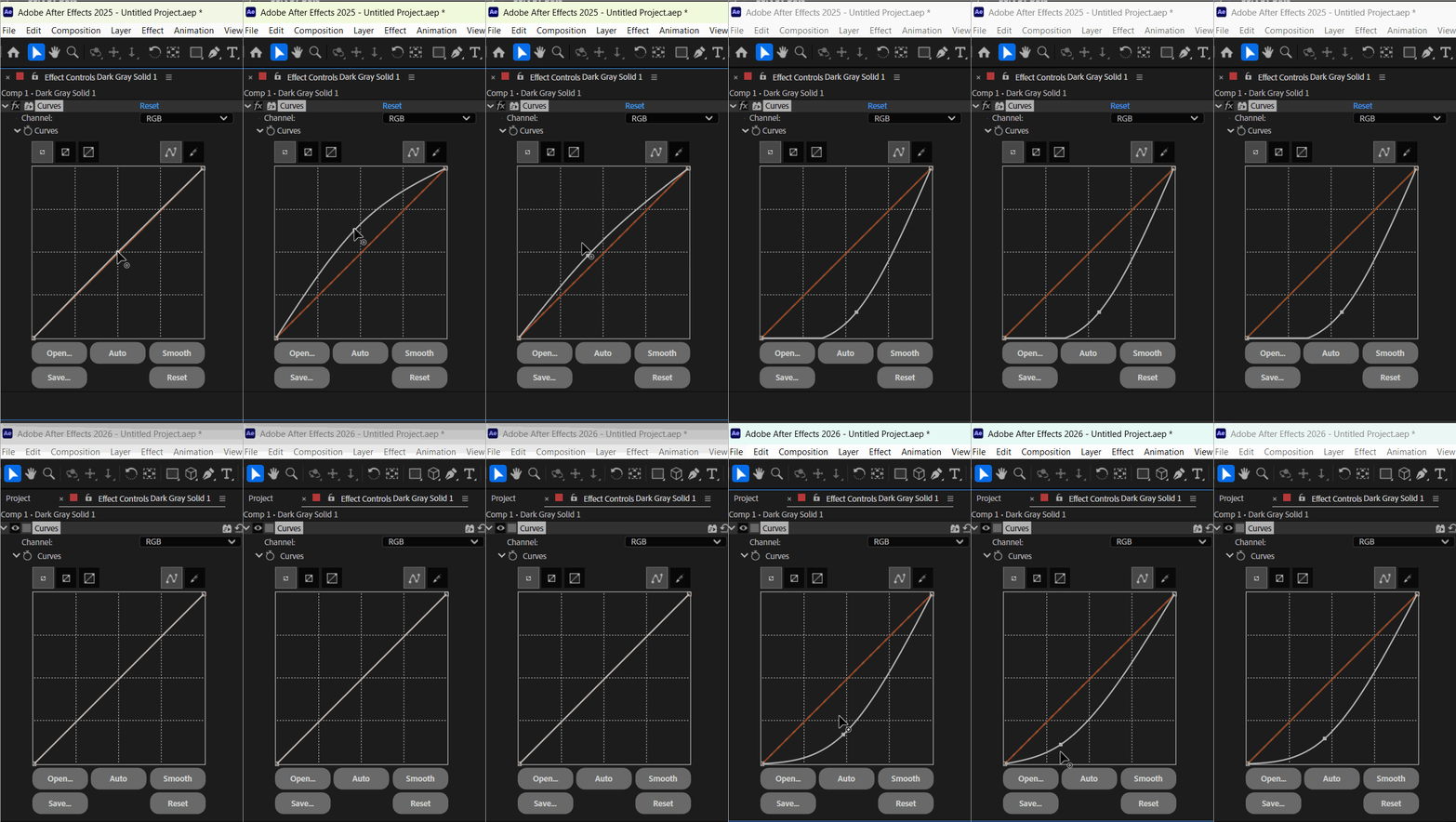
Worth noting that I’m using AE 25 as a comparison because I can have both installed at the same time. But this issue only started when I updated AE 26.3 to 26.5.
 AdChoices