Participating Frequently
January 30, 2024

Draft 3D is not working. After using Draft 3D, After Effects closes.

  • January 30, 2024
  • 16 replies
  • 1999 views

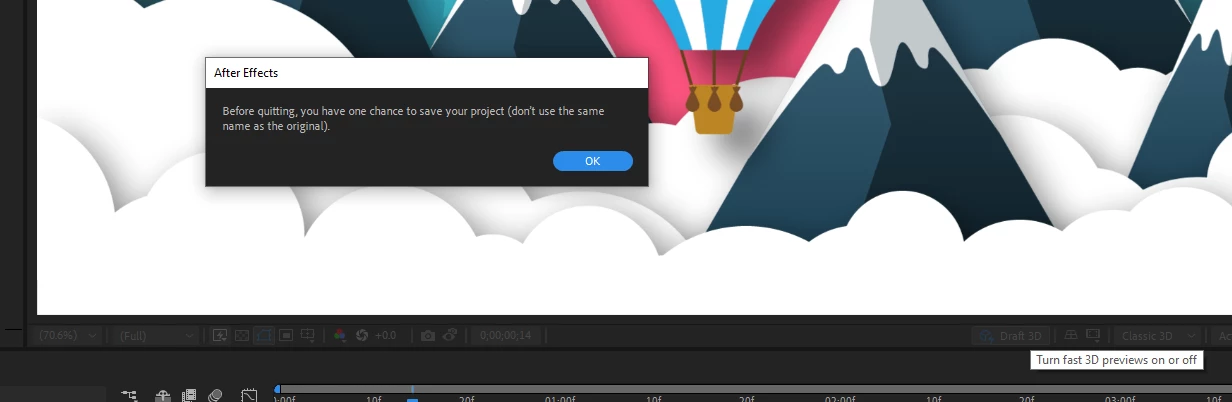
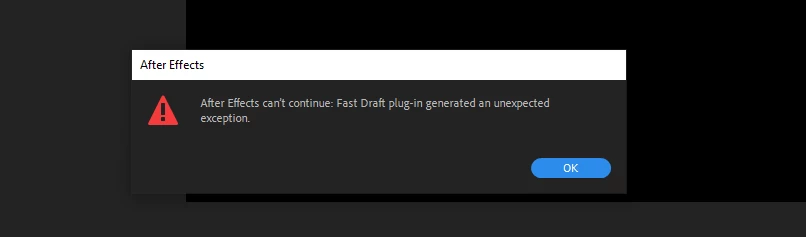
I have encountered an issue. After clicking on the Draft 3D or Advanced 3D button, a dialog box appears with the following content. The program doesn't allow any actions besides saving and closes. Sometimes, another error occurs. Please advise on what the issue might be and how to fix it.


My specifications:

Windows 10 Processor: i9900lk Graphics Card: 2080 Super 8GB RAM: 64GB


My previous actions to resolve the issue:

  • Uninstalled and reinstalled Adobe After Effects, including the Beta version.
  • Installed the latest drivers for the graphics card, including the Studio version.
  • Modified rendering settings in the project and adjusted values in GPU Information.
  • Please help me!
This topic has been closed for replies.

16 replies

Tom Olsen
Community Manager
Community Manager
February 1, 2024

Thank you for the data. Can you send us a screenshot of this?

DaciaSaenz
Community Manager
Community Manager
January 31, 2024

I received the log file and will pass it on to devs. Thanks for sending so quickly. I'll reach back out as soon as I have any new information. 

- Dacia Saenz, AE & PR Engineering Teams
solovadAuthor
Participating Frequently
January 31, 2024

No conflicts found

solovadAuthor
Participating Frequently
January 31, 2024

Thanks for the answer. This error occurs in all projects and in all versions of AE, including the beta version. This error does not occur on Cinema 4D renderer. Otherwise, the error appears in both classic and advanced rendering. How can I send you a log file?

Tom Olsen
Community Manager
Community Manager
January 30, 2024

Thanks for the report. Also, can you run a System Compatibility Report? (Help | System Compatibility Report...). If there are conflicts, please resolve them.


DaciaSaenz
Community Manager
Community Manager
January 30, 2024

Hi @solovad

That is so frustrating. Can you please give me a few more details? 

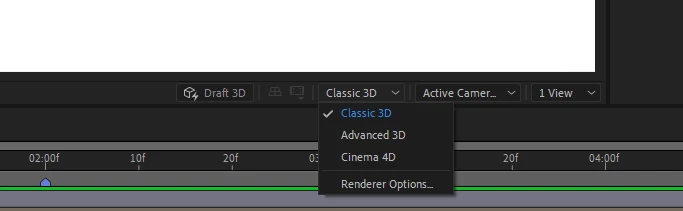
  • Does this happen in all of the renderers, including the C4D renderer? You have Classic 3D selected in your image but mention Advanced 3D renderer in your message. 
  • Does this occur in the release 24.1 build of AE as well or only Beta? 
  • Does this happen in a new project that you have made from scratch with 3D layers as well as the AE project from the learn panel?
  • Can you please go to the Help top bar menu and choose "Enable Logs," Close and Relaunch AE, repro the issue, and then go back to the Help Menu and select "Reveal Logs"? 


If you could send those to me, then I can share them with devs and get some more insight into what is happening. 

Thank you so much, 


- Dacia Saenz, AE & PR Engineering Teams