Participant
October 18, 2024

Error al abrir AE

  • October 18, 2024
  • 5 replies
  • 649 views

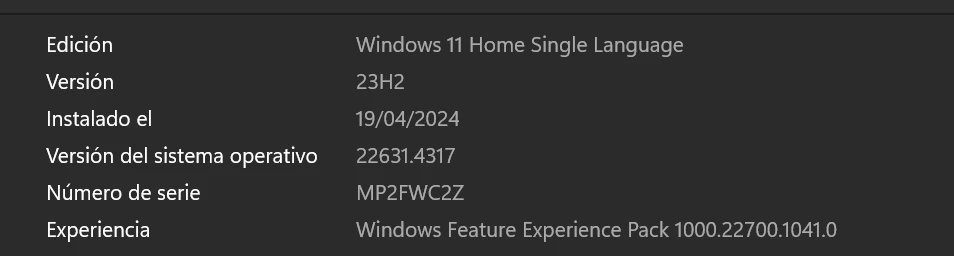
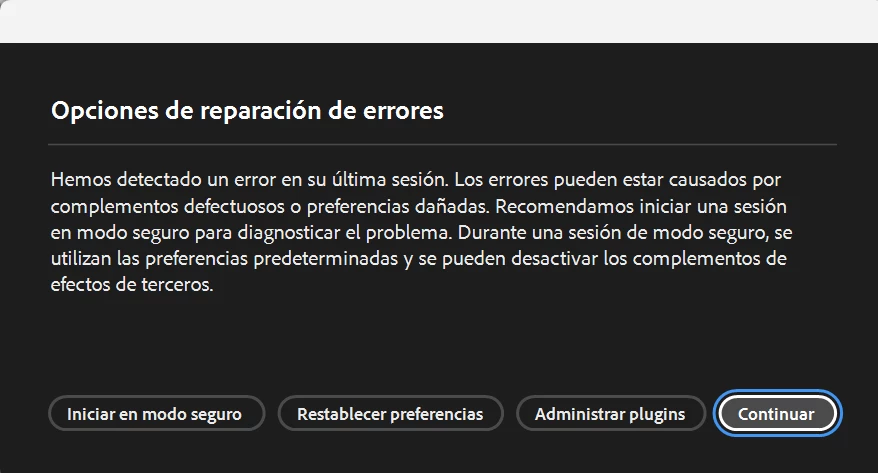
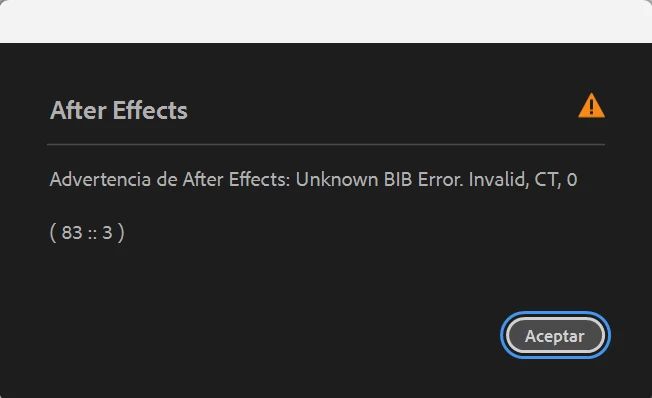
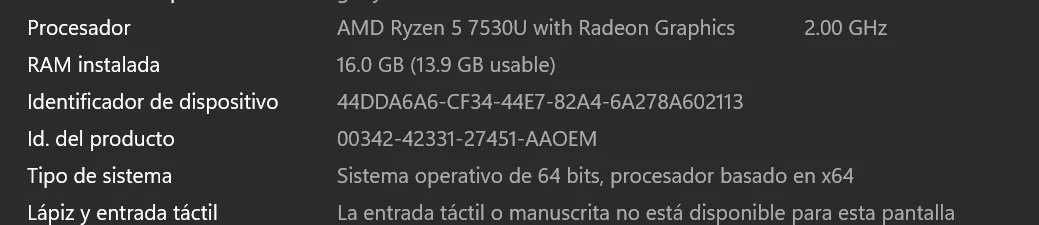
Acabo de instalar la aplicación y me sale ese mensaje, al intentar esas opciones me sigue apareciendo lo mismo y no sé cómo revisar los permisos, alguien que me ayude por favor.
This topic has been closed for replies.

5 replies

October 18, 2024

It's not clear which version of AE you're attempting to use, but I'll assume the latest, AE 2025. In that case, let's see if we can get a log file this way:


Go to C:\Users\[username]\AppData\Roaming\Adobe\After Effects\25.0\logs


and create an empty text file called "After Effects Log.txt" in that folder.


Now start AE and once it gets to the white screen, open up the log file and copy/paste the contents back to this forum thread for us to review.

Participant
October 18, 2024

Hi!! I don't even have a project open, I can't start up:((

October 18, 2024

The first dialog will show up if AE has not properly shutdown on the previous run, which it looks like from the second dialog, that AE is having an issue and crashing. That dialog normally indicates something is wrong with a font in your project, but it is not clear to me if you're loading a project and running into the issue or not. 


If you can get AE to load without any project being loaded, let's try to get a log file.


1. After AE opens, go to Help -> Enable Logging... and restart AE

2. Open AE and reproduce the crash

3. Open AE again and go to Help -> Reveal Logging Files...

4. Find "After Effects Log (last).txt" and paste back the contents of that file to this thread. 


nishu_kush
Legend
October 18, 2024

Here's what you can try:

  1. Are you using any antivirus? If so, try disabling it for testing.
  2. Update your GPU driver from the manufacturer's website.
  3. Try changing the permissions as suggested in the following article: https://helpx.adobe.com/in/x-productkb/multi/preferences-folder-read-only-error.html 

Let us know how it goes.


Thanks,

Nishu

Participant
October 18, 2024

No tengo ningun complemento instalado, no he podido ni abrir la aplicación