
matias.motion
Participant
September 27, 2022

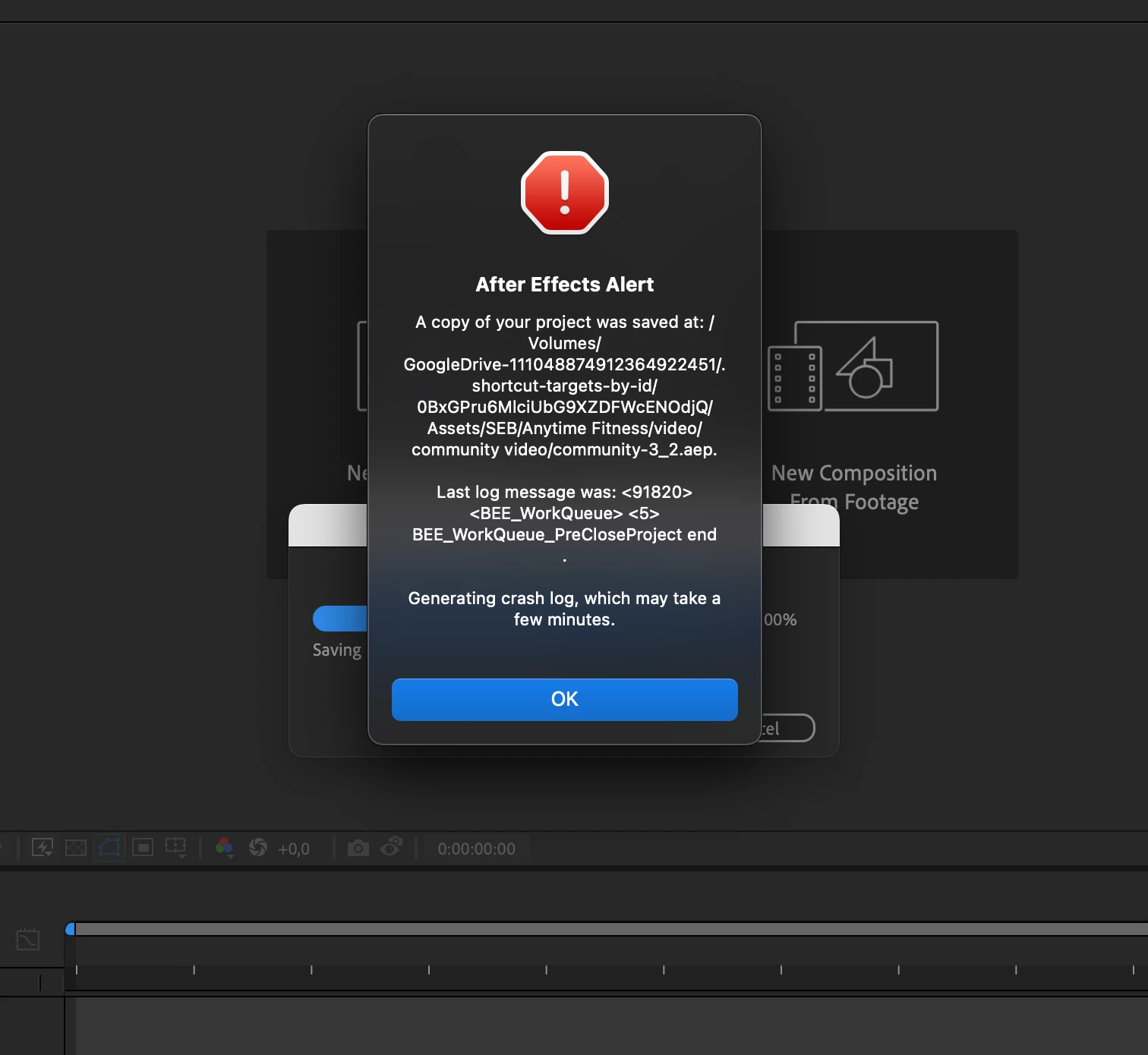
Error message <BEE WorkQueue> Opening project

  • September 27, 2022
  • 2 replies
  • 294 views

Hi, everyone. I have this issue and I cant't fix it.

When I oppend the file after working it, AE gives me thtat error. I've been tried re installing, deleting all preferences, re booting, and nothing happens.

I'm not using any plugin in the project. 

I'm working on a MacbookPro M1 Max with Monterrey OS.

Anything else that I could do?

Thanks!!!
This topic has been closed for replies.

2 replies

JohnColombo17100380
Community Manager
Community Manager
September 27, 2022

Hi @matias.motion,

Thank you for reporting this issue, and sorry to see After Effects is crashing for you. When this occurs, are you shown a crash reporting dialog? Have you been able to submit these crash reports? If you have the .DMP file, please do upload and link it here.


It would also be helpful if you could share the project file itself with us, if you are able to. Does this happen with all projects or only with one?


What version of After Effects are you using? In the interest of allowing you to continue working, perhaps try renaming the After Effects preferences folder in order to start up After Effects with a fresh set of preferences. To do this, go to <username>/Library/Preferences/Adobe/After Effects and rename the "22.6" folder to "22.6 crashing". Then start up After Effects and see if the project still crashes when opening.


Thanks again for reporting this issue and for any further information you can provide, 

- John, After Effects Engineering Team 

matias.motion
Participant
September 27, 2022

One more thing to add. I can't read the log file, just a dmp file. 

Thnkas.