



Error when importing certain .glb files
Hello,
I have read the other forum posts on this topic and would like to highlight my own.
My issue is similar to this one. I haven’t tried running AE in admin as I am using my work computer, but moving the file to a local drive did NOT work. My company avoids cloud-based services because we use our own internal networks (could THAT be the reasoning? IDK)
I received a SolidWorks .glb file from one of our engineers over email. I downloaded it and when importing the .glb to AE was met with this message.
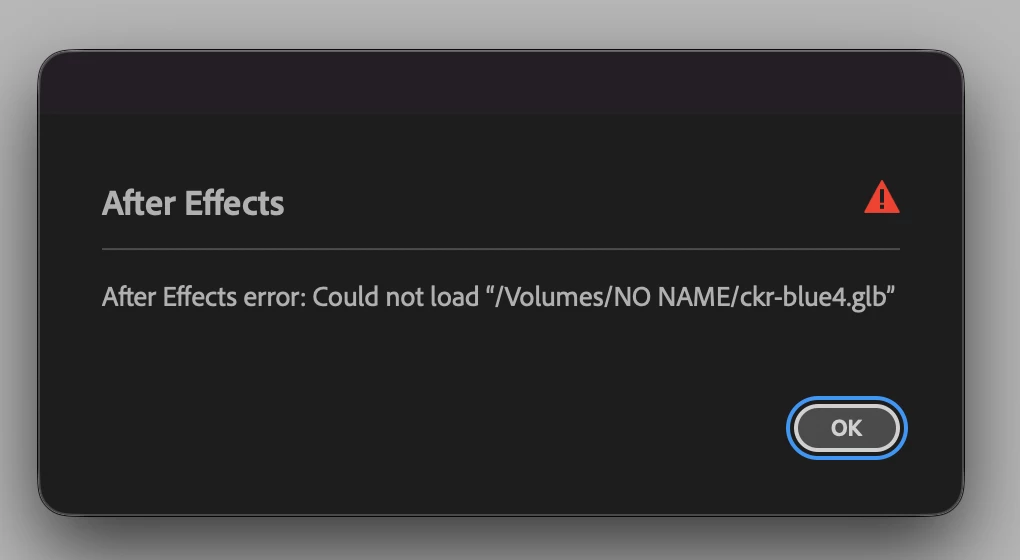
My first guess was that this was because the file was downloaded from our internal email server.
However when I received the .glb directly on a USB stick, it was still unable to import. Perhaps there is an incompatibility with SolidWorks’ export settings? I can successfully import .glbs downloaded from 3D model websites.
I am able to open the .glb files in Adobe Dimension with no issue. I am also to able export from Dimension as an .glb, .gltf, and .obj, all of which successfully import to AE. I think this is what makes me curious about this issue.
I am using AE 2026 Version 26.2.1 (Build 2)
I am on a 2022 Mac Studio M1 Ultra w/ 128gb SSD.
I do have extensions/plugins installed but nothing active when attempting to import.
Thank you for any help anyone is able to provide!
 AdChoices