


Participant
July 22, 2026

EXtractoR missing footage kills preview playback

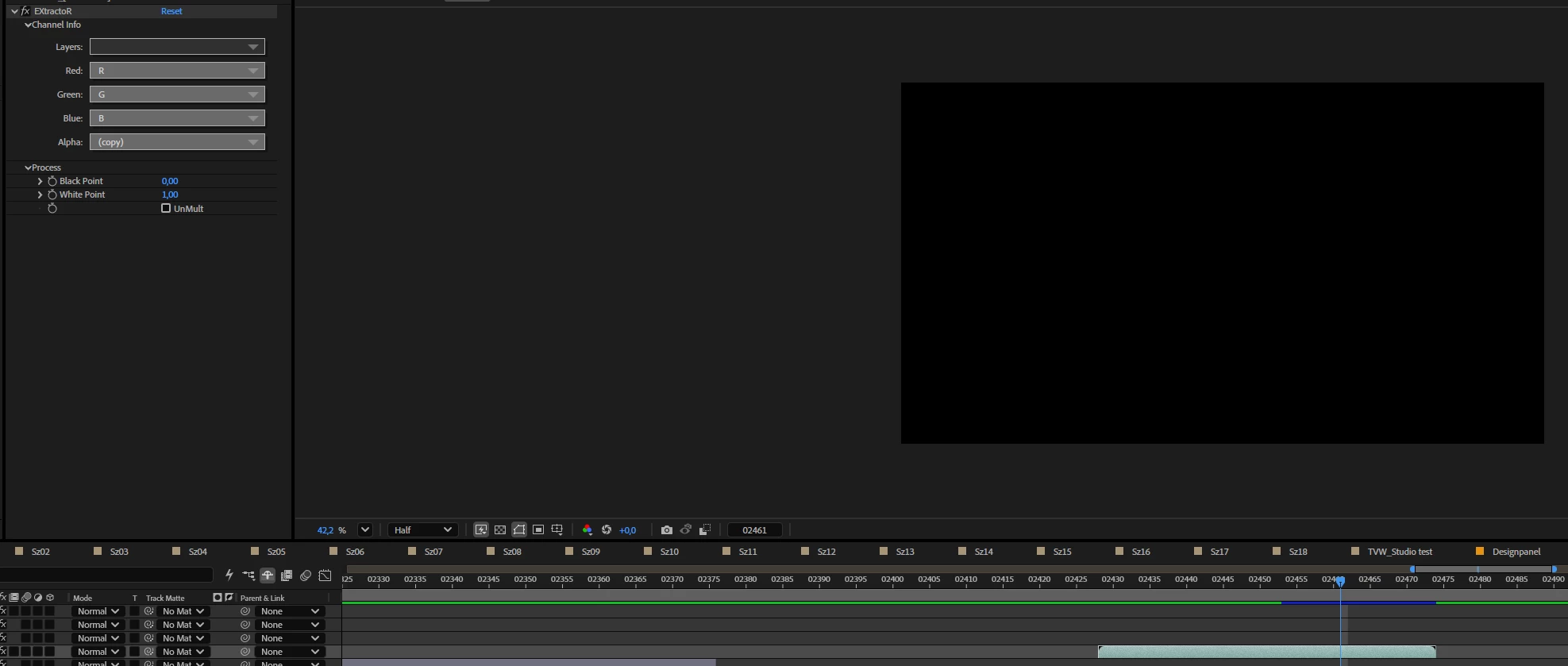
suddenly my AE project didn’t work anymore. The preview playback stuck randomly within a few frames no matter what settings i chose. 
eventually i figured out the bug. I’m using exr renderings for my animation. I’ve got 50 frames but in between frames 30-40 are missing in the OpenExrSequence. Here comes the problem: When using the EXtractoR effect on the files but some frames don’t exist it effects the preview playback immediately. No matter the whole composition is not able to play anymore. 
please fix it.
 

    返信数 1

    Nishu Kushwaha
    Community Manager
    Community Manager
    July 22, 2026

    Hi Albert, thanks for the report.

    A few quick questions to help escalate this properly:

    1. Your exact After Effects version (Help > About).

    2. Does the issue also happen with the related 3D Channel effects (IDentifier, 3D Channel Extract) on the same sequence, or only with EXtractoR?

    3. Do you know if this worked correctly in an earlier AE version, or has it always behaved this way?

    As an immediate workaround, generating placeholder EXR files for the missing frames should let preview continue. You can copy an adjacent frame and rename it to fill the gaps. Not ideal, but it unblocks the project.

    Let me know.


    Thanks,

    Nishu