
Help! The picture moves after importing a composition from After Effects into Premiere Pro
I imported a composition from After Effects into Premiere Pro and got this bug. I don't know what to do, I tried to fix it in various ways, but nothing helped.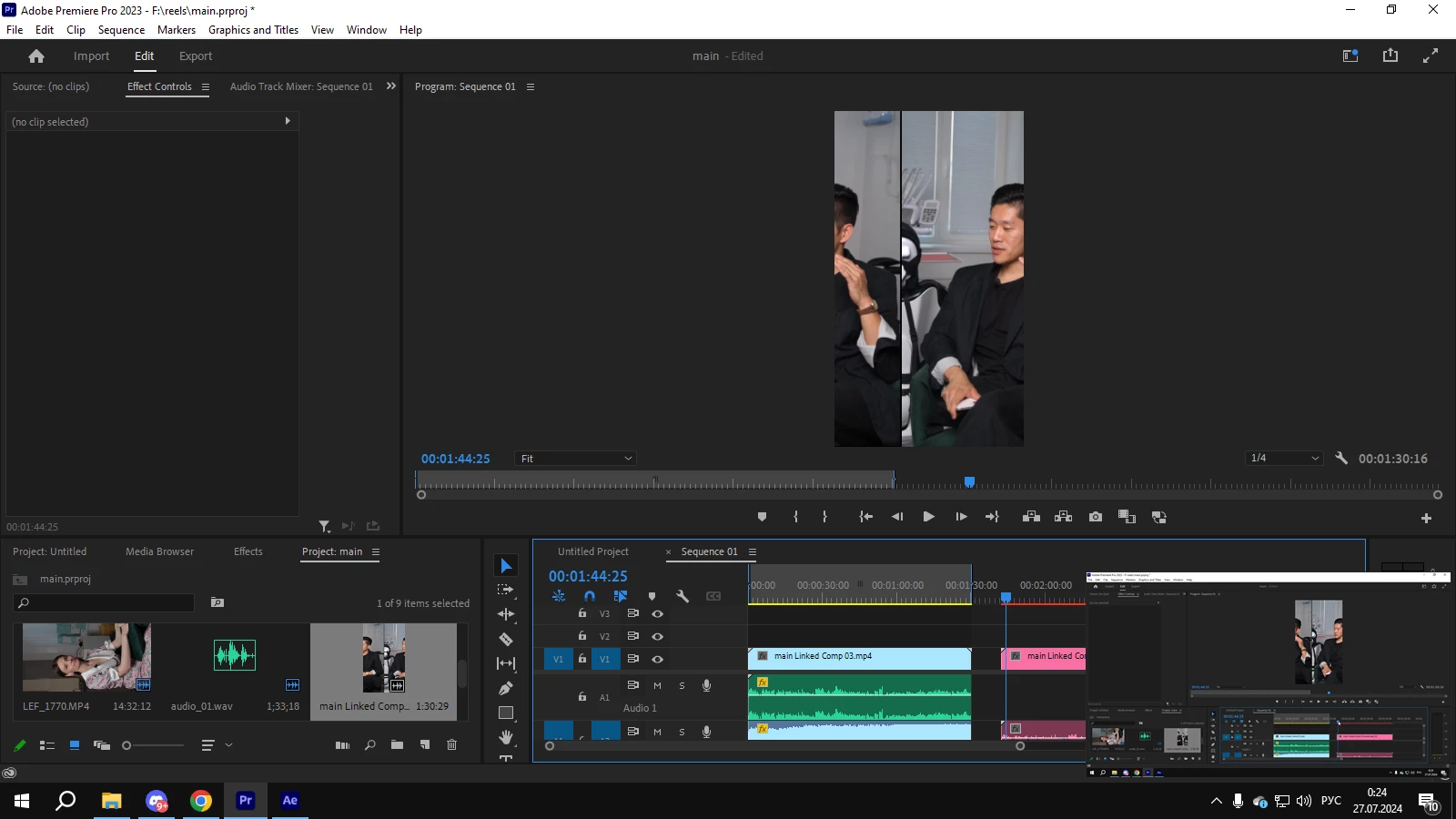
All animations were imported as usual, but still the screen is split and the image is moving apart. I was able to get out of the situation a little bit only by pre-rendering the composition in AE.
P.S Even rendering in Premiere Pro does not fix anything.


 AdChoices