


Participant
Feb 28, 2023 10:12 AM UTC
Needs More Info

MacOS - After Effects version 23.2.1 - unable to use "Control + Command" for customised shortcuts

Previously, After Effects allowed us to use the keyboard modifiers combo "Control + Command" for the customized shortcuts, but now it does not work.
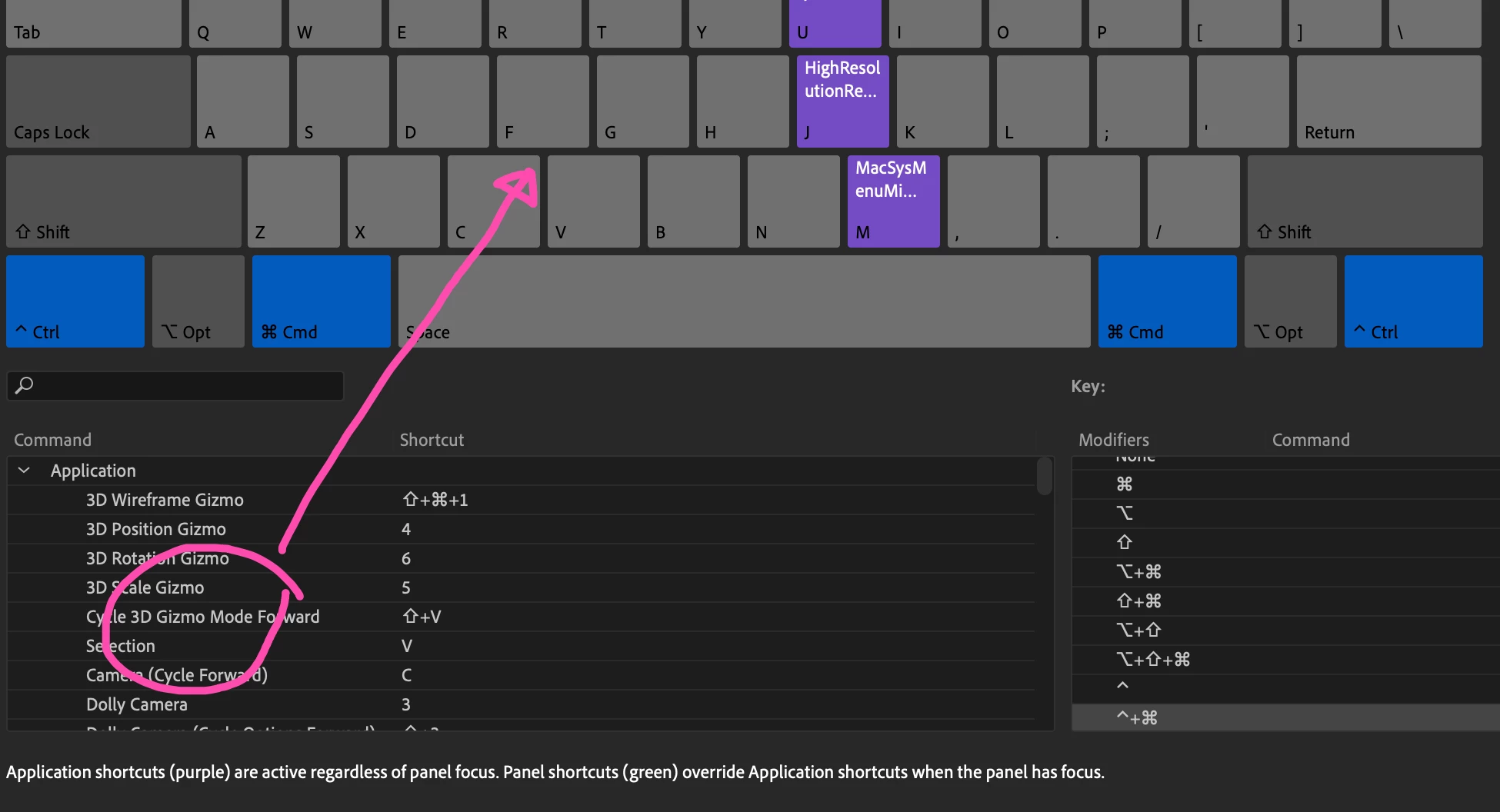
 

I tried dragging an extension or a script from the command section to the keyboard layout, but this will not work. The temporary workaround will be editing the shortcut text file directly.


Is this a known issue?

This topic is closed to new replies. Start a new post to keep the conversation going.

2 replies

TedNg852Author
Participant
Mar 17, 2023 3:27 AM UTC

Thanks for the quick reply, John. The custom keyboard shortcut preset is created from the After Effects Default preset using the Save As function, and I am using the regular laptop keyboard. Not sure if this issue only happens on ARM-based Macs.


I tried to switch to the default preset and assign Control + Command + 1, for example, but it still does not work.


However, these shortcut combinations work:

Shift + Command

Option + Command

Shift + Option


I think the Control key is the modifier that has the issue.

Translate
JohnColombo17100380
Community Manager
Community Manager
Feb 28, 2023 5:51 PM UTC

Hi @TedNg852,

Thank you for reporting this issue. In testing this on two Macs (running macOS 12 and 13, respectively), I'm able to drag-assign keyboard commands with Control + Command modifier keys.  


Are you using an existing custom keyboard shortcut preset or a non-QWERTY keyboard? Either of those factors could impact how the shortcuts are edited. If you are using an existing custom keyboard layout preset, please try temporarily switching to a default layout and try assigning the Control + Command shortcut again.


Thanks for reporting this issue and for any further information you can provide, 

- John, After Effects Engineering Team 

Translate