


Major performance issues and crash when resizing any window in AE 25.3.2 Win11
Using a fresh install of AE 25.3.2 (build 2) i.e no previous versions ever installed on this machine. AE is fine until I resize any of the windows (libraries for example). Then the program freezes, followed by major lag, glitches, sometimes even strange beeps and noises then crash
Steps to reproduce -
1. Open AE
2. Open project
3. Scrub timeline to check all is normal
4. Resize any window
Expected result - The window should be resized with no performance problems at all
Actual result - Immediate freeze followed by lag and glitches and crash. Can only stop it by using task manager to end the process
Adobe After Effects version - AE 25.3.2 (build 2)
Operating system - Edition Windows 11 Home
Version 24H2
OS build 26100.4652
Experience Windows Feature Experience Pack 1000.26100.128.0
GPU driver version - NVIDIA Studio Driver Version 577.00 (just updated but also it did it with the previous version)
Problem began today whilst working on a file with a modest sized mov in.
Problem happens even in safe mode with 3rd party plugins disabled. Also happens after reinstalling and resetting preferences.
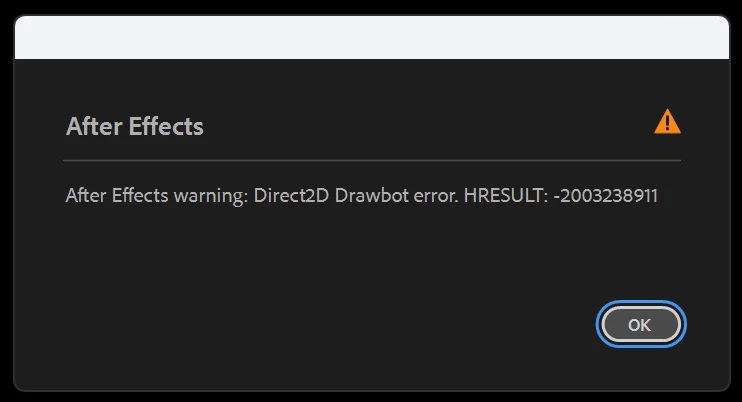
The last time it did it I got this error : Direct2D Drawbor Error: HRESULT: -2003238911
 AdChoices