


Needs More Info
Mayor problem with my After Effects
I have been using After Effects in my laptop for a year now, and nothing ever went wrong.
The suddently, I tried to open one of my proyects and the composition panel went all black. 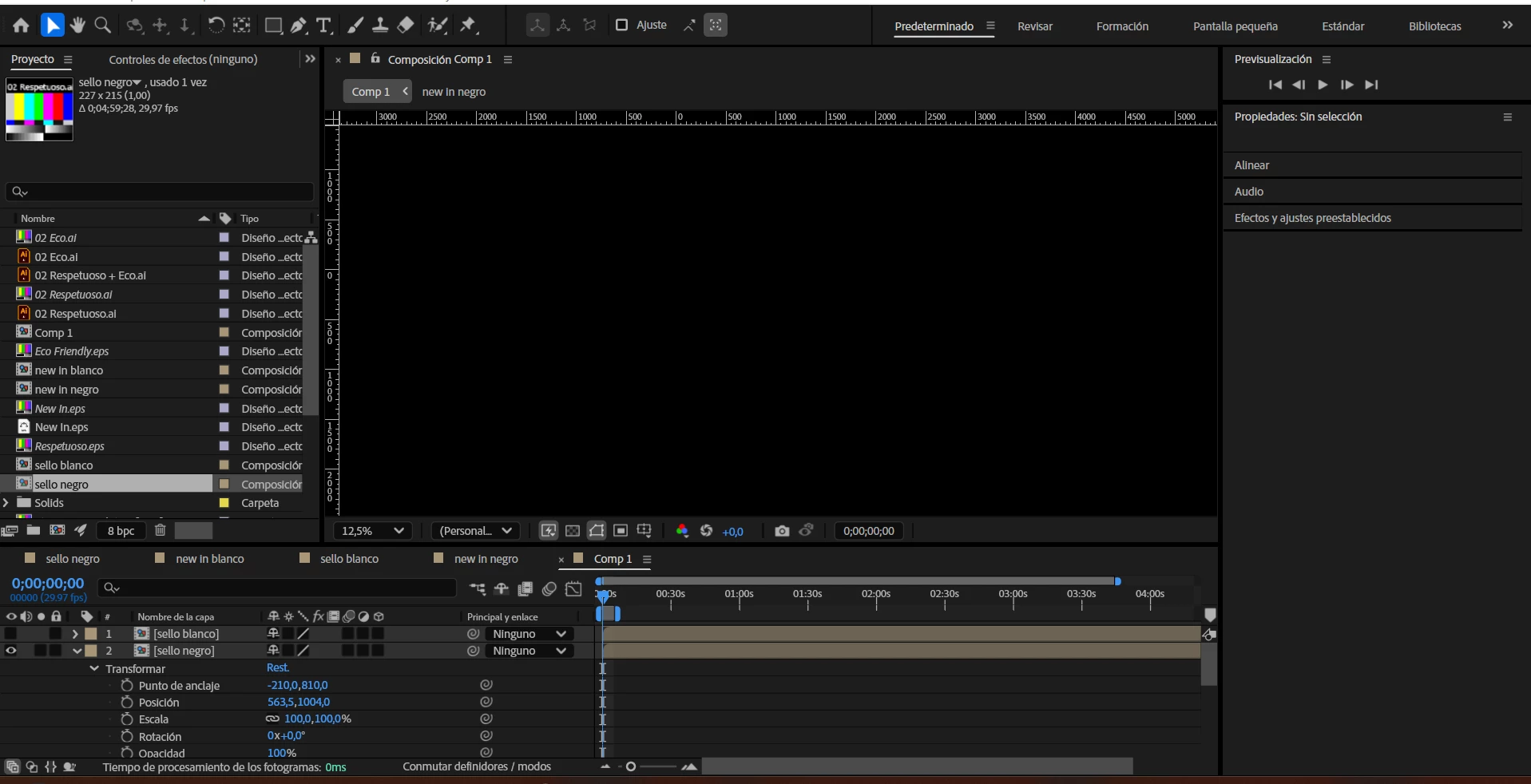
I can't see anything, both when i'm working or when I press the previsualization button.
I have reverted the working space back to standard, I have looked at youtube tutorials and searched on the internet and I can't find an answer.
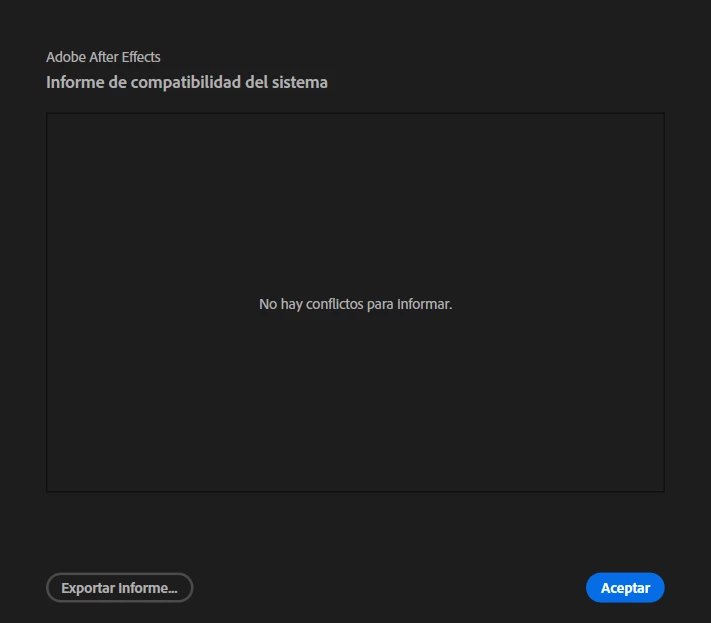
I have deinstalled the program and reverted all preferences to default, reinstalled it and the panel remains the same, and when I check for compatibility issues there is none.
But there is simply no visor, just the panel.
 AdChoices