
Participant
February 24, 2023

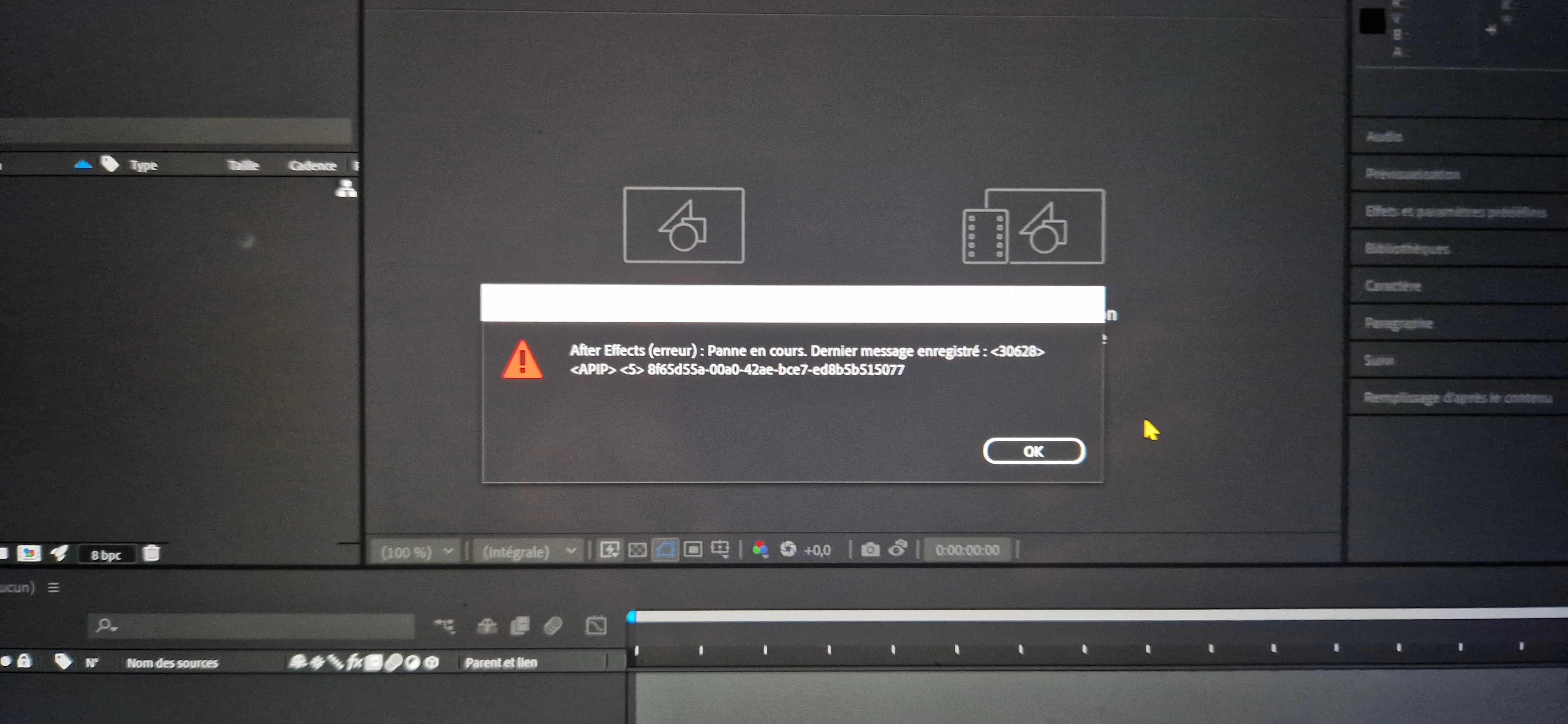
Message d'erreur sur After Effects, impossible d'utiliser février 2023

  • February 24, 2023
  • 3 replies
  • 667 views

Bonjour, pourriez vous m'aider s'il vous plaît. Lorsque j'ouvre After Effects il m'affiche un message d'erreur puis me demande de quitter le logiciel. After Effects (erreur): Panne en cours. Dernier message enregistré: <12604> <APIP> <S> 96836a3f-21ca-4b8f-90b3-a505a0cb0976

Sachant que j'utilise sans aucun soucis Adobe illustrator, Première Pro, Blender et Photoshop. 
This topic has been closed for replies.

3 replies

JohnColombo17100380
Community Manager
Community Manager
February 28, 2023

Hi @CKF-Coachingislife,

Thank you for reporting this issue and our apologies for the frustration.


If possible, would you please try installing the latest After Effects (Beta) build and let us know if that will launch without crashing? It is difficult to determine a cause without any logs or a crash report, but the Beta has a new Safe Mode that may help us to diagnose what is going wrong.


Thanks for reporting this issue and for any further information you can provide, 

- John, After Effects Engineering Team 

Participant
February 25, 2023

It didn't work. I’m showing you through the youtube video what I did.

This is what is written in the three error messages :

After Effects (error): Crash in progress. Last recorded message: <13324>

<APIP> <5> ee8f99d4-aa32-498d-b32f-1bb6acde9337


After Effects cannot continue: After Effects has crashed. Meet at

address http://www.adobe.com/go/learn_ae_support_fr to consult the After Effects Help and Support page. If you are unable to resolve the problem, contact Adobe Technical Support (2).

(0 § 42)


Before quitting, you can save your project (under a name different from the original).

Mylenium
Legend
February 25, 2023

Without any actual system info we can't tell you much. Start by deleting the preferences and reinstalling the program.


Mylenium