



Open for Voting
MOGRT export impossible when user profile name contains special characters (WIN 11) - dialog boxes flash then close
Setup :
- Windows 11
- Local administrator account
- Account path has special character (C:\Users\François)
- Fresh AE 2026 install (same with fresh AE2025)
-
Super basic test composition
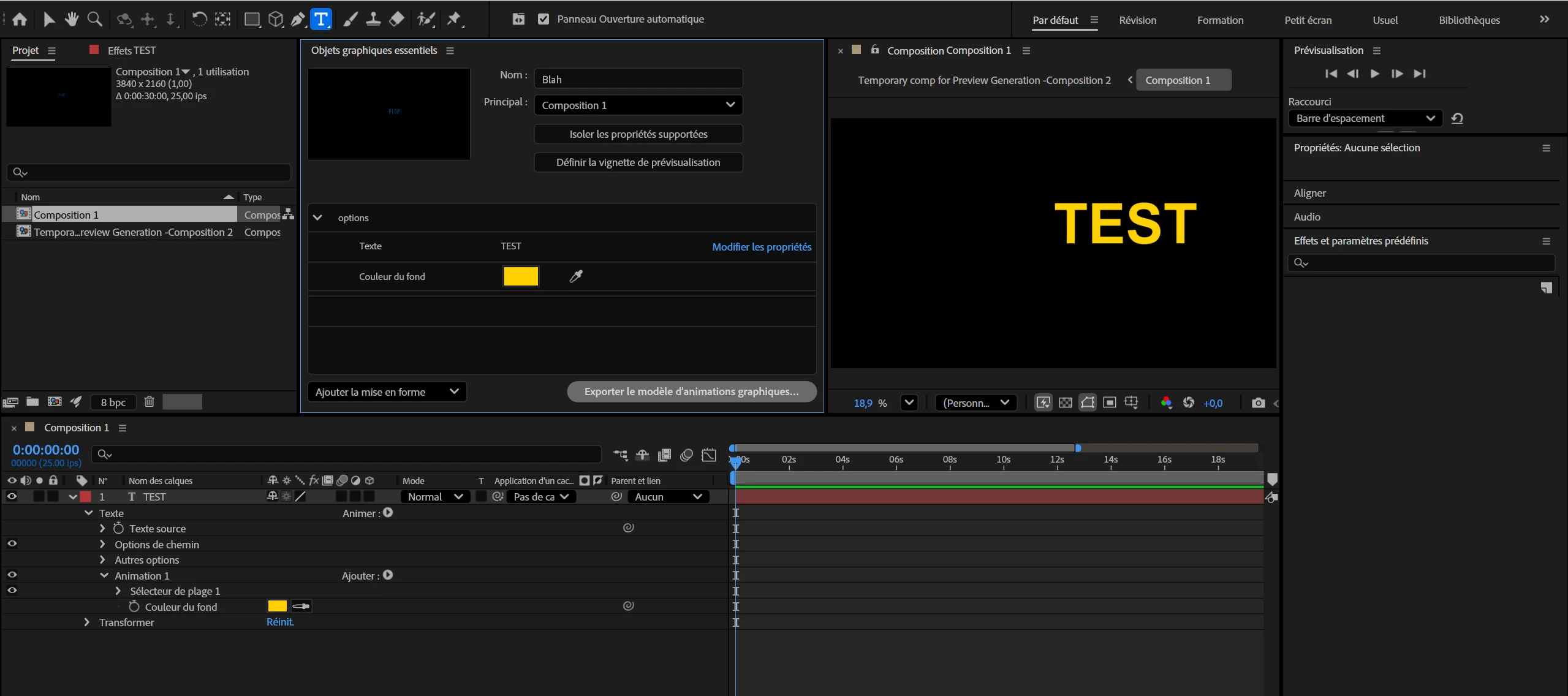
The bug :
When exporting as MOGRT > dialogs flash > the export process fails silently before I get the “chose location” dialog. No error or crash.
Workaround :
Create a new local account without special characters (c:\Users\temp\). Login to that account, open the same composition… exports just fine.
 AdChoices