
"Open in Essential Graphics" is disabled in AE Team Projects while it works fine in regular projects
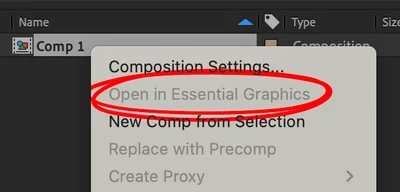
In any AE Team Project, when I right click on a Composition the context menu entry "Open in Essential Graphics" is greyed out as shown in the screenshot below:
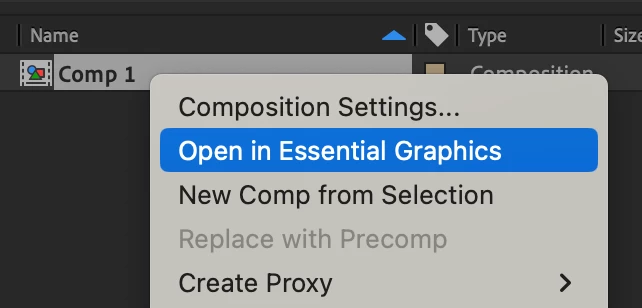
When I do the same in a conventional AE Project which is a clone the menu entry is available as expected:
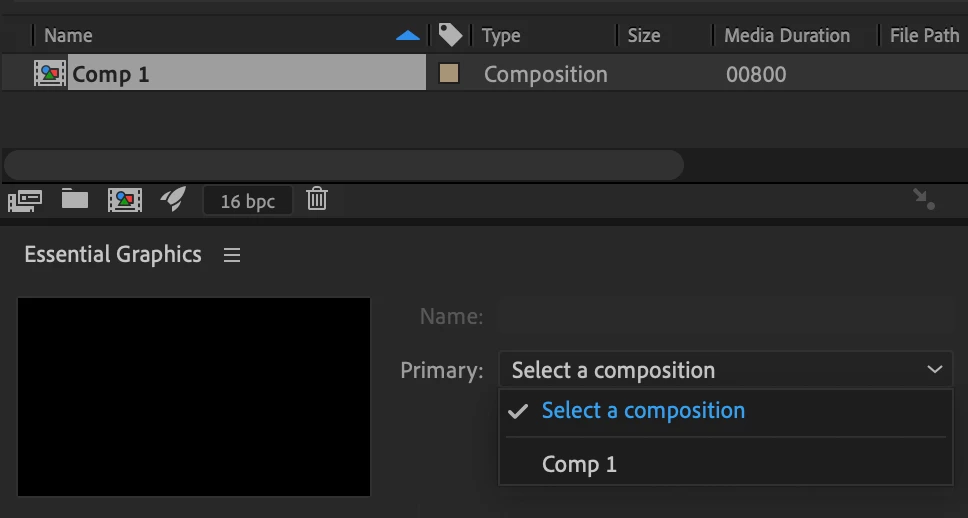
Neither is it the case that Essential Graphics are generally unavailable for the Team Project Composition, because I can still manually select it in the Essential Graphics panel in the "Primary:" drop-down list:
However, for projects with many compositions it is not practical to open the huge dropdown list every time and look for the current composition there.
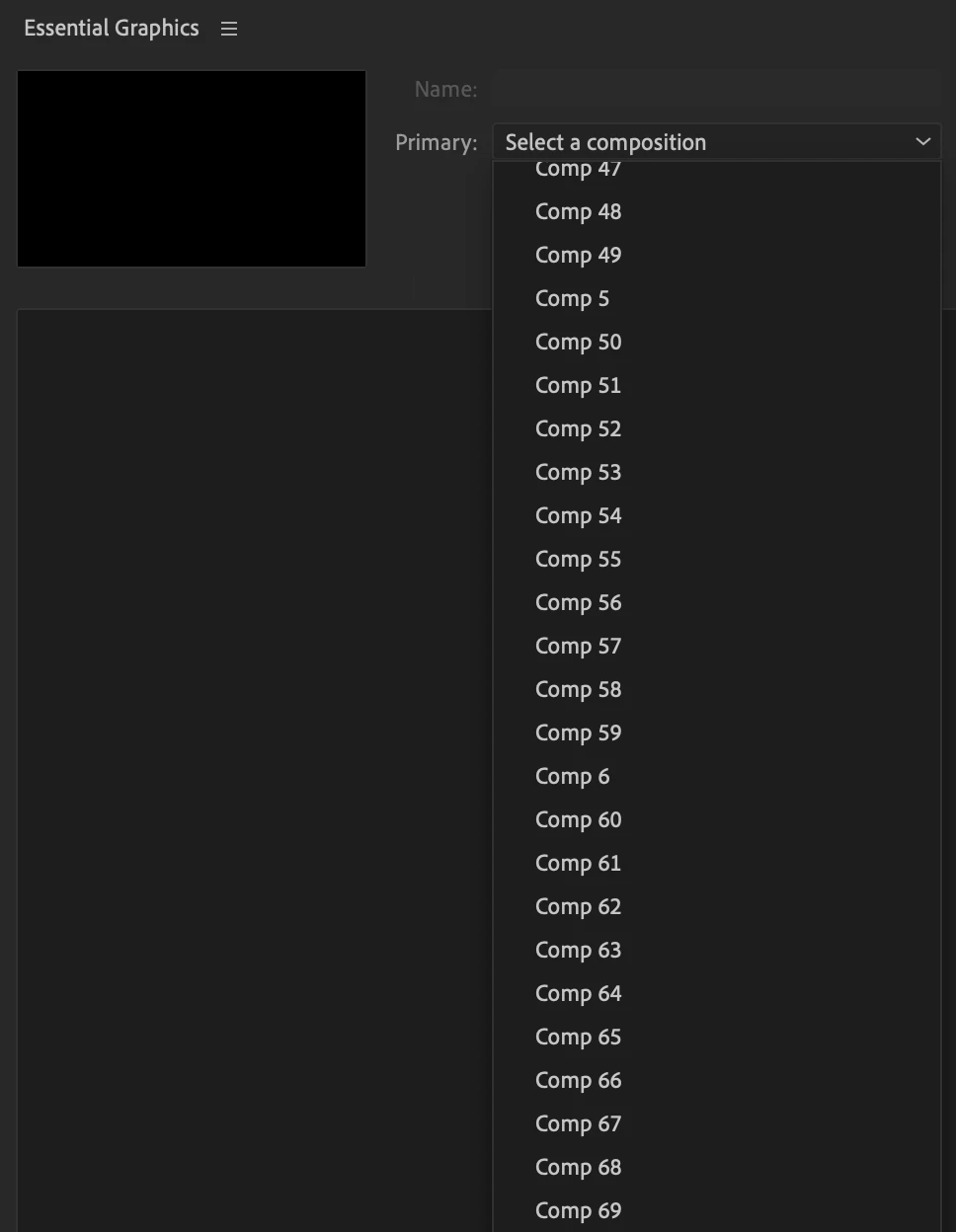
In fact, this is currently the biggest roadblock that prevents us from switching to Team Projects. Therefore, I would be most grateful for any help in this matter.


 AdChoices