


Participant
February 9, 2025

Panels not rendering on startup

  • February 9, 2025
  • 3 replies
  • 296 views

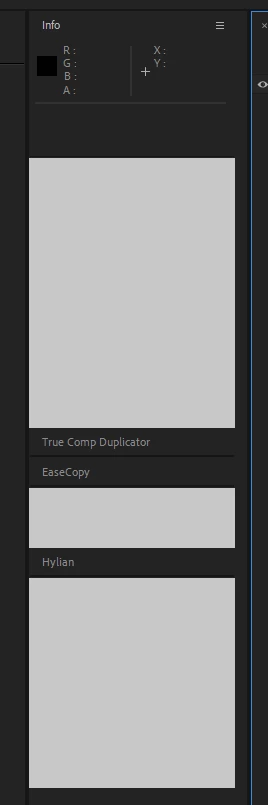
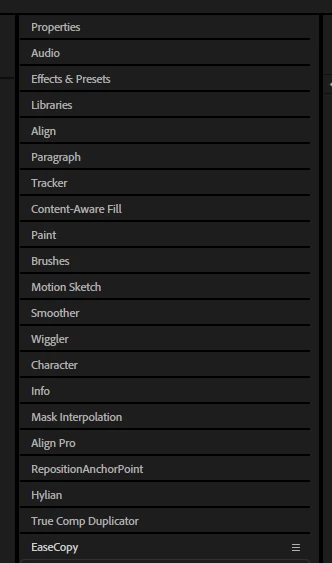
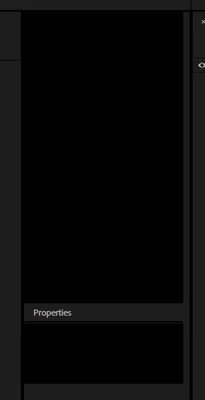
Hi, been having an issue where most of my panels do not render properly every time on startup. Essential panels like the timeline, tools, composition, and project do not have this issue, but most others do, as well as third party scriptUI panels.
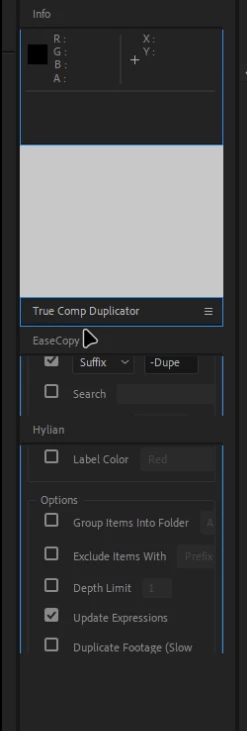
It happens to different panels each time, and the only way I am able to get them back is by resetting to default layout and undocking and redocking all of them. This still doesn't work all the time.


I have had this problem for a while on After Effects 2024 (currently 24.6.4)

I decided to upgrade to the latest version (25.1), and it did fix my issue. I copied over my scripts and plugins and it still works as normal. 

However I want to use the new cache features in the Beta 25.2, and using that version now has the same issue again. I am having the issue from first startup with no added plugins or scripts, and using the default layout.

I have reinstalled multiple times and cleared both:
C:\Users\dom\AppData\Roaming\Adobe\After Effects (Beta)

C:\Program Files\Adobe\Adobe After Effects (Beta)


v24.6.4
 

v25.1
 

v25.2
 

weird behavior when resizing working panels


3 replies

D0m1n1c6Author
Participant
February 12, 2025

I was on the latest geforce game ready driver, but decided to try the latest studio driver instead, and it seems to have actually fixed the issue on Beta 25.2!
I did check back on After effects 2024 and it was not fixed there, however it is working on both 25.1 and 25.2!

To answer your other questions, it does happen with both third party panels as well as native ones, and I am on a multi-monitor setup.

Thanks for your help!

nishu_kush
Legend
February 13, 2025

Glad to hear that fixed it. Studio drivers are optimized for the apps like After Effects. I wish it could fix the issue with 24.5 as well. You can try removing the secondary monitor and see if that brings any change.


Thanks,
Nishu

D0m1n1c6Author
Participant
February 11, 2025

CPU: Ryzen 7 7800X3D
GPU: 3080Ti
RAM: 64gb 
Windows 11 22631.4751

I tried removing the files there and starting in safe mode with no luck.

nishu_kush
Legend
February 11, 2025

Thanks for trying. Please ensure that the GPU driver is updated. For clarification, is it happening only with third-party panels or with After Effects's panels as well? Are you working on multi-monitor setup?

Let us know.


Thanks,
Nishu

nishu_kush
Legend
February 10, 2025

As I can understand, you're having this issue in After Effects beta and no issue in the latest official version. Is that correct? Could you let us know your system specifications (CPU, GPU, RAM, OS version)? For testing, go to the following location and remove (or move to a different location to keep a backup) all the files and folders except dummy.txt and launch After Effects in Safe Mode.

C:\Program Files\Adobe\Common\Plug-ins\7.0\MediaCore

Let us know how it goes.


Thanks,
Nishu