


Random clips keep overlaying with no source
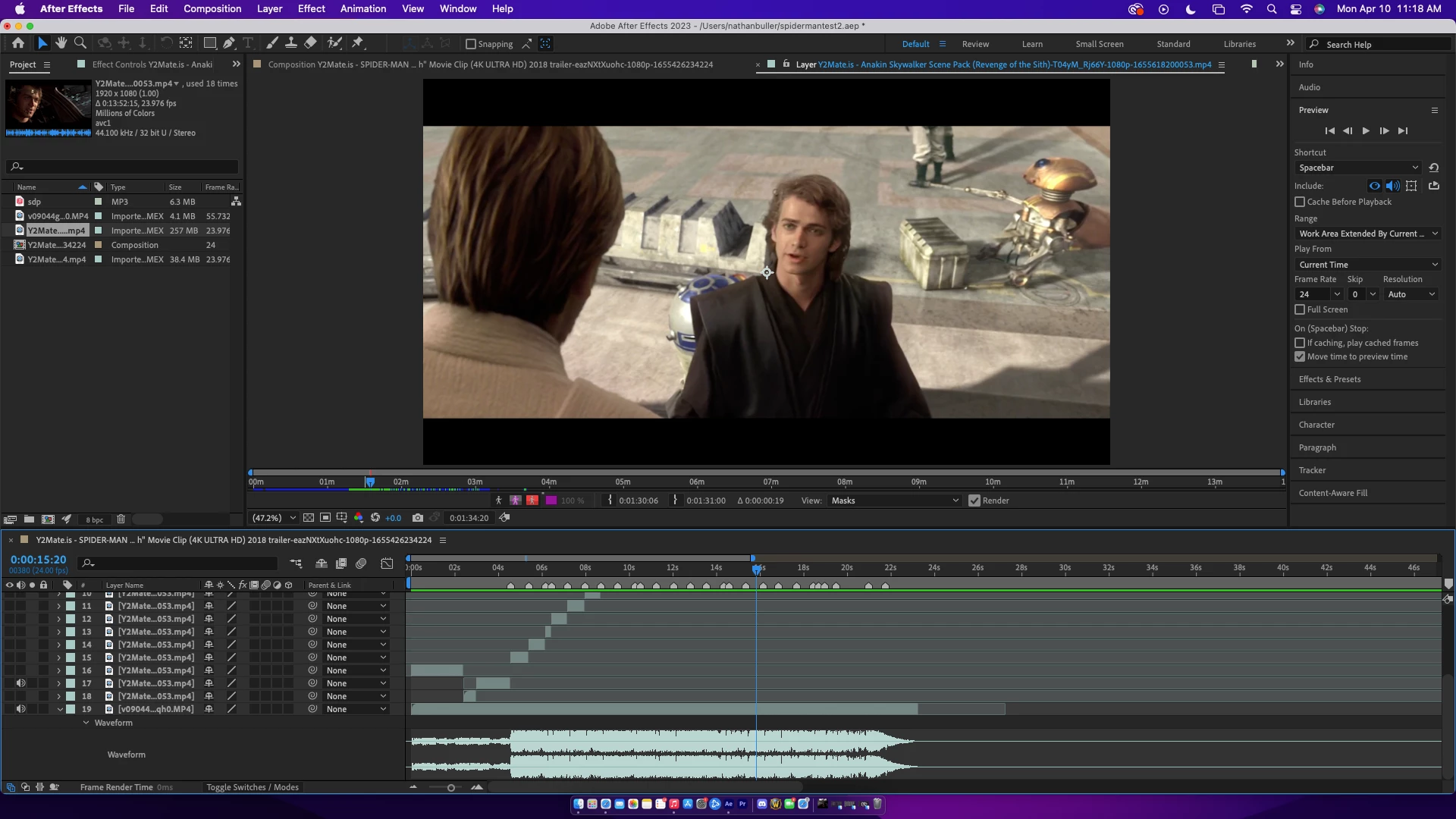
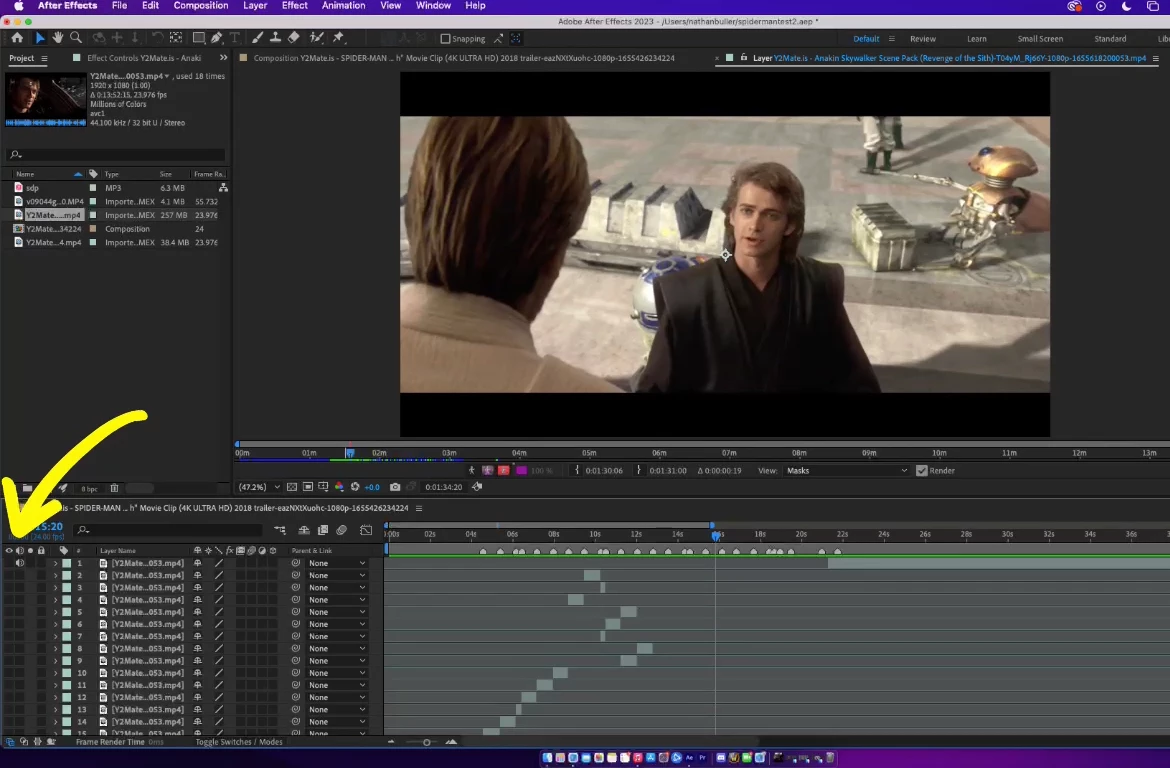
Hey guys I'm pretty new to AE and I've had this issue 3 times now. I'm doing a pretty simple edit where I've clipped out the beats to my song and I'm applying clips to the times right now. Suddenly, I'll go back to play it and some of my source material will play over all my clips. There is no overlay though. There's no 2 clips overlapping or anything like that, there's just random footage. I've even hidden the footage for every single layer I have and it still shows. I've even made it so to where there are no clips at all, just the audio and it will still show. I have no idea what I did wrong or what I should do to fix this but this the 3rd time it's happened to me and it's incredibly discouraging to see all my work go to waste. (Photos included show all of my layers and show that the eye is off for all of them and show my screen still playing some random clip regardless.)
 AdChoices