
Scale down transforms on footage interpreted as sRGB in ACES 32bit color space cause edge artifacts and degradation.
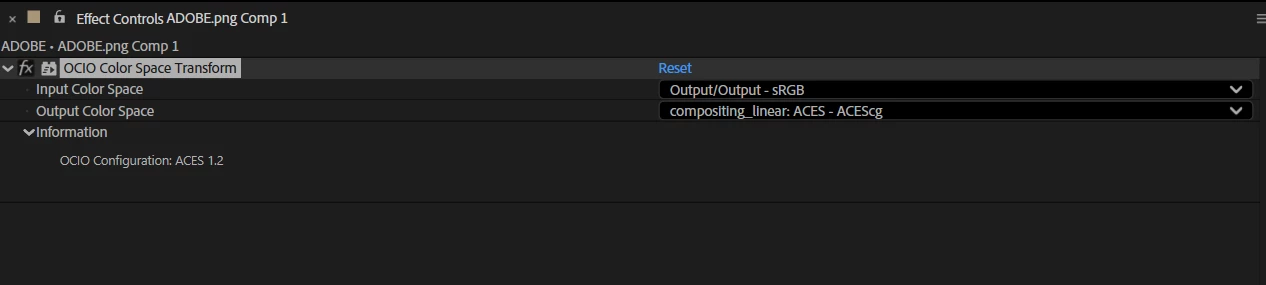
To achieve pure perceptual white while working in ACES/OCIO (with viewer set to ACES/sRGB) I will typically apply “Color Correction>OCIO Color Space Transform>sRGB” to white text or white solid. The same plug-in is used when importing footage that is in sRGB- with Preserve RGB checked. (An alternate route is to interpret footage as sRGB in the interpret footage color tab settings.)
This is where the bug appears: Attempts to scale down the result causes degradation in the edges- particularly with fonts in logos set against a high contrast background.
This bug does not appear when logos/text are scaled without sRGB applied (or alternately sRGB interpretation set on import.) The down side is that colors are incorrect- with whites remaining a subdued grey with text, solids and sRGB imports.
My work around is to do my scaling/size transforms in a pre-comp with raw color and then apply
“Color Correction>OCIO Color Space Transform>sRGB” downstream in the main comp to get non-ACES sources, text and solids to display correctly when scaled down. As long as no scale-down transforms are applied after the color transform, then it’s all good.
The bug is less apparent when scaling up- but when text/high contrast- detailed graphics are scaled down then the edges look terrible. This bug appears with keyable graphics as well as high-contrast sources with no alpha. (such as logos.)
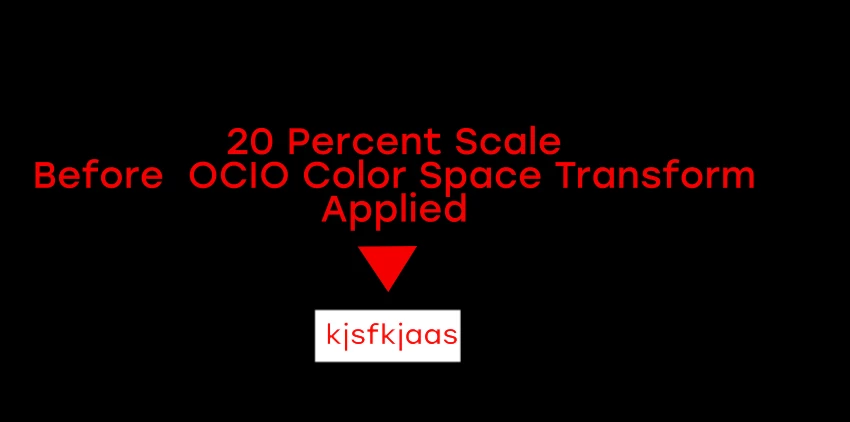
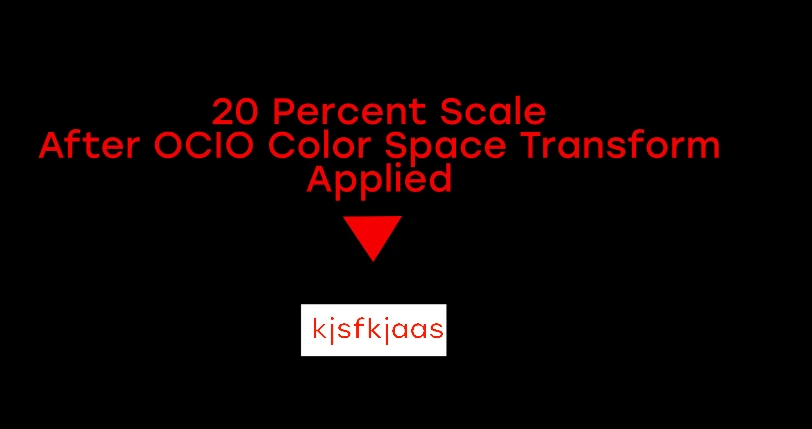
The attached images red-on-white images show the difference between scaling in a pre comp and applying the color-transform in a parent comp vs. applying the color transform directly to a layer after the color transform.
As you can see the edges fall apart and become extra crunchy. Happy to field additional questions or collect a sample project.
As always, anti-aliasing has been a headache when working in this color space- but it’s even worse when scaling down. I never have scaling or anti-aliasing issues when scaling in Adobe Managed Color Space. Why is it a problem in ACES?
 AdChoices