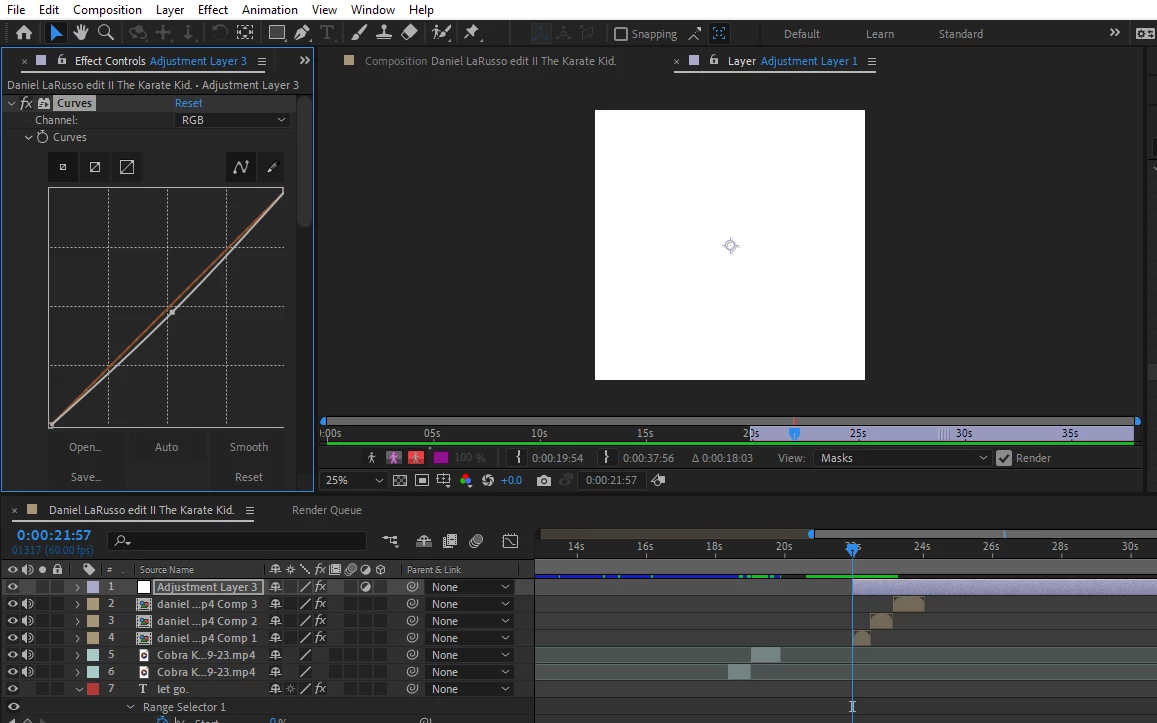
An Adjustment Layer is a white Solid Layer with the Adjustment Layer switch enabled. As already mentioned, that is what you're seeing in the Layer panel.
You likely opened the Layer panel for the Adjustment Layer unintentionally by double-clicking it in the Composition panel or the Timeline panel.
You can change back to the Composition panel by clicking the tab for the Comp or by pressing "\" to switch to the corresponding Comp. Another option is to close the Layer panel by clicking the close Layer panel icon (a small x immediately to the left of the "Layer" panel name) and then, if needed, click back to the Composition panel.



 AdChoices