
Solid with mask appears transparent in some areas
Hi everyone,
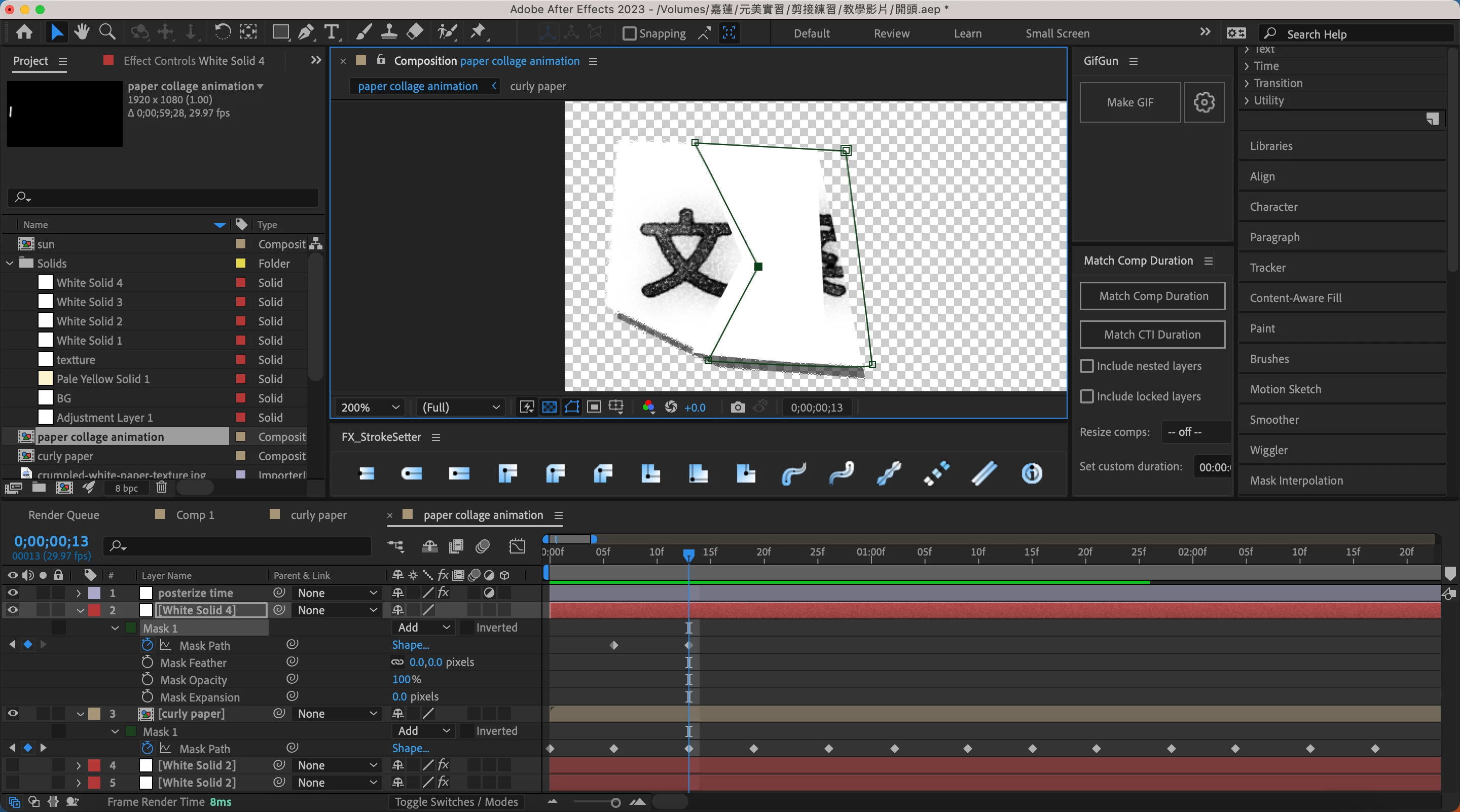
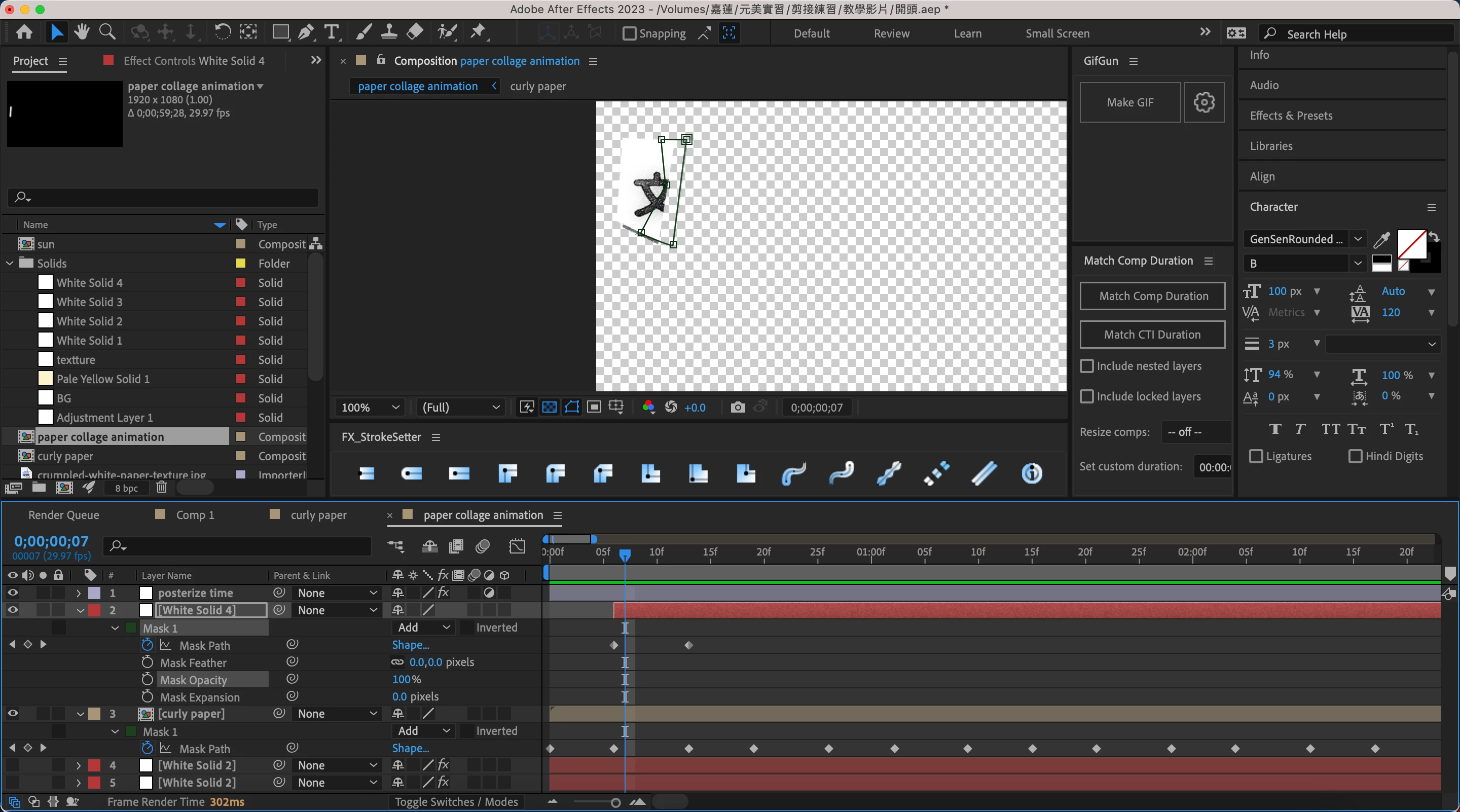
I'm currently working on a project in After Effects and I've encountered an issue with a solid that I've masked. I set the solid to white and then applied a mask to it, but I'm noticing that some parts of the solid appear transparent.
I've attached a screenshot of the problem below for reference. As you can see, there are some areas of the solid that appear transparent, even though they should be white.
I'm not sure what's causing this issue or how to fix it. Has anyone else encountered this problem before? If so, could you please provide some guidance on how to resolve it?
Here are some additional details that might be helpful:
- I'm using After Effects version 23.3.
- I'm on a Macbook Pro 2018 with an Intel processor.
Any help would be greatly appreciated. Thanks in advance for your assistance!


 AdChoices