
Team project - reload footage doesn't update range in name of imported footage
Hello I guess I have encountered a bug.
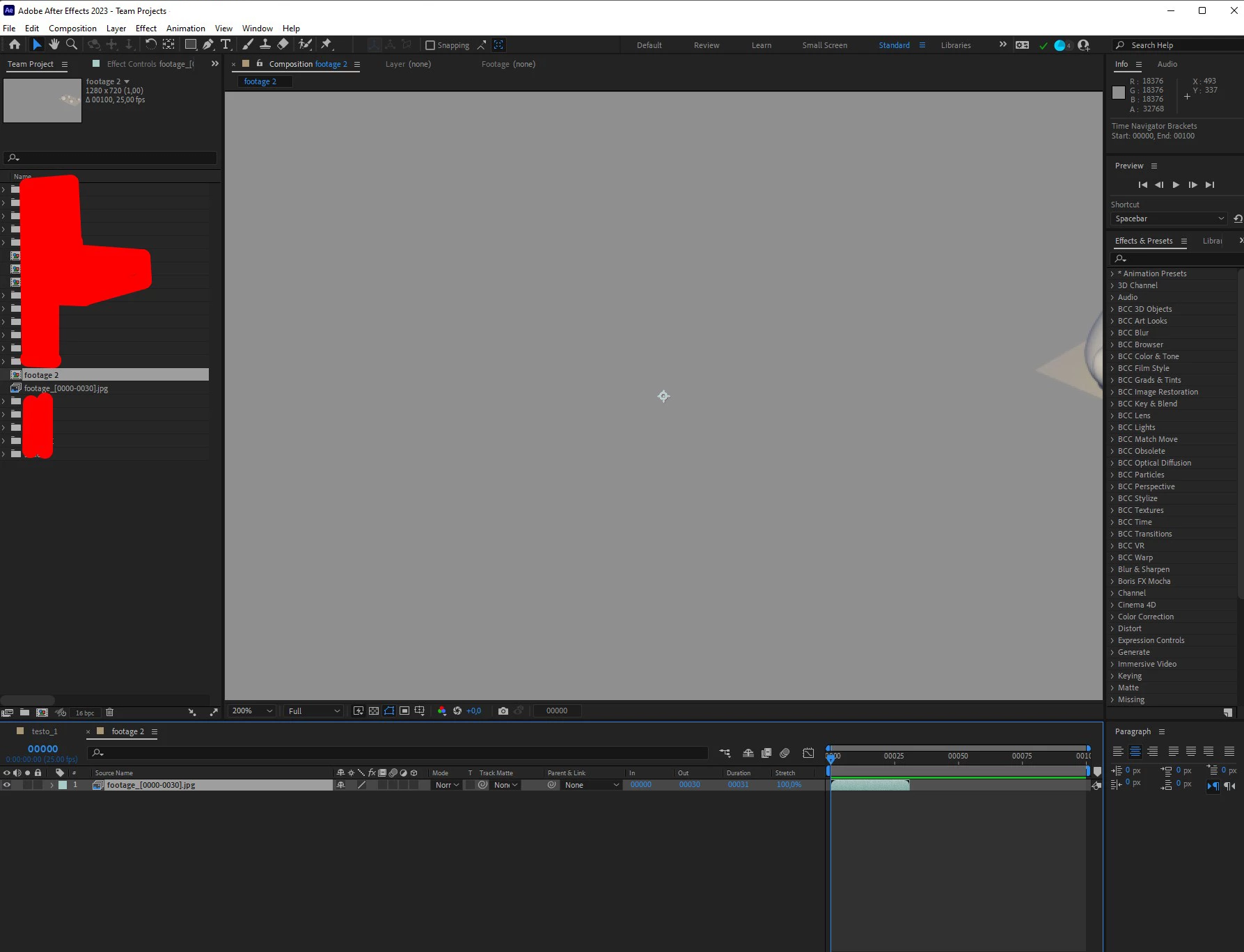
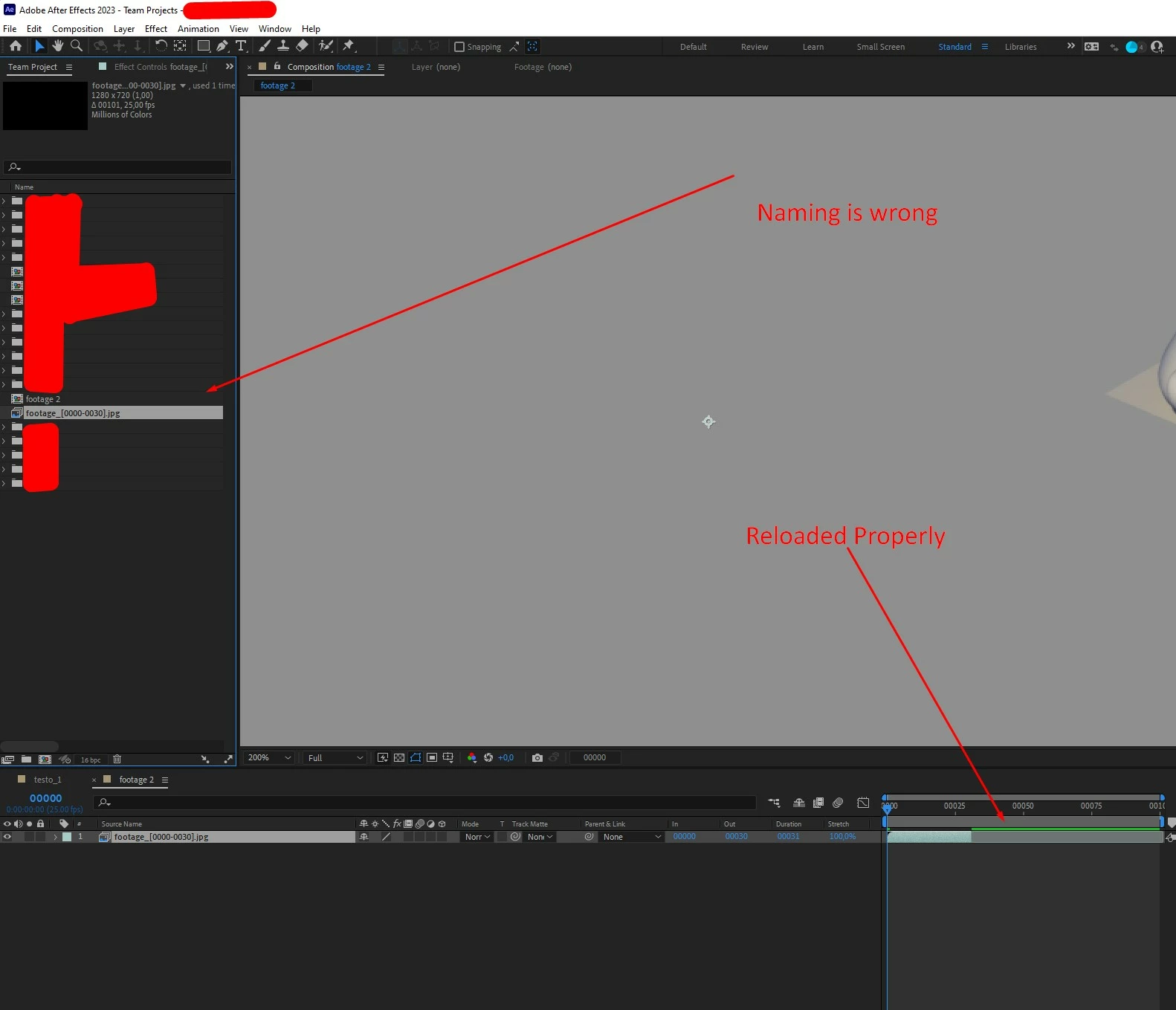
In Team project when i import some footage - in my case an exr sequence which is currently rendering and in the time of import let's say only frames 0-30 are finished it import's the footage as - footage_[ 0000-0030].exr .
But in the meantime i finish the rendering and there is 0-100 frames rendered i reload the footage and it reloads in the timeline correctly but in the left panel (Team) Project it doesn't update the name to - footage_[ 0000-0100].exr but it's stays the same - footage_[ 0000-0030].exr.
In regular project it works.
It doesn't update even after you share your changes and turn of AE and turn on again.
Could you please look into it.
Windows 11
After Effects 2023.0.0 (Build 59)
Thanks in advance


 AdChoices