
Participant
July 8, 2024

version 24.5.0 interprets lights in classic3D wrong

  • July 8, 2024
  • 2 replies
  • 305 views

Opening the exact same project in version 24.5.0 and 24.3.0 respectively gives a very different result... It looks like the light intensity multiplyer is interpreted totally different, however toning down the lights drastically (/8) still doesn't lead to the same visual result.. Has anyone experienced this discrepancy too?
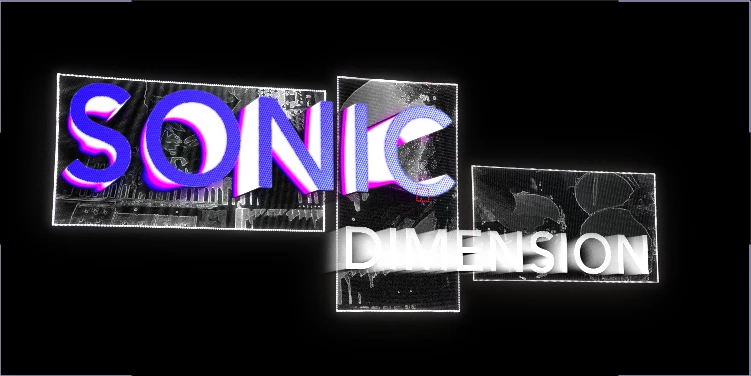
 

24.5.0
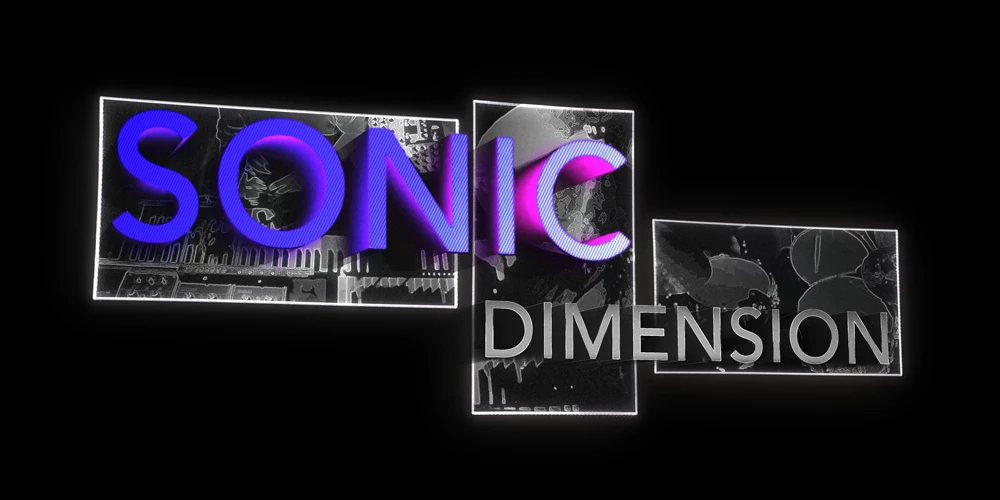


24.3.0

2 replies

Job_v_NAuthor
Participant
July 8, 2024

Thank you for your quick response! Drastically reducing the Diffuse, Specular intensity and Metal settings on the original 3D text layers in the Advanced 3D comps, brings the shininess back to more normal, though I can't seem to find a logical relation in percentages. Working on MacOS 12.7.5 / Afx 24.3.0 on Macbook Pro intel i9 2019 vs. MacOS 14.5 / Afx 24.5.0 on M3 Pro. (where the first combination gives the wanted result, second photo in the first post). I would be glad to send over the file for analysis if needed.

Adobe Employee
July 8, 2024

Hi  @Job_v_N   We need to narrow down whether this is expected or not.   This is the Advanced 3D engine, correct?   Before reducing the lights,  try reducing the shininess and specular level on the AE 3D materials in question.   If that doesn't solve the problem,  we may need to get a copy of the project that repeats the issue here to take a closer look.