


Open for Voting
Weird timeline UI bug in after effects 26
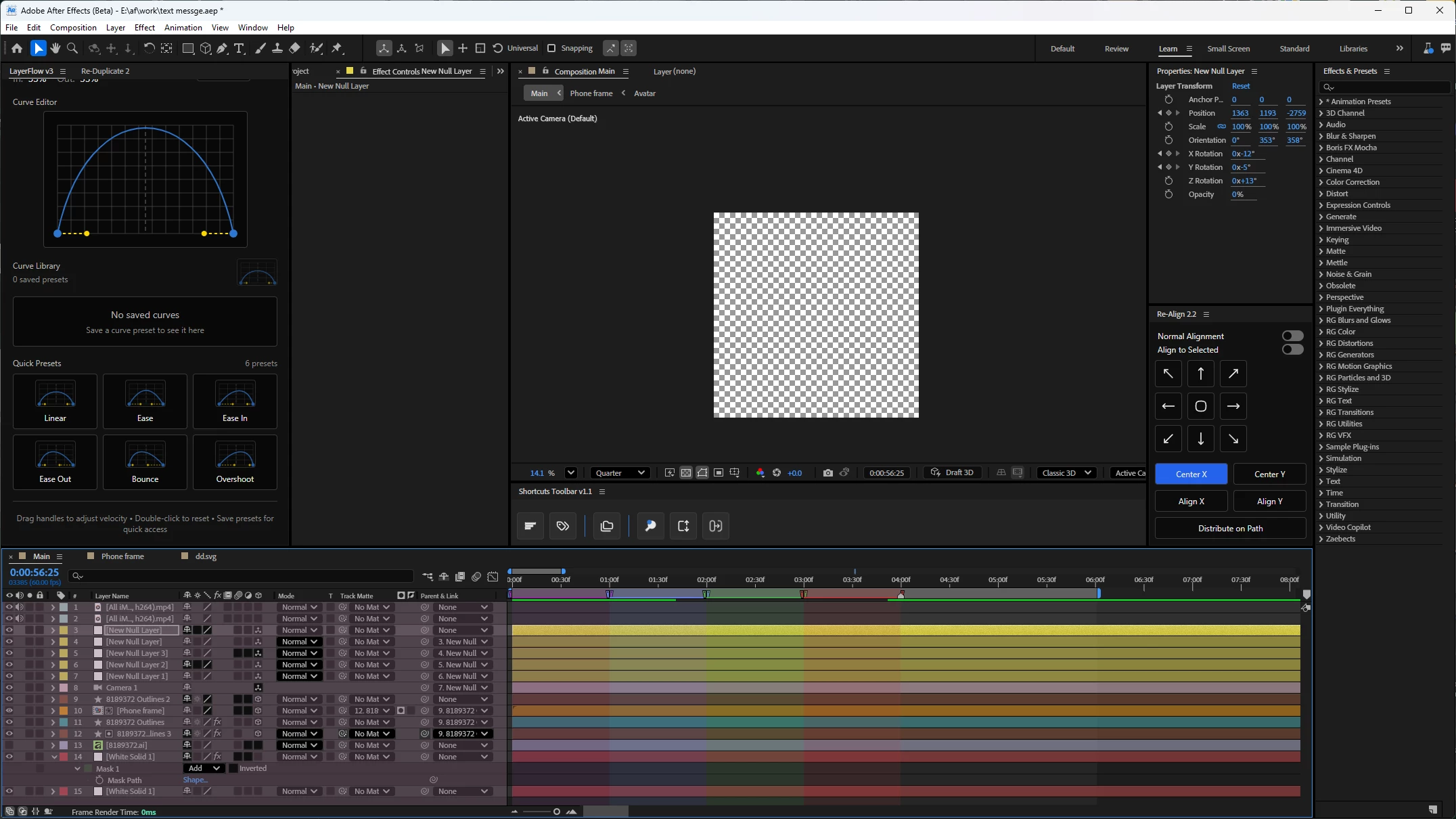
In After Effects Beta 26 on Windows 11, when I use a protected region marker and scroll the timeline, the left side takes the color of the first protected region marker. It disappears weirdly when I hover my mouse.
The behavior starts when I scroll the timeline to the right, where the layers or timeline go behind the left panel or layer properties panel. At that moment, the panel takes the first marker/protected region label color, and hovering my mouse over it makes the color vanish at that spot.
I can also draw on it in circles to try to remove it faster, but it behaves inconsistently.
 AdChoices