


When Rendering and Rotating and Shrinking 2000x2000 .Png Squares, they Crumple in Weird Ways
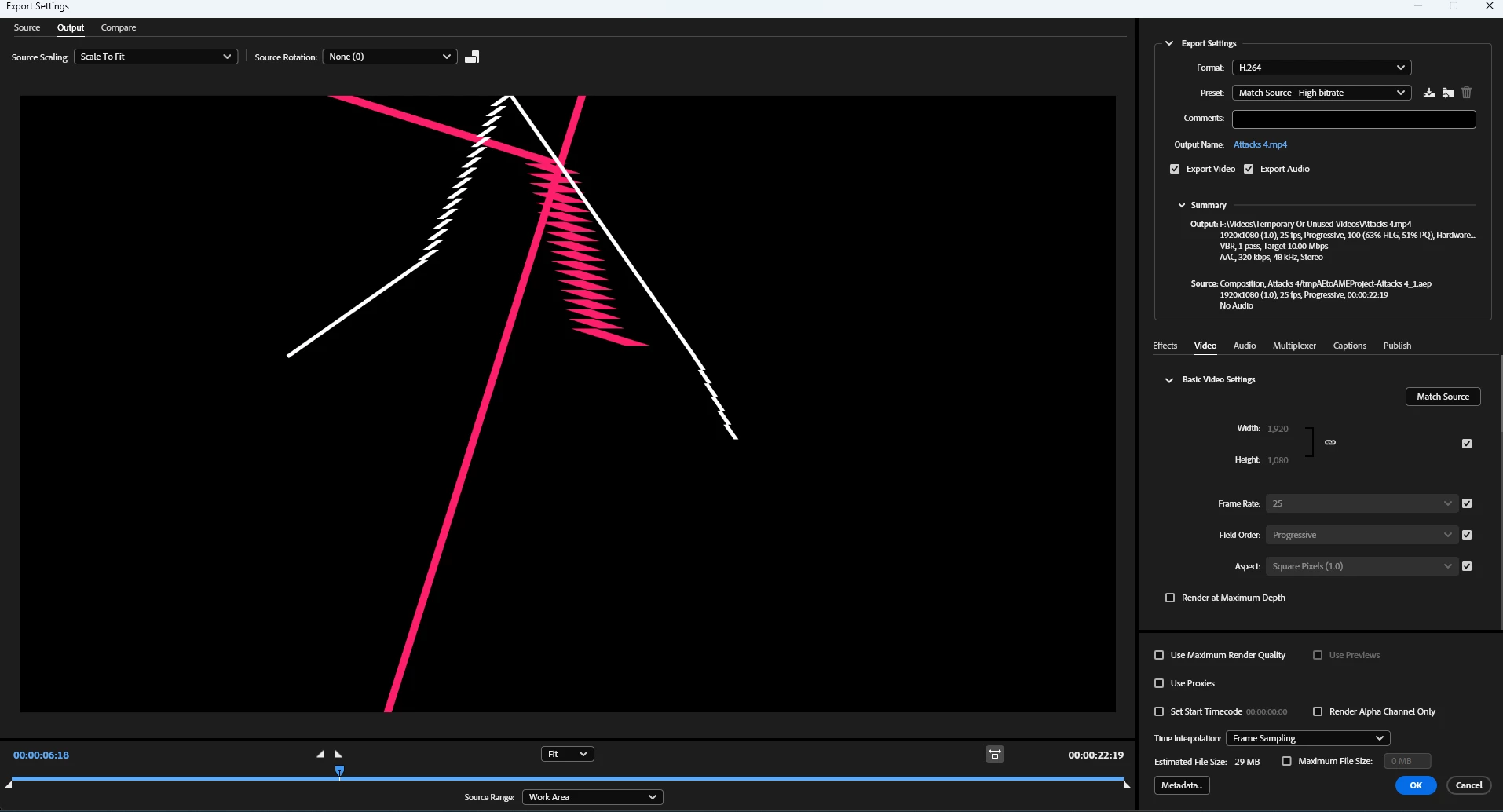
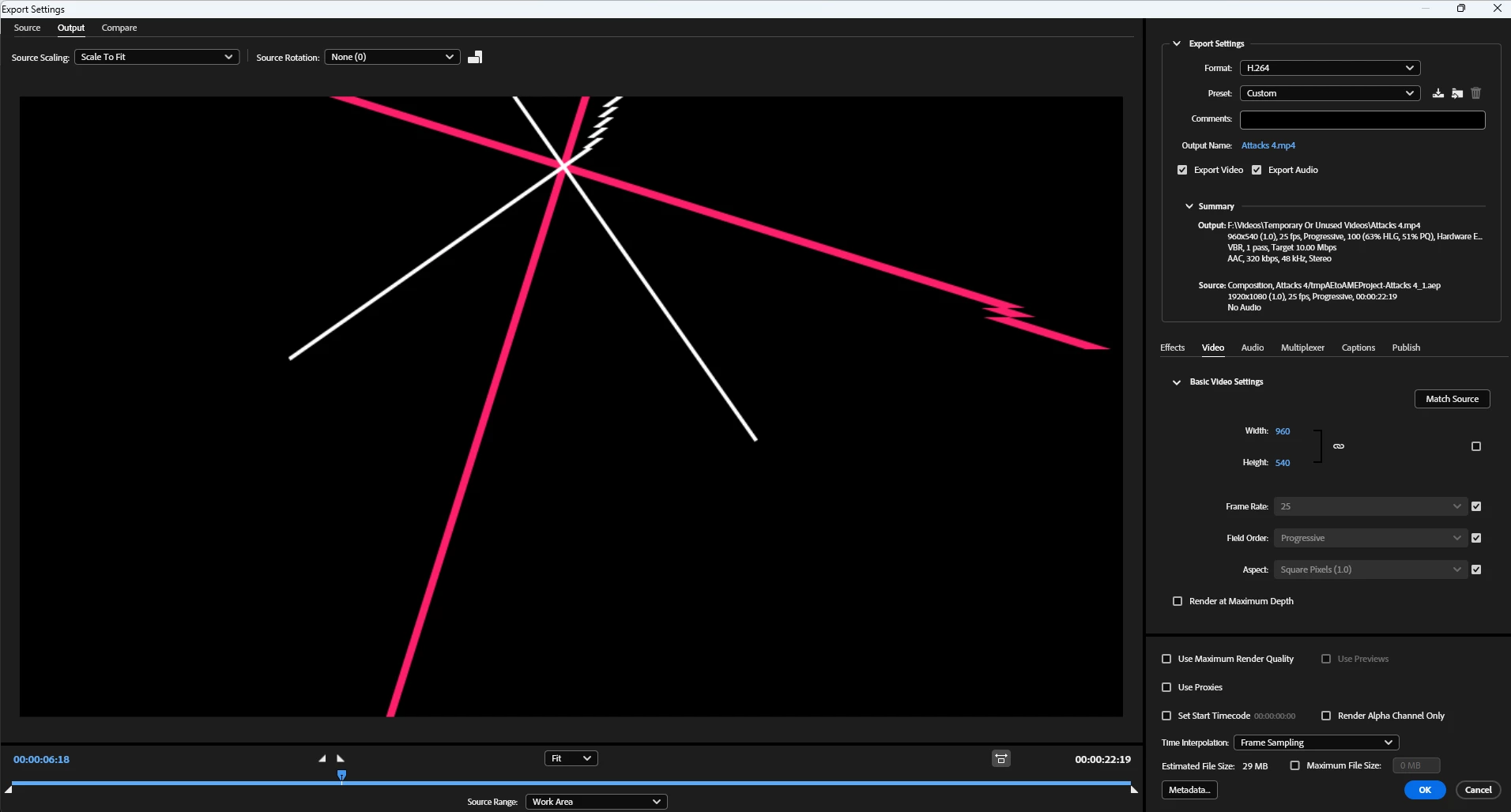
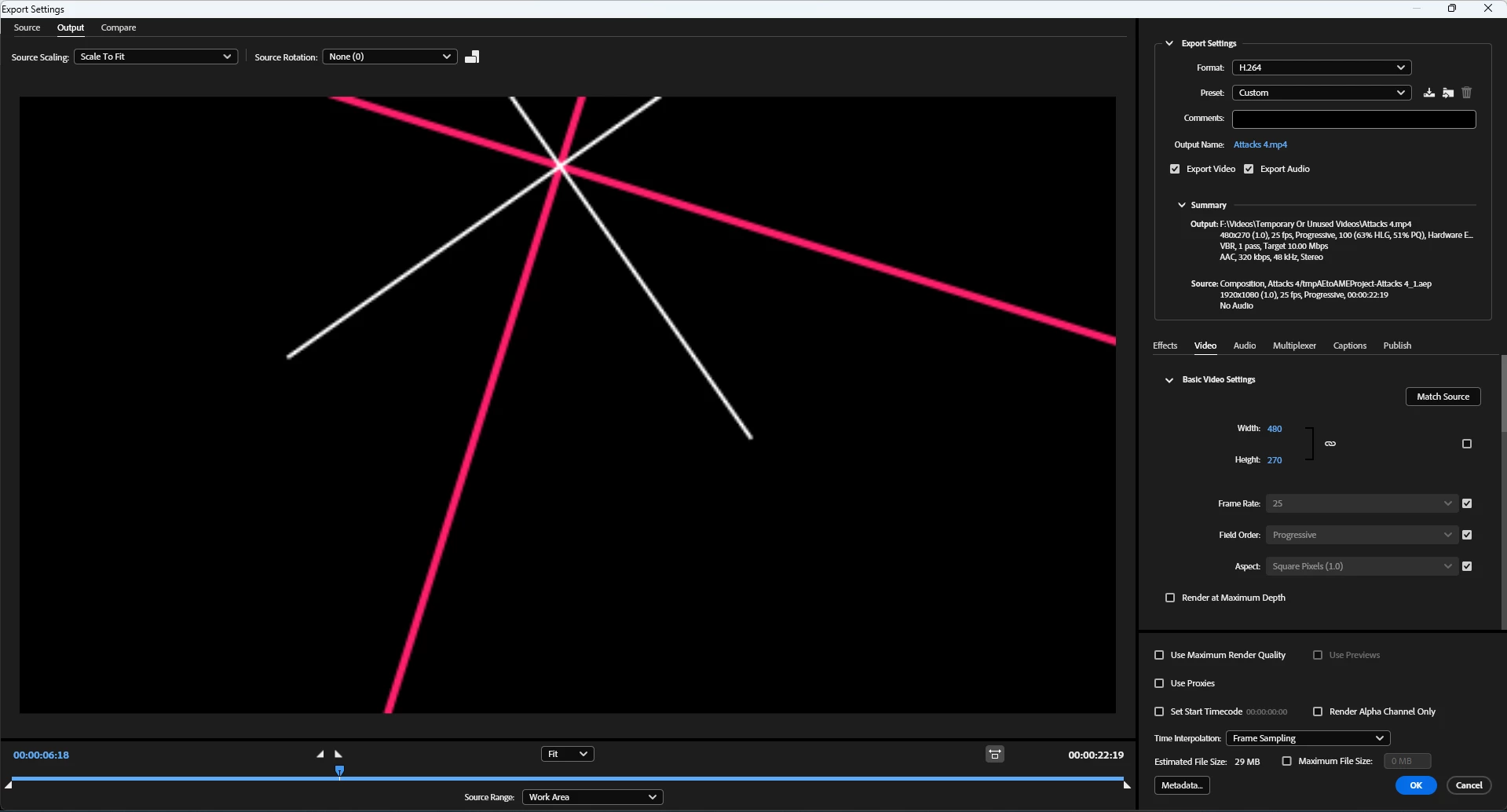
I have a composition here of initially 2000p by 2000p images of pink squares, and have thinned them and made them rotate. However, they are folding in weird and unnatural ways. From what I can tell, they also vary depending on the composition frame render size (refer to the change in video scale on the right for all the screenshots. I also think this is NOT a Media Encoder issue and instead is only and After Effects issue because when setting the render quality for the preview to Full, this same thing occurs. What should I do? I clearly don't want the lines to crumple, but I also don't want to make the final render tiny.
By the way, I feel I should mention that this is not the first time this has happened. This bug has occured to me many times over a long period of time.
1080p render:

270p render:

 AdChoices