Ctrl/Cmnd + K will bring up the comp settings. Check the 3D renderer tab and ensure that Classic 3D is selected. Then, try making a layer 3D or adding a Light or Camera.
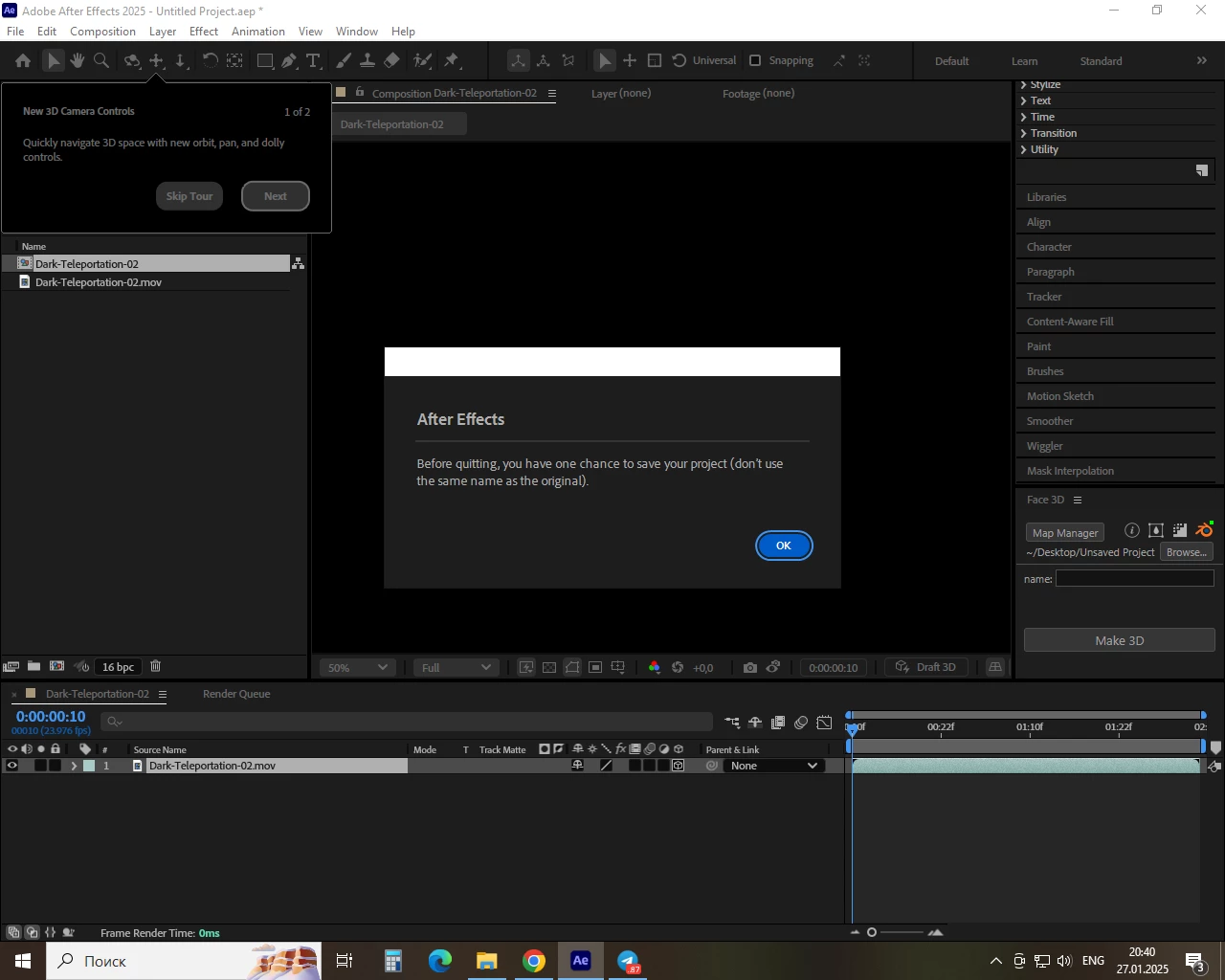
@mitek269054189f0b Thank you for the video of the issue, it looks like After Effects is crashing when you enable the 3D switch on the layer. The answers to the questions in my previous message will help us investigate what is causing the crash.
Thanks for reporting this, it definitely isn't the intended behavior. Before you enable the 3D switch on a layer, could you share what the 3D renderer is set to in the Compostion Settings?
Also, what is your hardware configuration OS version, and the specific version of After Effects?



 AdChoices