

After Effects (Beta): Unable to allocate 132.563 MB of memory. Either decrease the memory requiremen
After Effects (Beta): Unable to allocate 132.563 MB of memory. Either decrease the memory requirements for the rendering of this frame, or install more RAM. (12803 / Unidentified caller.). For more information, see www.adobe.com/go/learn_ae_mem
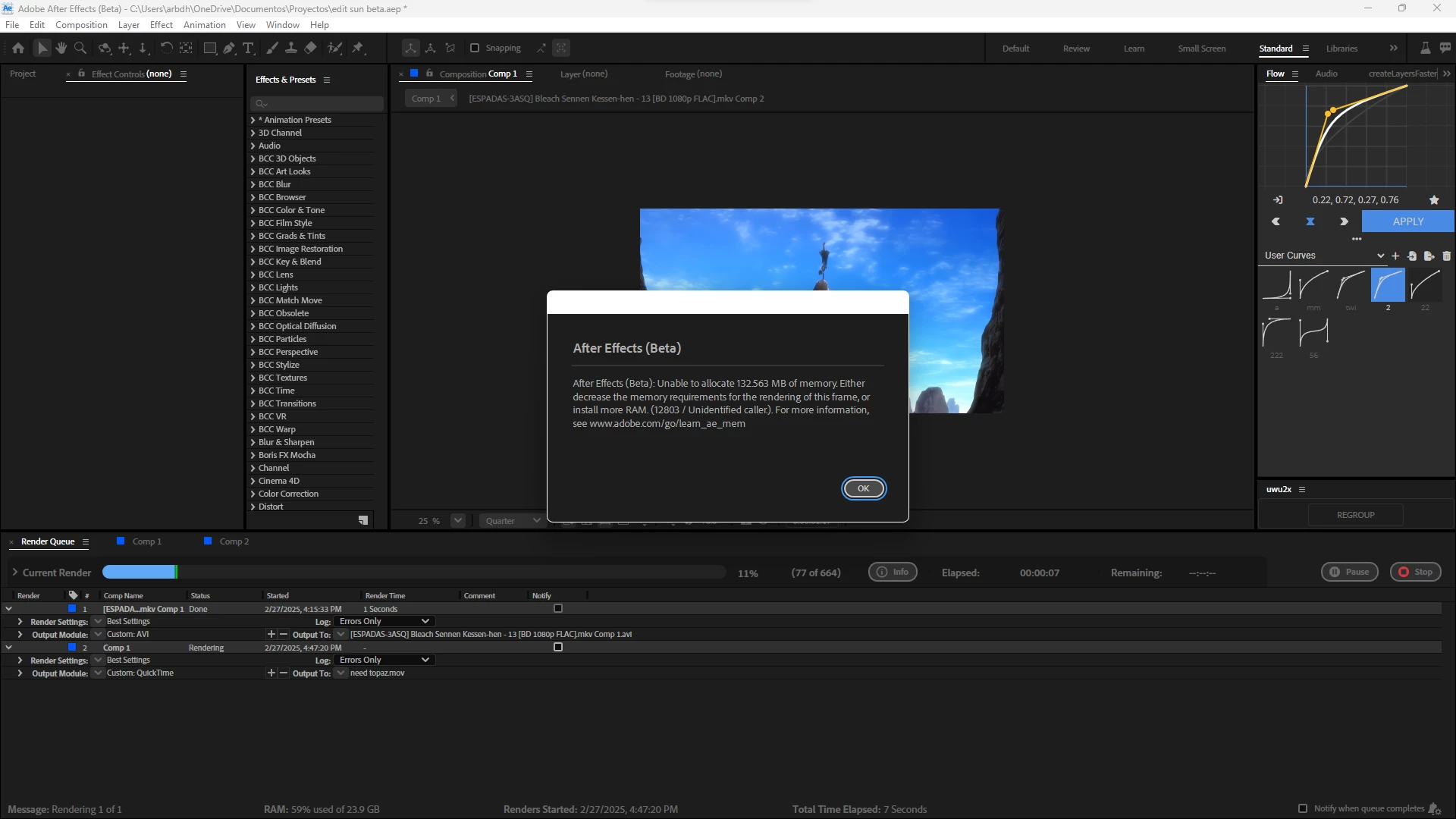
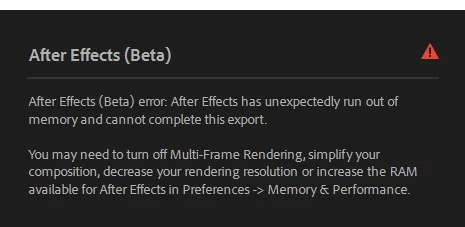
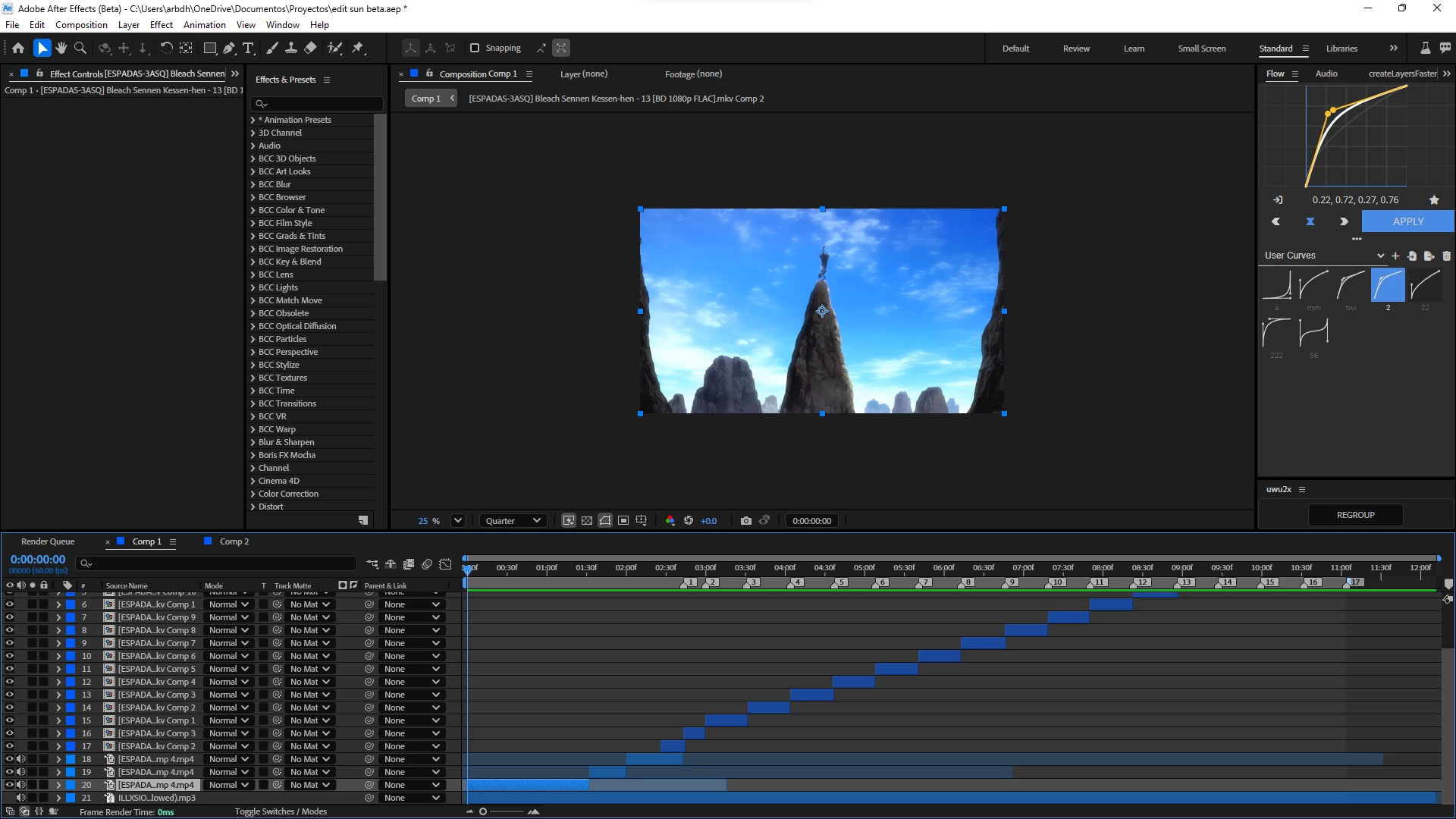
I'm testing the "beta" of AE and wanted to report this issue.. (which even happens in the official version 25.1) but here it's more constant because as you can see I'm rendering my video and I get this error, and they are just aligned clips without any effect (well, just one, the "twixtor pro" effect) which doesn't take up much space! but still it tells me that I'm out of memory idk.. I have 24 gb of ram of which I have assigned 16 to after effects (leaving 8gb so that windows 11 runs correctly) also even if I add the maximum it still shows up "even though it's a super light project" I'm also noticing that pressing the "space" key to preview has a delay of about 3-5 seconds " it seems that it lacks optimization in the render, I don't know, but I'll show you below how I have my Ae configured and my pc components
i5 9400f
gtx 1660 (6gb)
24gb of ram
ssd 256
here are some screenshots of my after effects settings
Simple proyect i just use clips
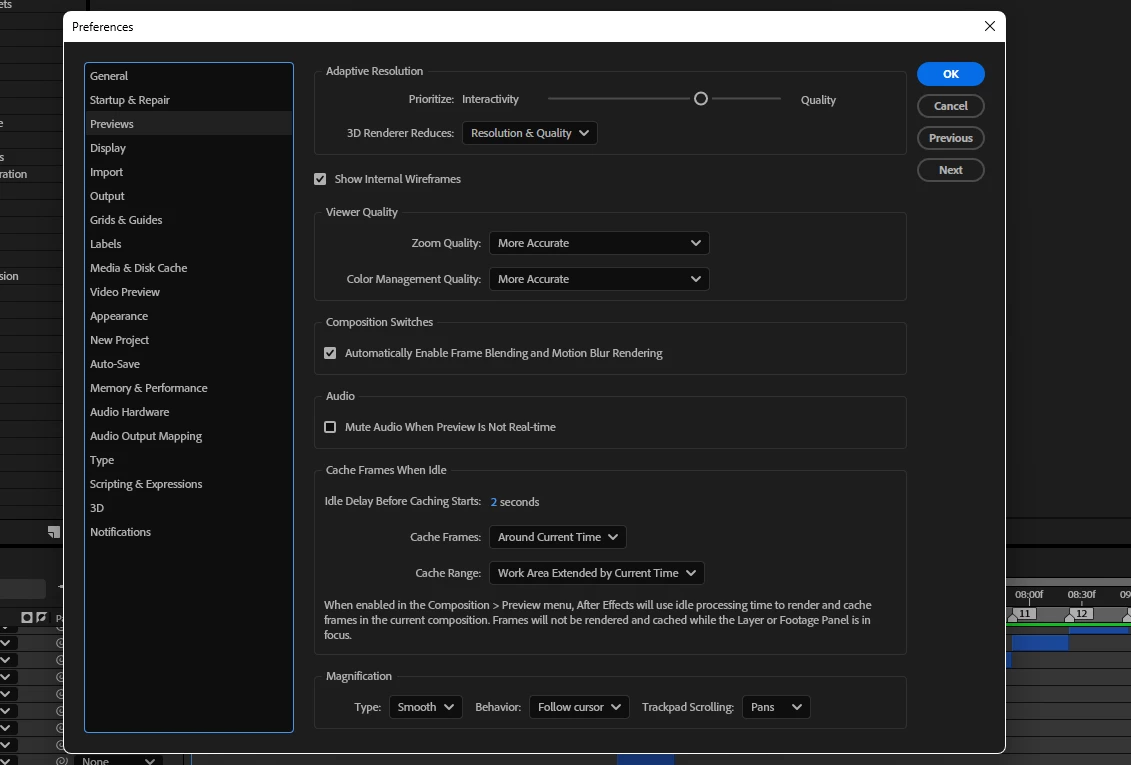
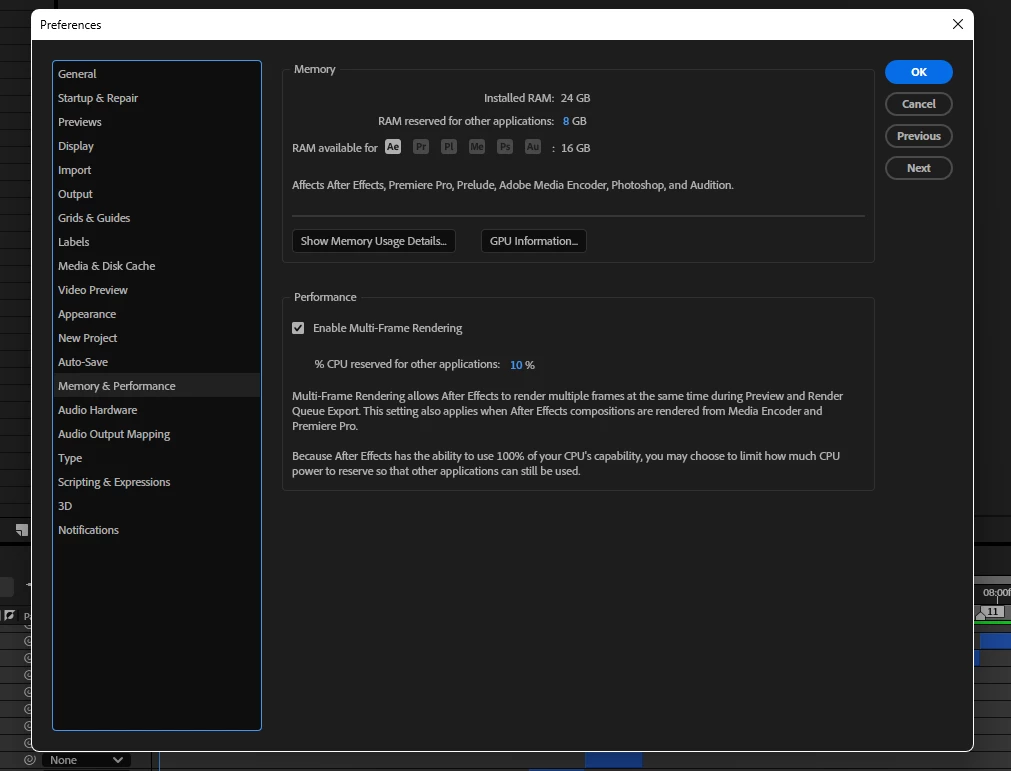
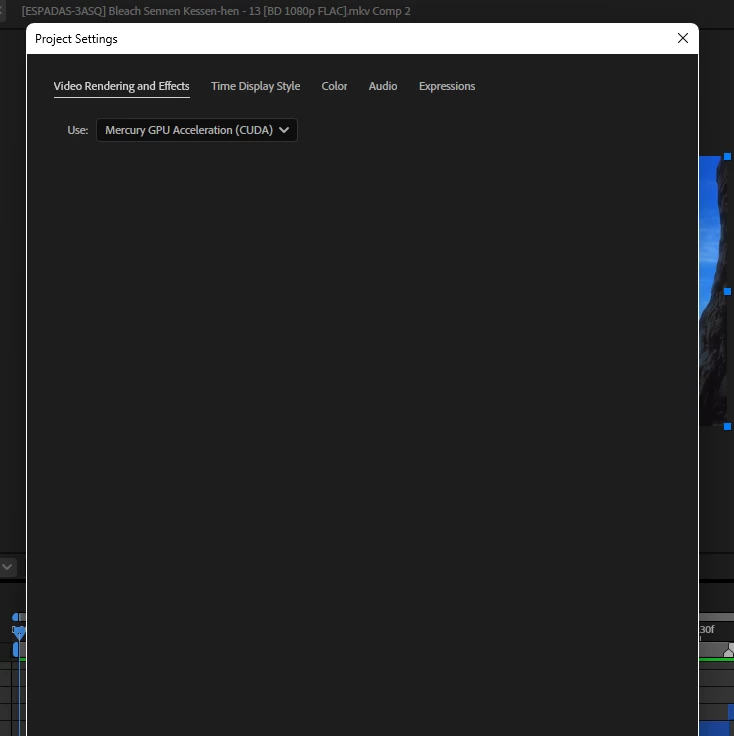
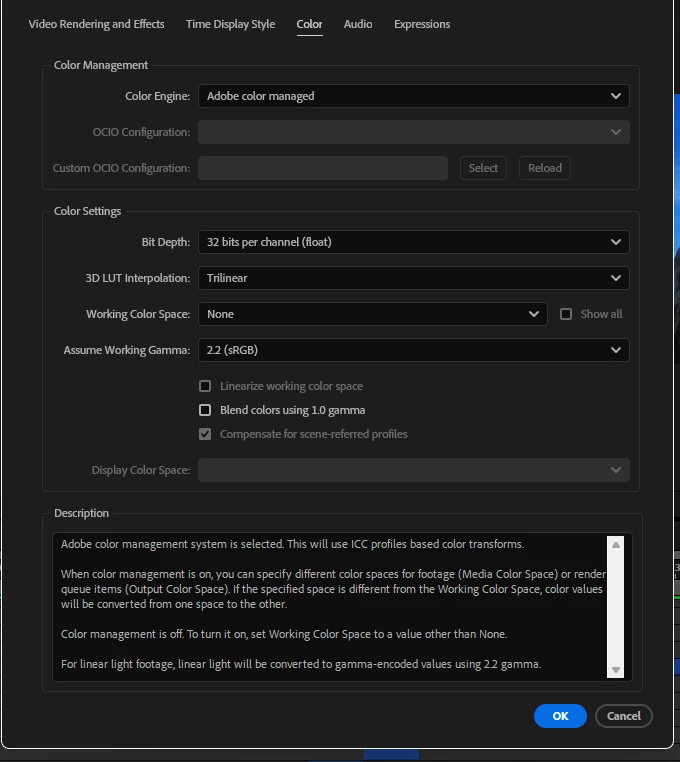
"the disk cache is completely empty"


 AdChoices