



Environment map orientation incorrect
While test driving the latest beta I realized the orientation of Environment Light env maps is incorrect.
Here is an example of a simple scene with a metal and rough ball so it's clear.
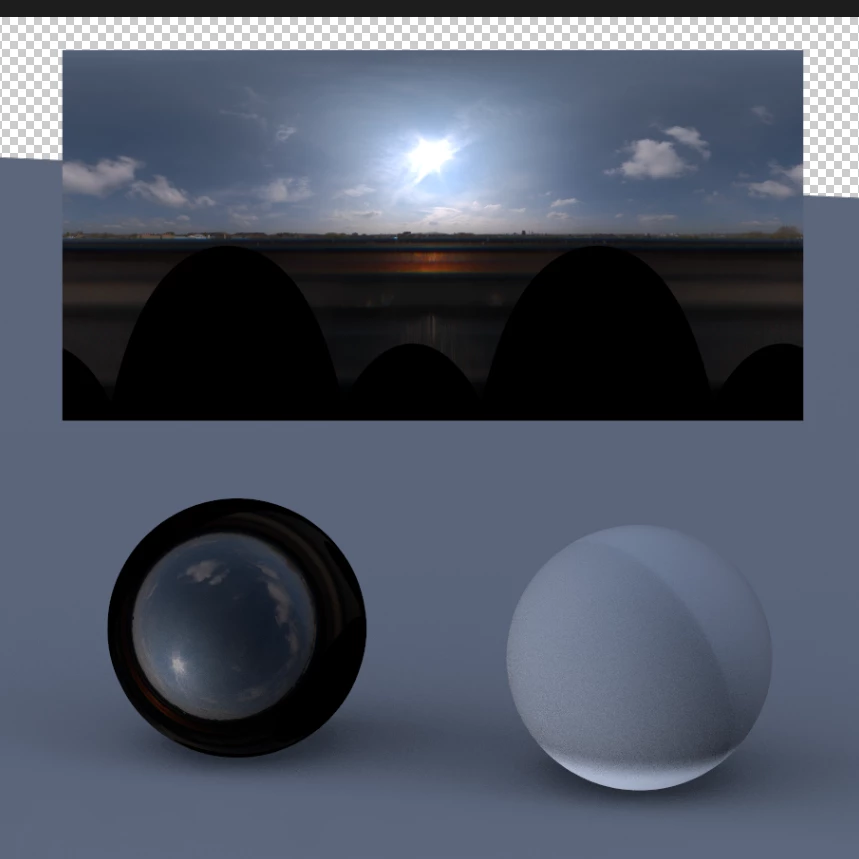
Would also love to have the ability to use effects on an environment map assigned layer source (.exr/.hdr) so we do not have to precomp it. The reason is for doing things like this but also potentially grading your HDR map.
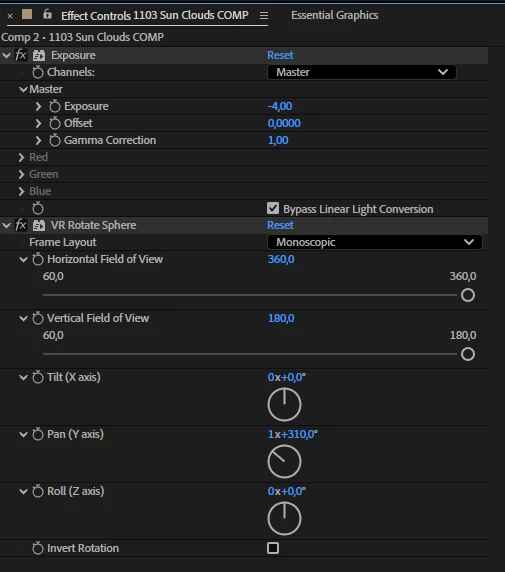
I think most of this annoyance can be solved by implementing environment map rotation controls for all axes in the Environment Light.


 AdChoices