Inspiring
August 18, 2023

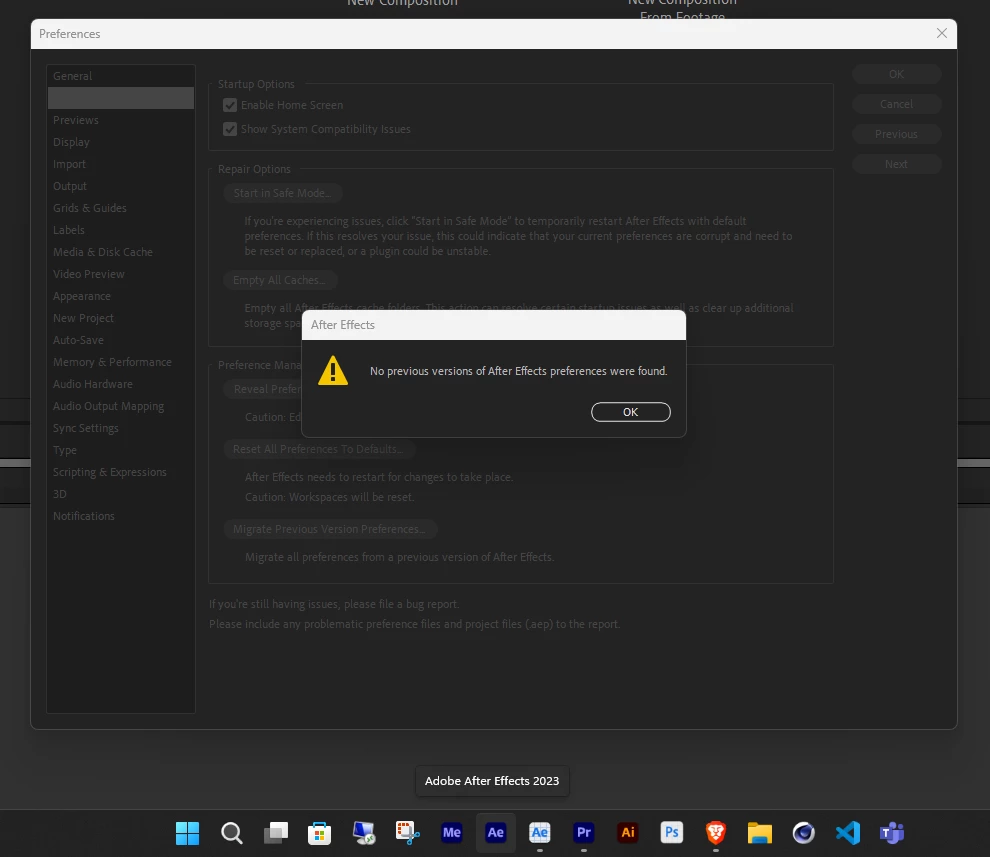
I can't migrate my preferences...

  • August 18, 2023
  • 4 replies
  • 242 views


4 replies

Inspiring
August 22, 2023

Oh! Got it, thank you.

Community Manager
August 21, 2023

@Davide Boscolo 

Beta will migrate beta, and release will migrate release. You would have to have a previous beta install to migrate the settings, or manually copy from the release folder to the beta preference folder to pull them over. 

All the best,
Jessica

All the best,Jessica McMillan - AE Engineering
Inspiring
August 21, 2023

I've just installed the Beta version and I wanted to migrate my preferences. The screenshot is AE Beta. 

Also, if I try to synch and choose 'download', AE Beta doesn't respond, the mouse pointer becomes a spinner and I have to force quit the application.

AE version 23.6
AE Beta version 24.0

Jenkmeister
August 18, 2023

What previous versions of AE do you/have you had installed? Are you trying to do this for Beta builds or non-Beta AE versions?