


Concerned audio file is corrupted
Hi everyone,
I'm experiencing a frustrating issue in Adobe Audition when listening back to my recorded audio file. After exporting to file to see if that fixes, I noticed that the exported files have no sound, even though the file size suggests there's audio data present ( see screen shot)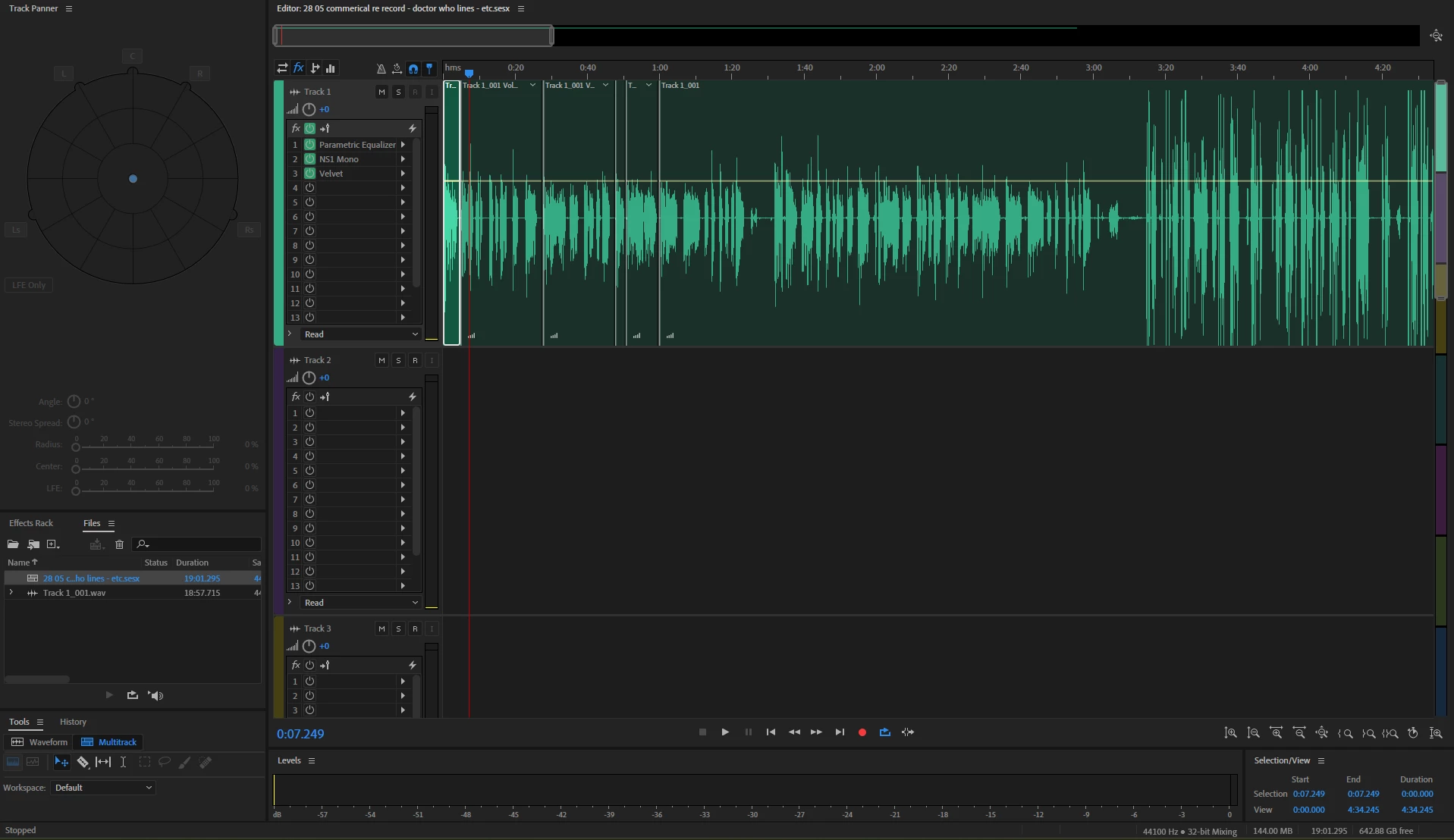
Here’s what I’ve tried so far:
✅ Checked Master (mix) Channel & Track Outputs – No change
✅ Verified Export Settings – Everything seems fine (format, sample rate, bit depth).
✅ Tried Different Formats – WAV, MP3, FLAC—same muted result.
✅ Restarted Audition & Reimported – No change.
✅ Checked Audio Hardware Settings – My system plays other audio files normally.
✅ Bypassed Effects & Plugins – No accidental gating or muting applied.
✅ Reset Preferences – No luck after resetting Audition.
At this point, I’m stuck! Has anyone encountered this issue before, or does anyone have additional suggestions?
I'm now cocnerned that the file has corrupted somehow.
Thanks in advance!
 AdChoices