
Bridge 15.1.1 Will not load / crashes
Bridge suddenly crashed and will not completely start. Upon starting, an error message will show, then when I clear the error message, it crashes. Auto report is turned on, so hopefully the system information is somewhere in the Adobe troubleshooting system.
I uninstalled and reinstalled, and this did not fix it.
I uninstalled and rolled back a few times to different older versions, and this did not fix it. Every time I chose to not carry over the old preferences, so there shouldn't be any old preference files, but I suspect a file somewhere has been corrupted and is not being cleared with a reinstall.
Screenshots.
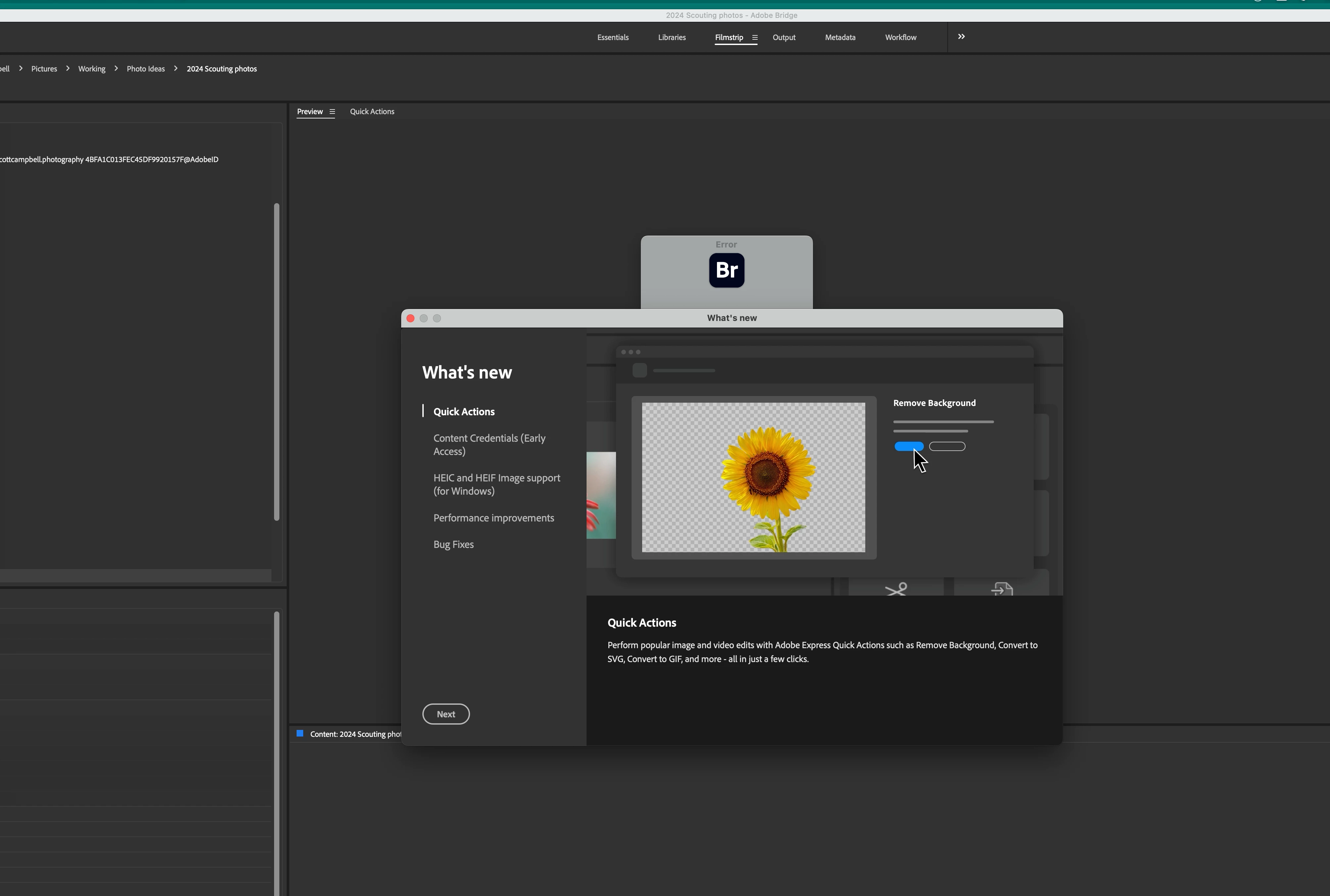
After the reinstall, the. usual "What's New" pops up. In behind is the error message
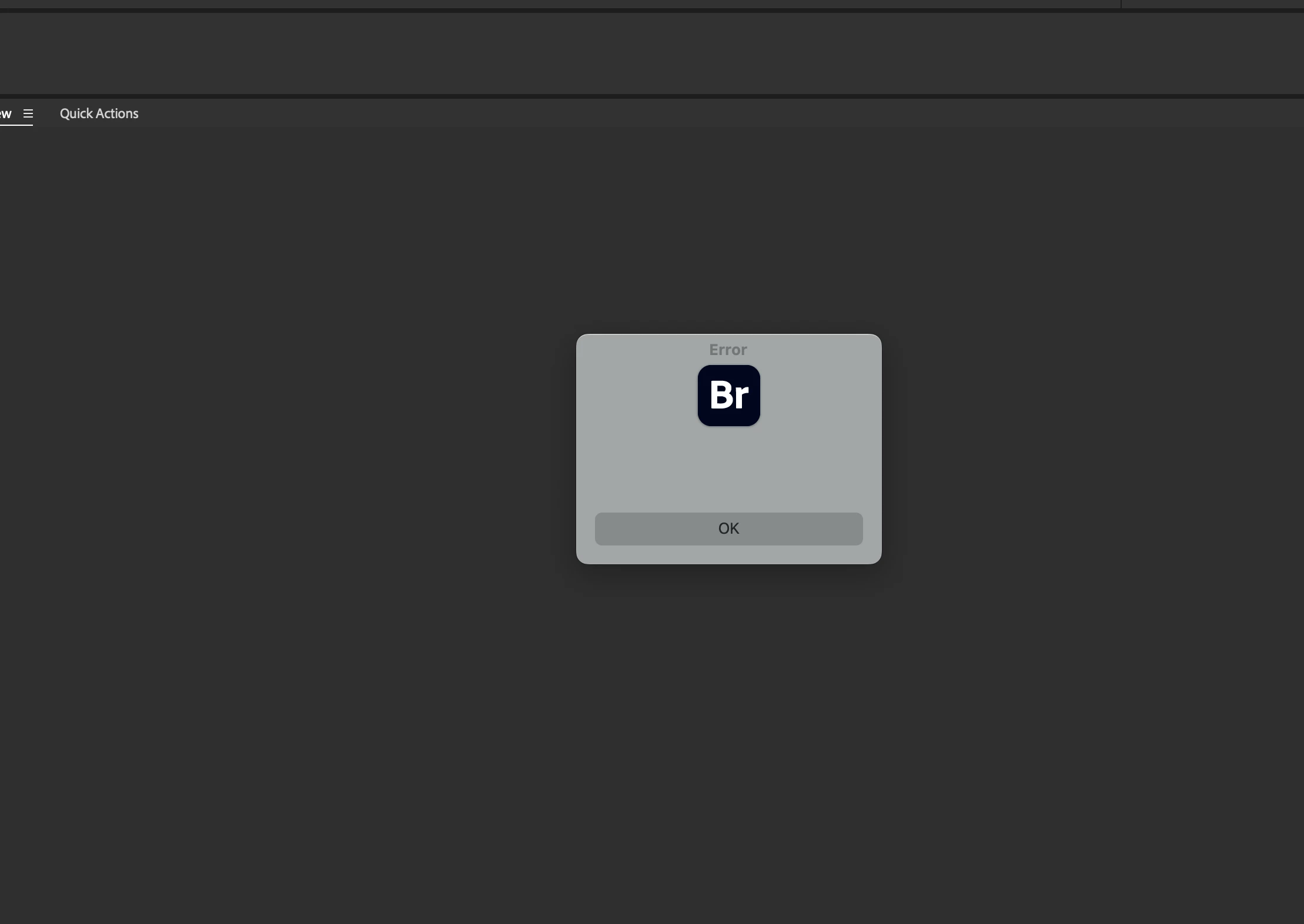
This is the unhelpful error message. Clicking on OK clears the message and Bridge then crashes.


 AdChoices