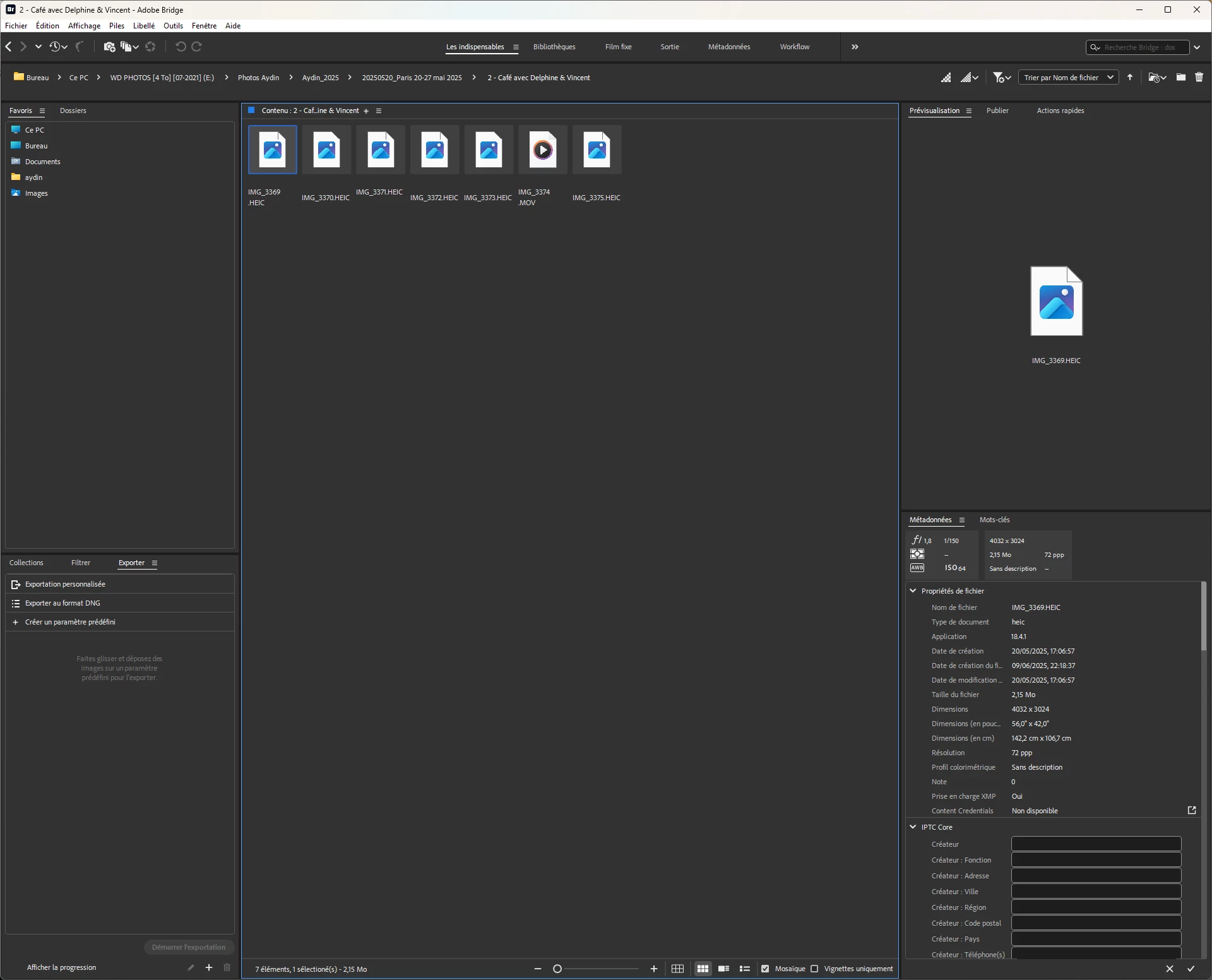
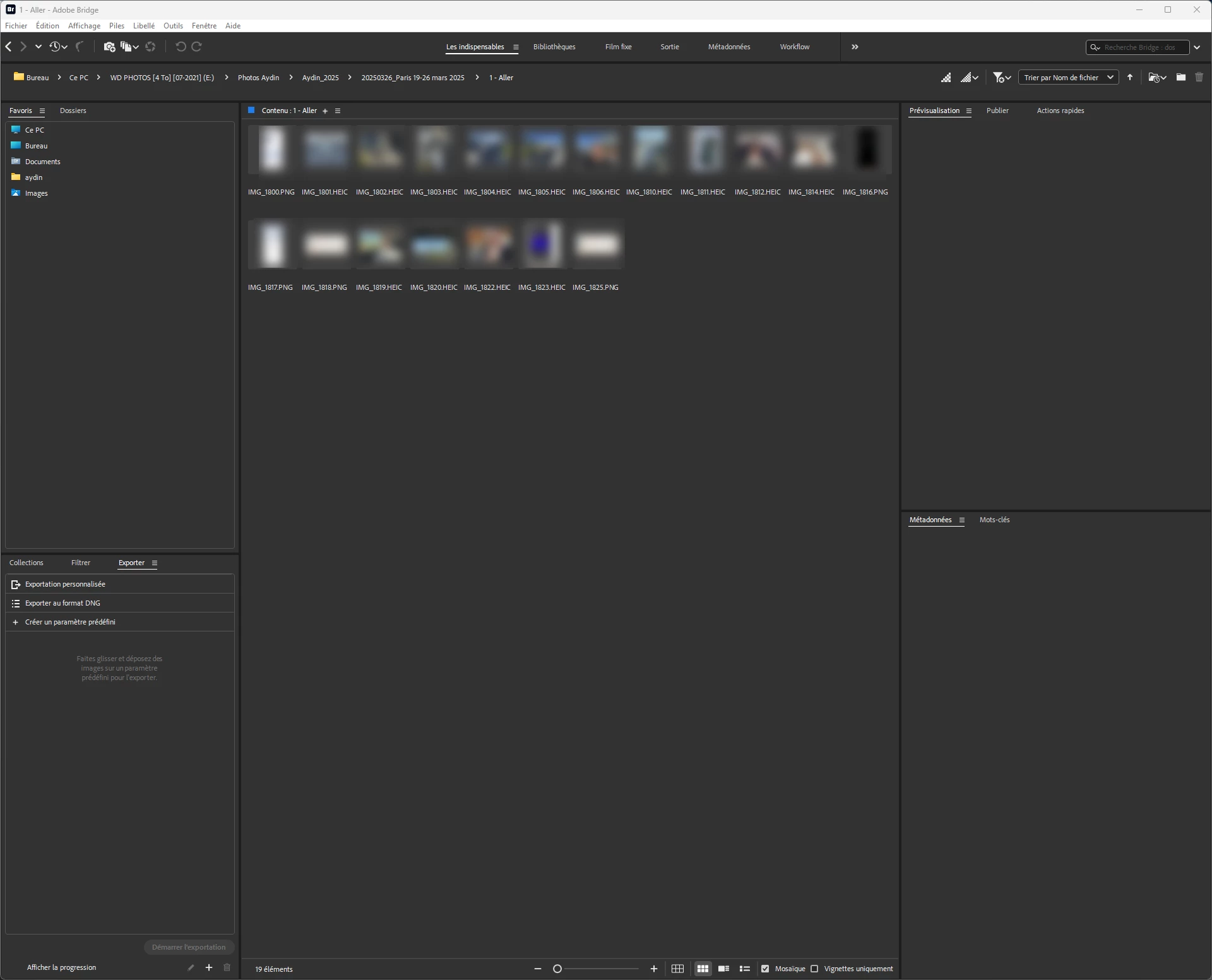
**Issue**: In Adobe Bridge 2026 (version 16.0.2.23), HEIC files (iPhone photos, identical auto-numbering) display perfectly (thumbnails + preview) in some folders, but completely fail (no thumbnails OR preview) in other folders on the same internal drive. Windows Explorer and Photos app read ALL HEIC files without issue.

**Configuration**:
- Windows 11 25H2 (latest)
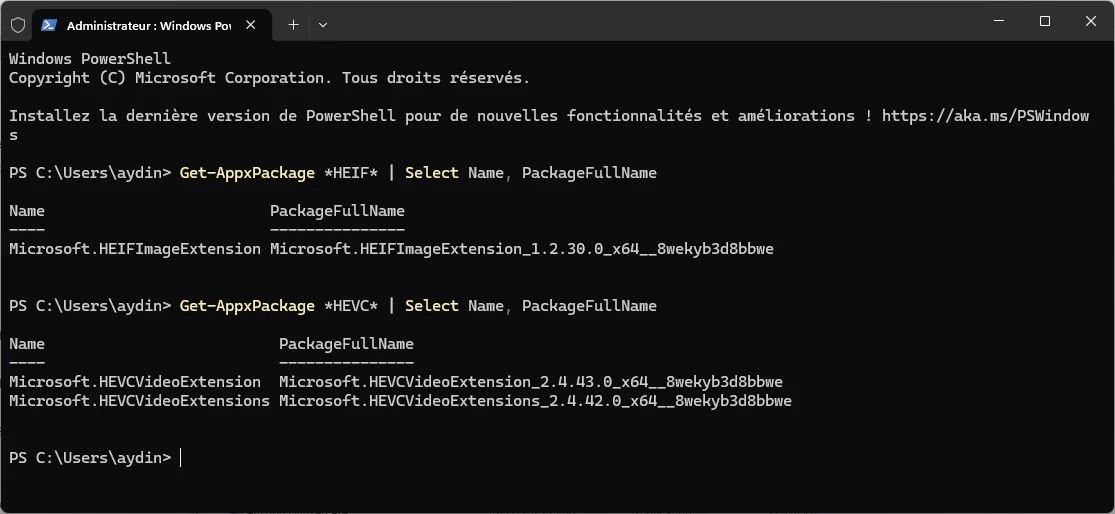
- Extensions installed: HEIF Image Extension (1.0.51005.0) + HEVC Video Extension (free device manufacturer 3.0.8.564 + paid version tested then removed)
- Bridge fully reset (Ctrl+Alt+Shift), cache purged multiple times (all, per folder, per selection)
- Preferences adjusted: Max file size 5000MB, cache 100GB, high quality
- Files local on internal drive (not OneDrive/NAS), simple names no accents/special chars
- Tested: Refresh (F5), move folders, antivirus disabled

**Steps tried (all failed)**:
- Uninstall/reinstall HEIF/HEVC (PowerShell for invisible HEIF)
- Full Bridge reset
- Increase cache/thumbnail limits
- Purge + F5 per folder
- Reinstall extensions in both orders (HEVC first, HEIF first)

**Key observation**: Problem is selective - one HEIC folder works perfectly, next identical folder fails completely. Not codec issue (Windows works everywhere) nor pure cache issue (purge has no effect).

Can you confirm if this is a known HEIC bug on Windows and plan a fix? Thank you.

**Full config**:
- Windows 11 [Pro/Home] 25H2 (build #?)
- Bridge 16.0.2.23 (2026)




 AdChoices