
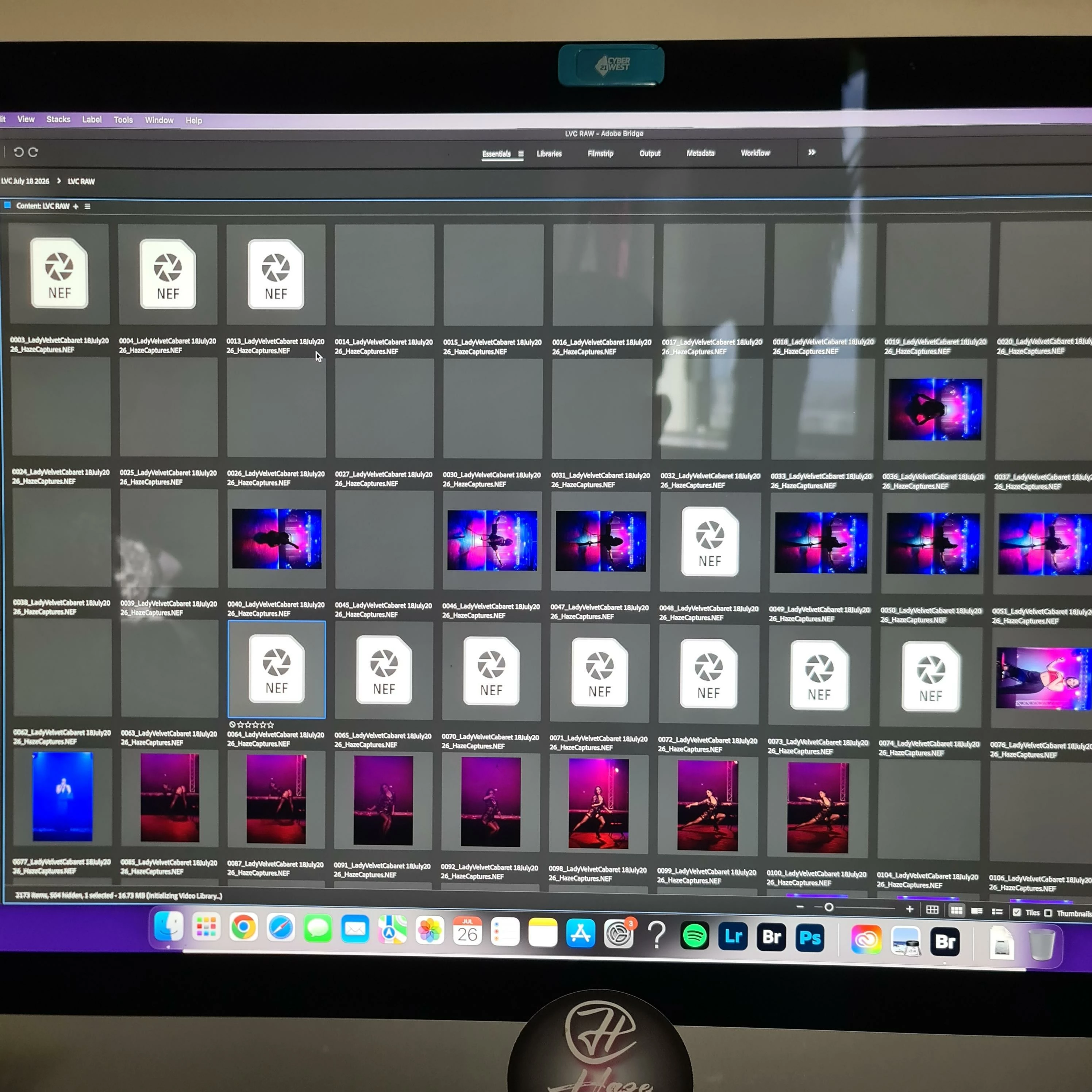
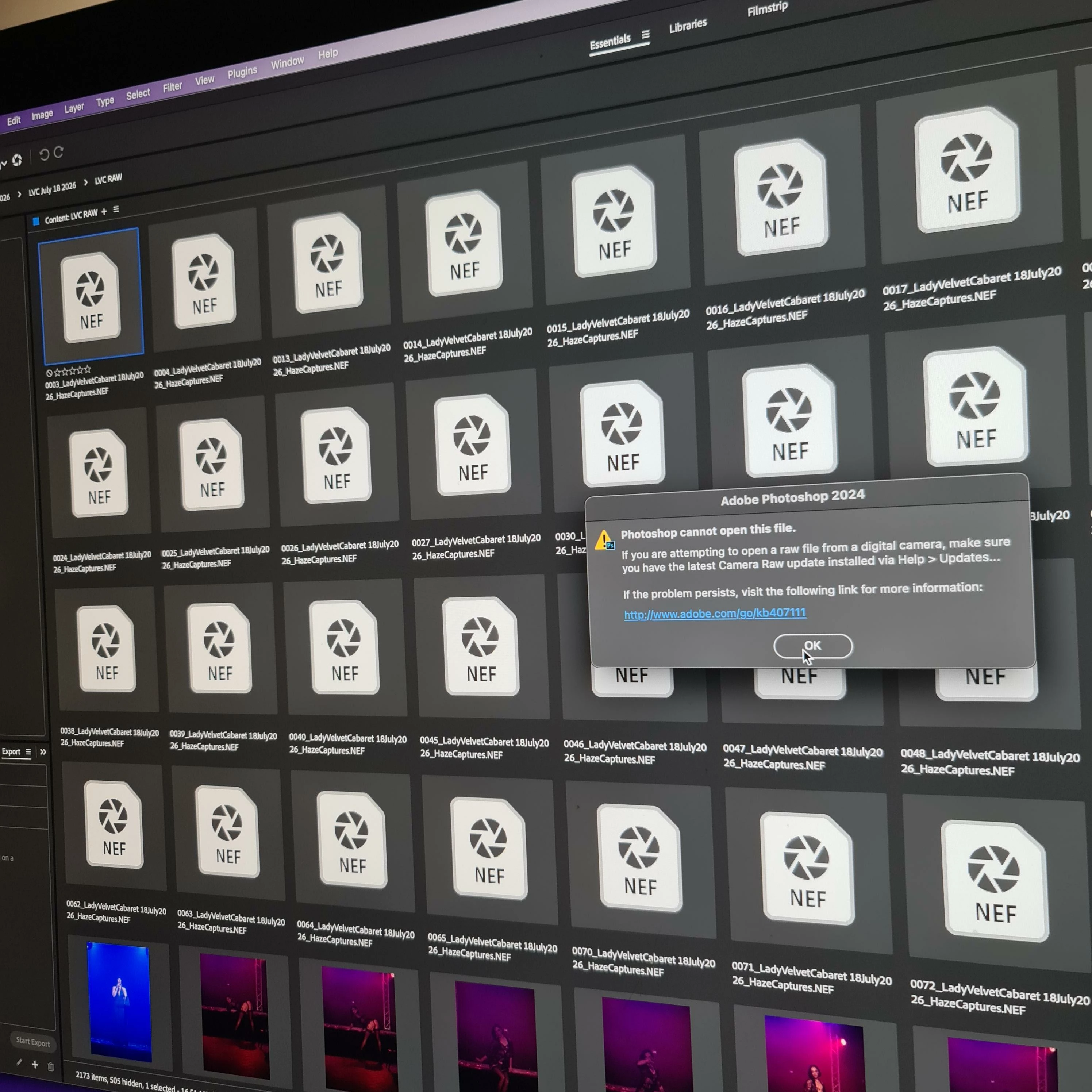
Bridge makes my NEF files go grey, or say NEF in a white box, can't preview or work on them and lost all work I have done on them.
IMac 2017 27” 8GB RAM 4GB GPU i5 Quad Core running Ventura 13.7.8
The latest Camera Raw update made my Denoise feature no longer work. I use Bridge/Camera Raw to sort, short-list and edit my performance show photography work. Since the update, Bridge doesn’t work properly - I can no longer preview NEF files, they begin to disappear to greyed out before my eyes. Any that were labeled and short-listed are no longer viewable nor able to be opened in PS.
They are also not able to be previewed in FINDER as an image thumbnail like normal - it just has the white box with NEF and I cannot organise/view them there either - it’s like whatever file I try do something with in Bridge has now completely corrupted their appearance and labels etc on them.
I have deadlines and have lost many precious hours since this stupid update that has now rendered my Bridge useless and having to revert down to Camera Raw V17.2 to be able to use Denoise in LR I’d rather not have to start this whole process again using LR as i find it a lot slower and more difficult to batch process, label and get through my own workflow that I find more swift when I use Bridge/Camera Raw.
I am desperate. I cannot just go out and buy a new computer. Everything was working well this week as I’d been making my way though 3000 images during the week and hope to dedicate my weekend to finish and deliver - but have spent since last night when I did the update, trying to find out WTF has happened for things to now look like this.
I have tried purging the cache. Uninstalled and reinstalled all my Adobe apps (Photography package), turned everything off and on, re-start etc etc and it just gets worse and greyed out everything… HELP!!


 AdChoices