


Participant
Nov 3, 2026 1:34 PM UTC
Open for Voting

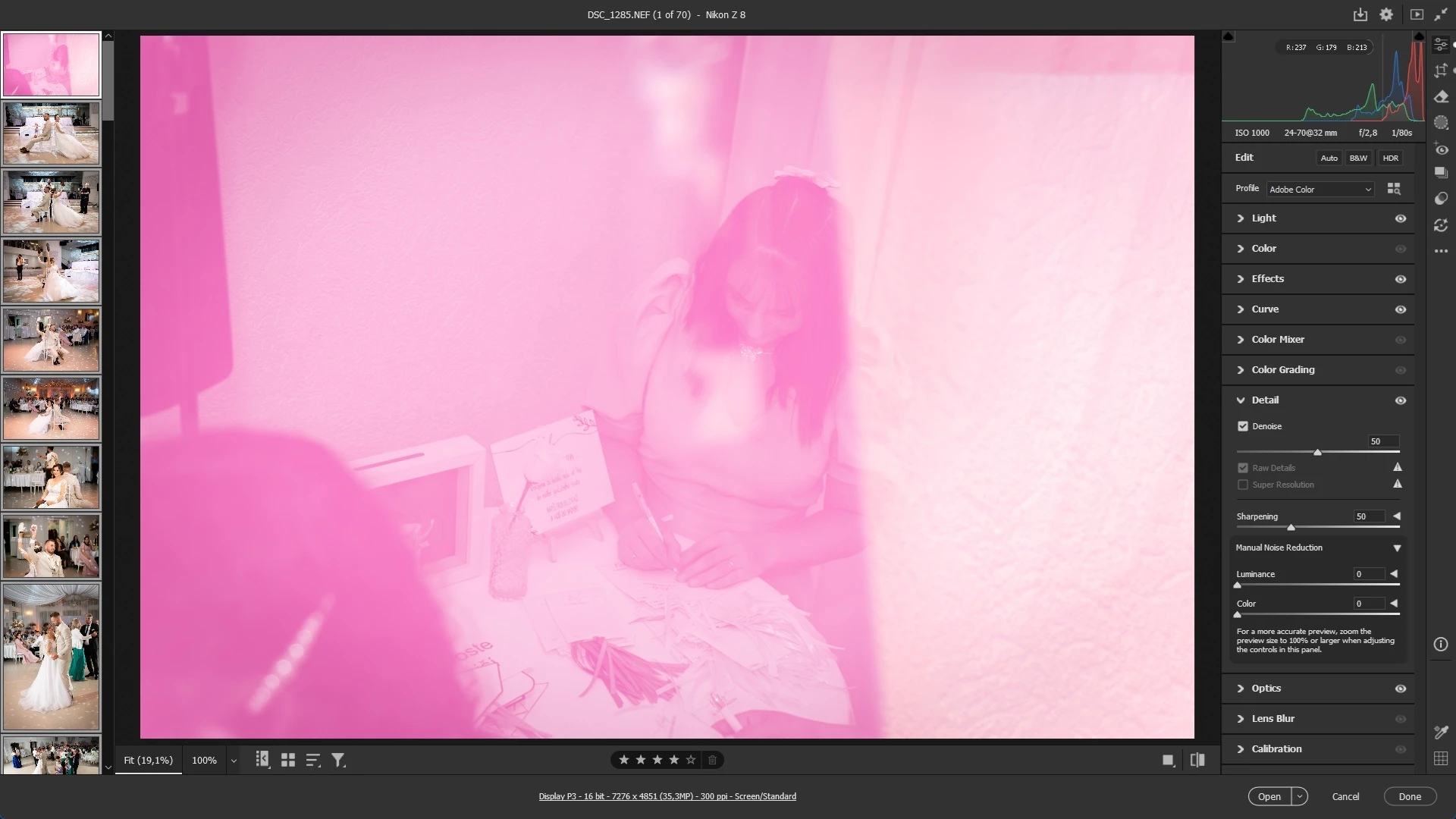
Denoise of batch corrupts the first picture

After aplying denoise for multiple pictures, the first picture is almost always corrupted in some way. The only solution I found so far is to unchceck the denoise feature, save the rest pictures and than copy the denoise feature from the correct one.
 

    1 reply

    Erik Bloodaxe
    Legend
    Nov 3, 2026 5:56 PM UTC

    You should post this in the Camera Raw forum, not Bridge.

    Anyway this looks like a GPU issue. Seeing a pink or magenta tint, color artifacts, or color distortion after running AI Denoise or noise reduction in Camera Raw usually points to outdated graphics card (GPU) drivers, render cache issues, or out-of-order edit processing.

    Outdated or Defective GPU Drivers is the first thing I would check.

    Then are you performing Denoise first i.e. before any other editing? 

    AI Denoise, Raw Details, & Super Resolution -  run these heavy AI tools first so they create a clean, high-resolution foundation for everything that follows.

    Translate