Peter Villevoye
Community Expert
Community Expert
May 13, 2026

Undo deletion of file(s) works but file(s) don't show up.

  • May 13, 2026
  • 1 reply
  • 2 views

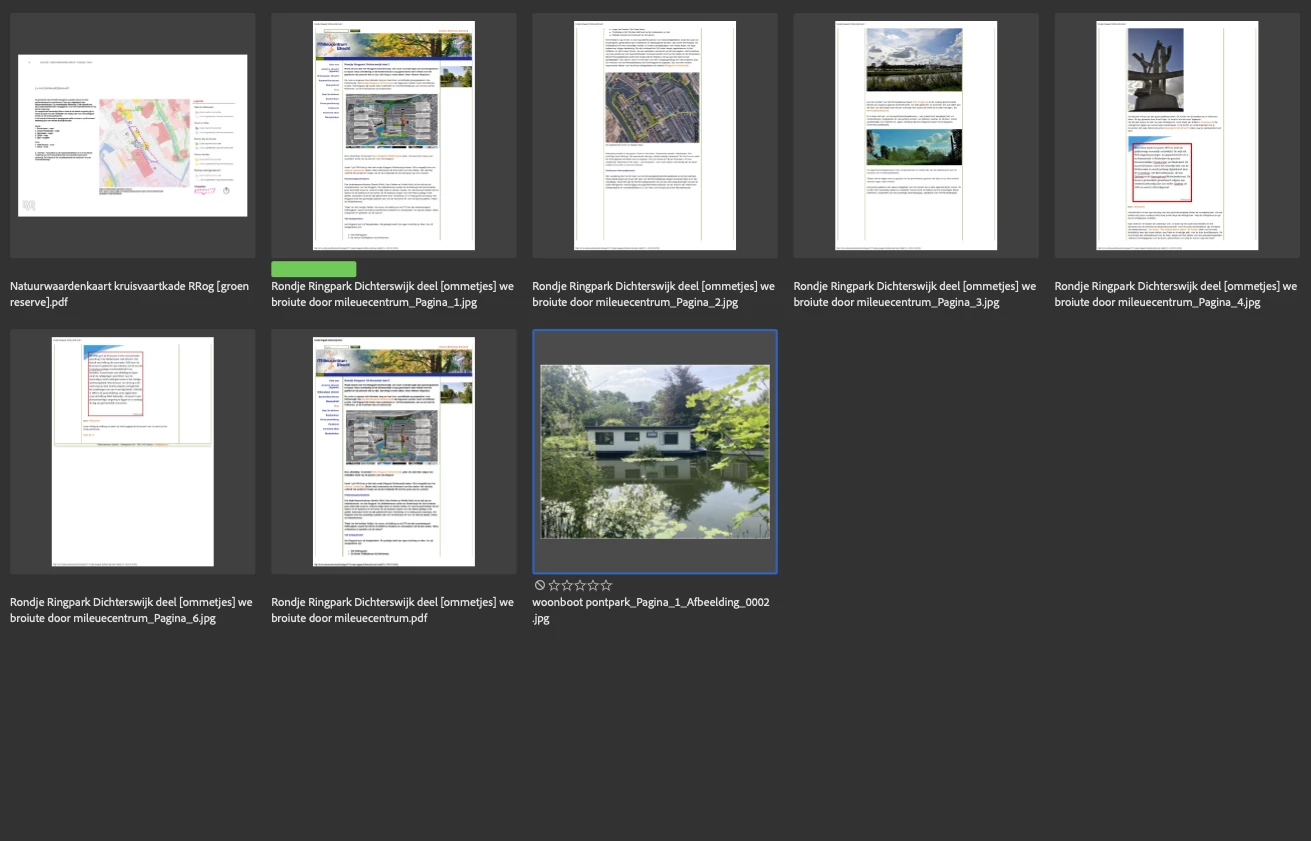
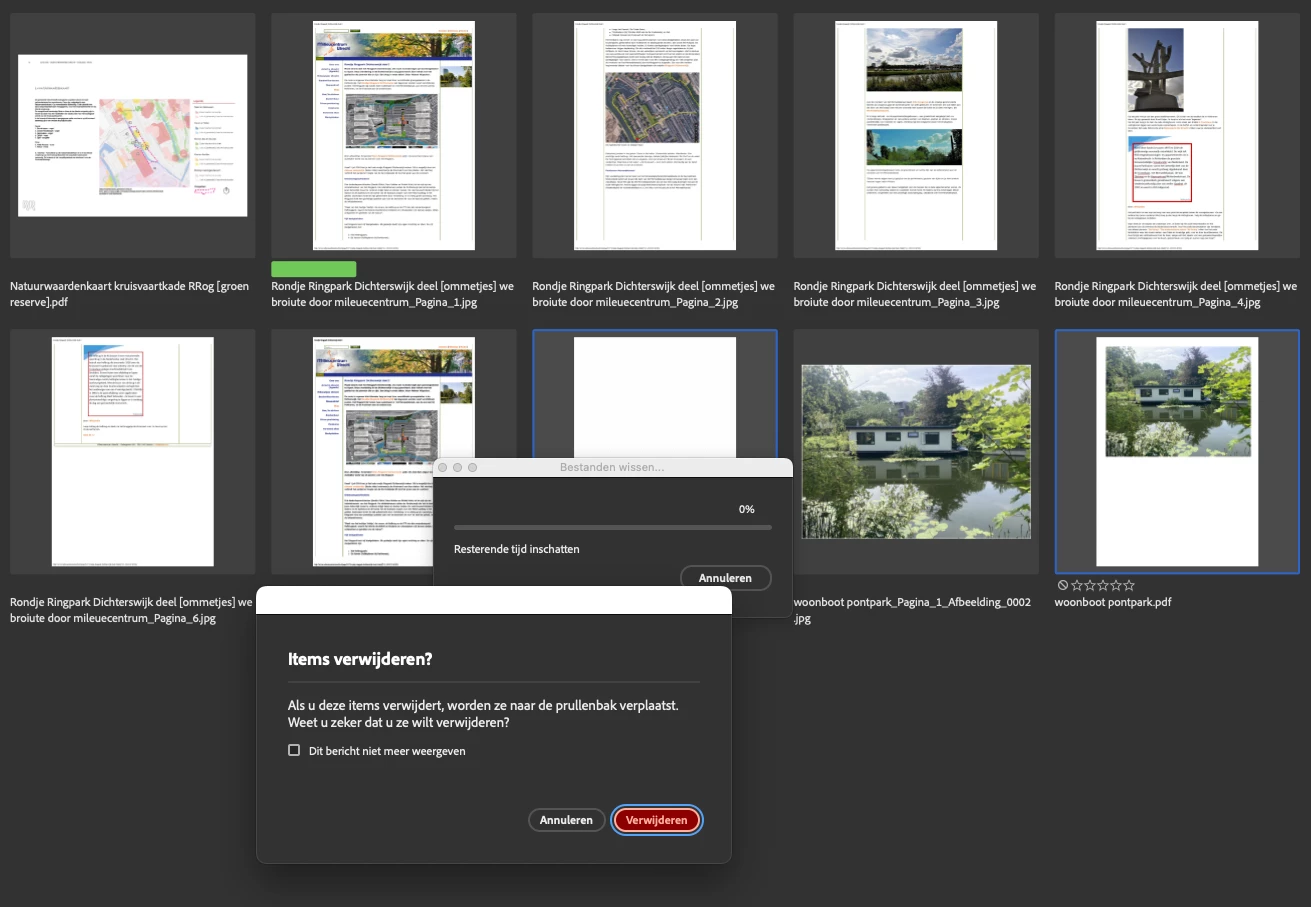
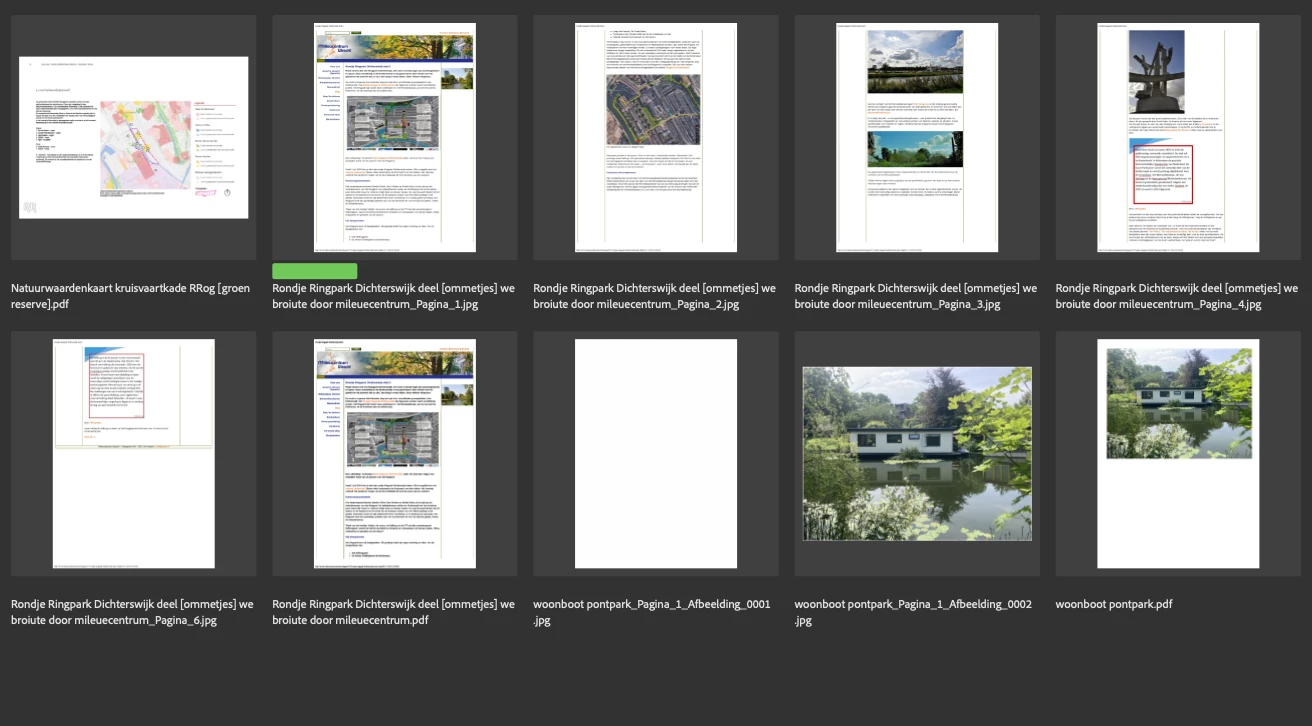
When I have one or more files selected for deletion and hit delete/backspace (optionally with Cmd, if I’m more sure about it), I’m prompted if I really want to delete them [image 1]. If I hit Delete, the file(s) is (are) deleted. If I hit Undo, the file(s) will be recovered again, but they don’t always re-appear in my window [image 2]. If I navigate up and down the folder, the file(s) show up [image 3].

So the view of the window isn’t refreshed automatically after Undo…

BTW: this happens (and can be reproduced) after a while of working with Acrobat.

Quit and re-open will correct the behavior, until it comes back again.


    1 reply

    Peter Villevoye
    Community Expert
    Community Expert
    May 13, 2026

    On a side note, a procedural issue here.

    As I reported this bug and described it in the panel following up to the title and description, another panel popped up with the option to add more details – which I already supplied in the previous panel (I didn’t expect this additional panel). As I tried to retrieve my description to move some details to this extra panel (by hitting the Edit icon) my text didn't re-appear, as if I had to start all over. So I gave up, because I hate such processes which tend to destroy your effort. Only to find out that it was actually already submitted, as I found out later !

    So this is another matter of not knowing whether something is saved, recovered, or lost forever...